Chitroll
A to-do list on a paper roll you tear off.

About Chitroll
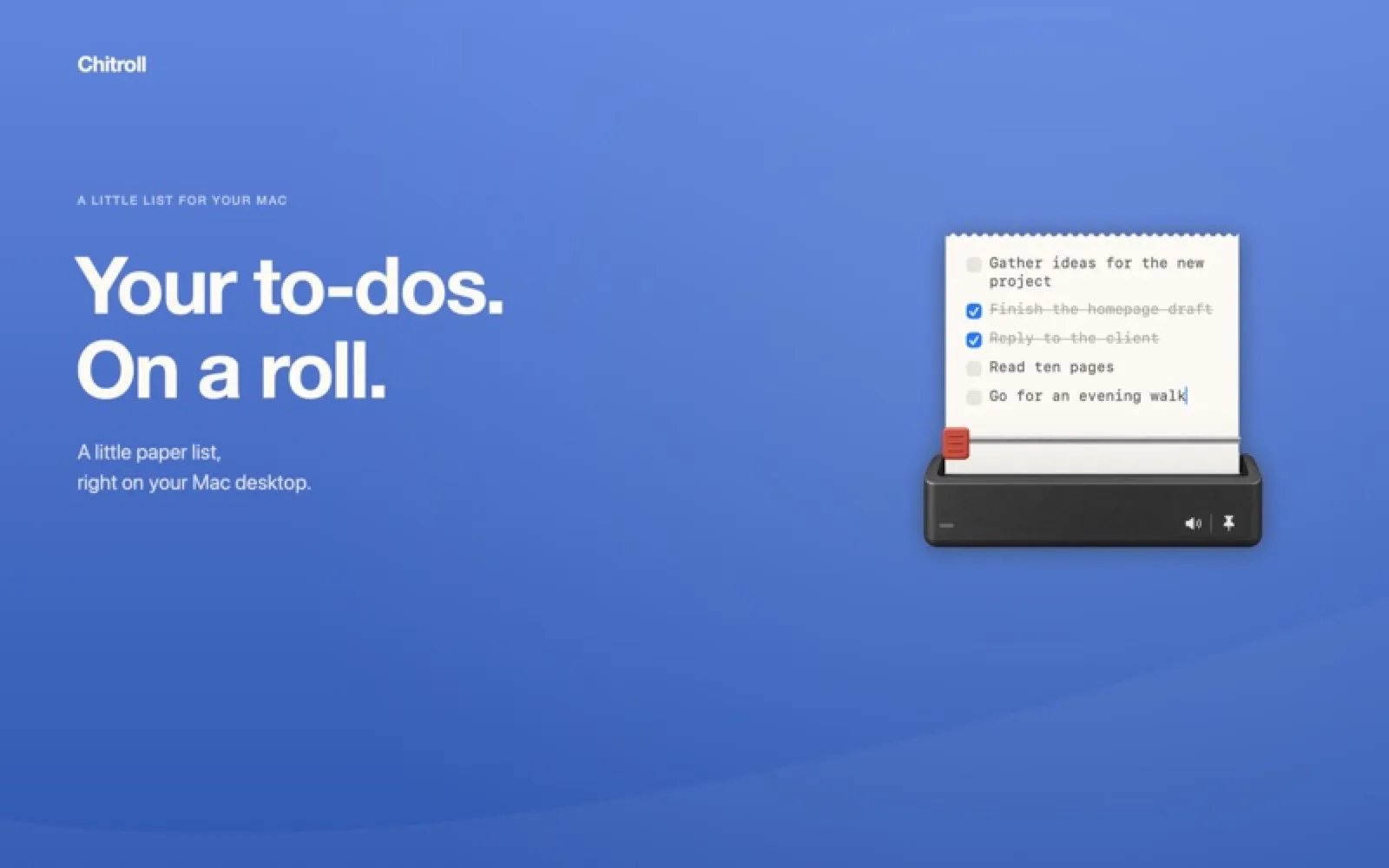
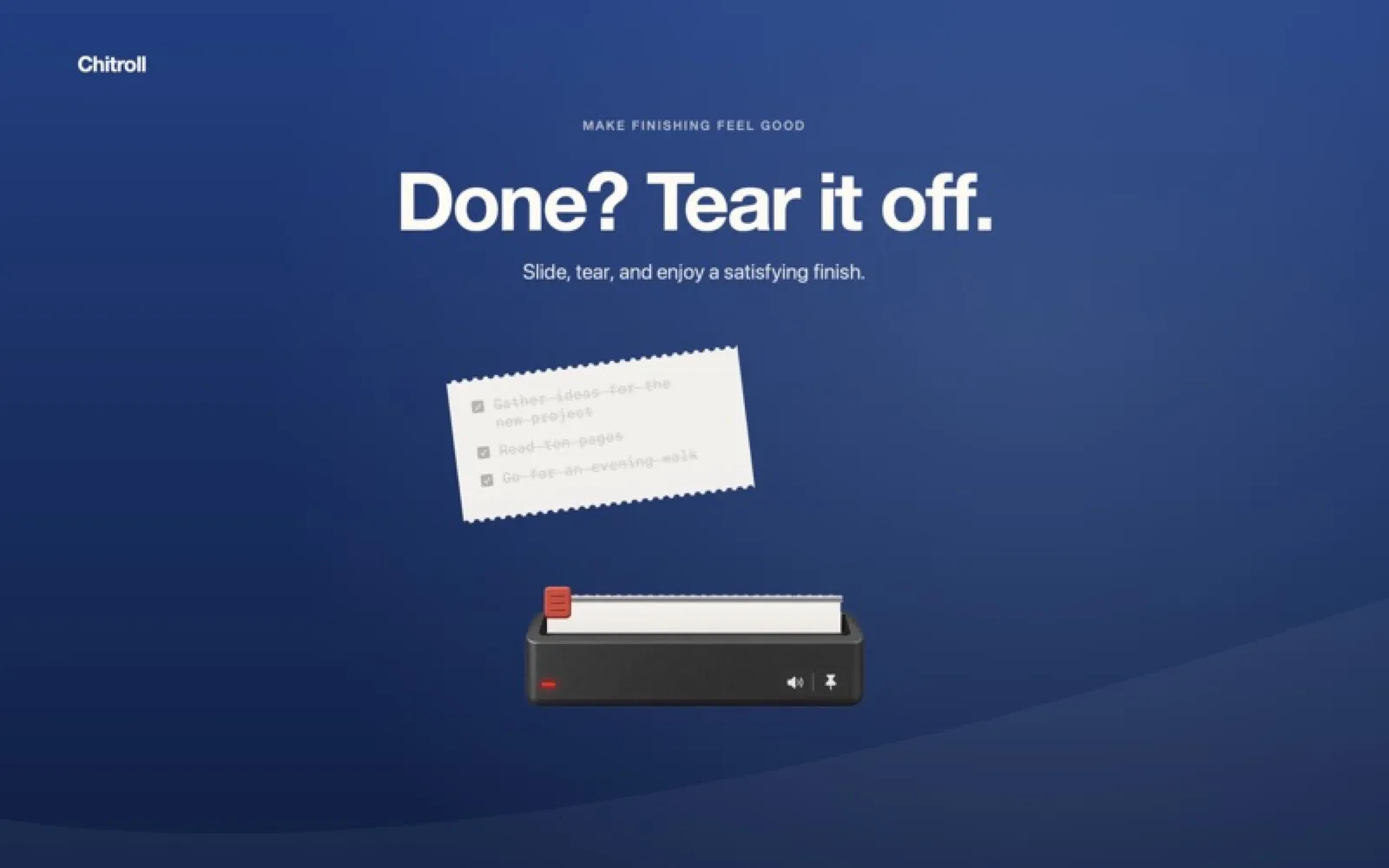
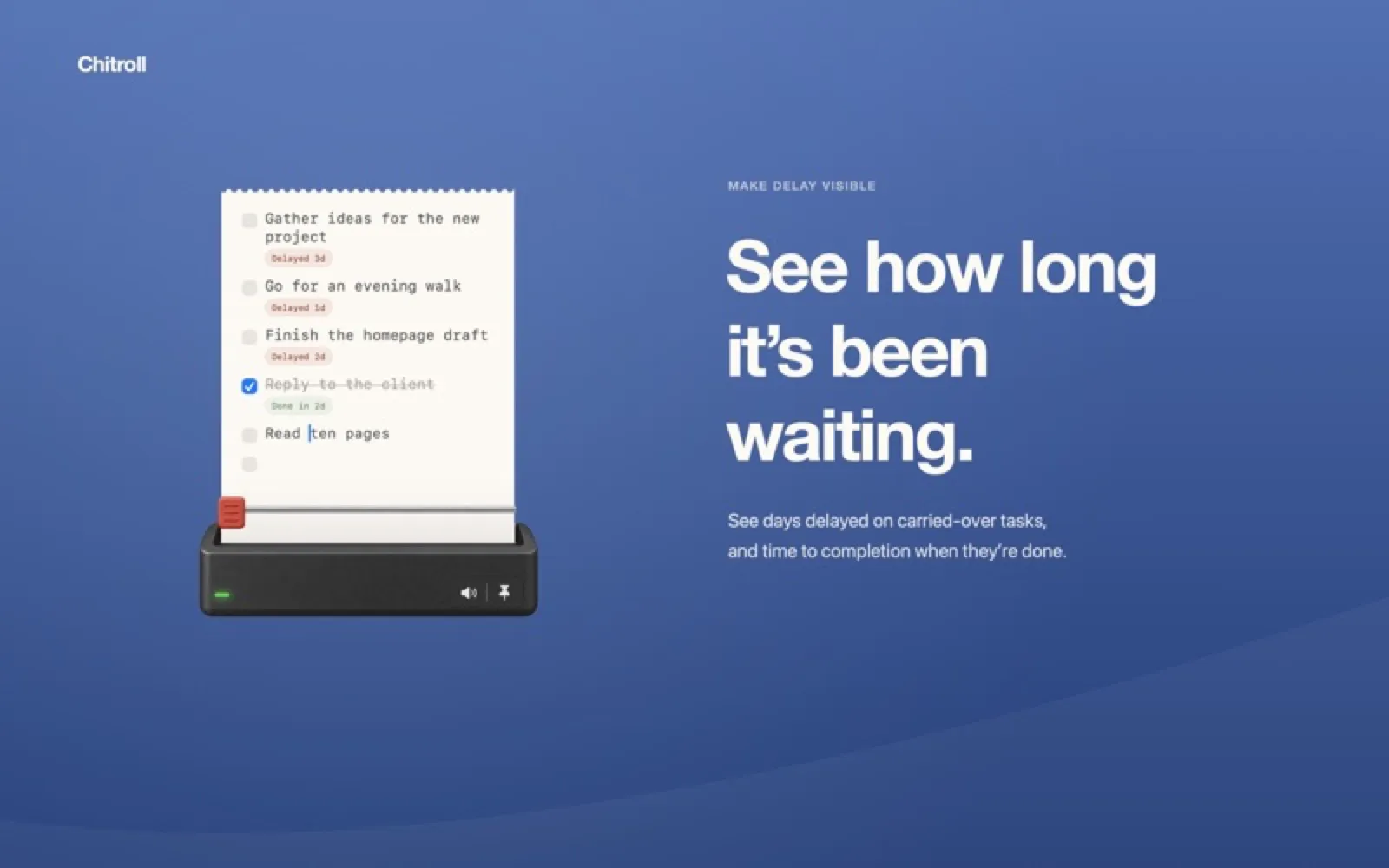
Chitroll puts a roll of paper on your desktop. Type tasks as checkbox lines, slide the cutter across to perforate the sheet, then tear it off; torn sheets stay in a stack you can look back through. No account, no cloud and no data collected, for a one-time price.
Install Chitroll
Download it from the links above, or install it from the Terminal:
mas install 6808971807 Mac App Store CLI: This works once your Apple Account has the app. The first time, get it from the Mac App Store.
Questions about Chitroll
How much does Chitroll cost?
Chitroll costs $1.99 as a one-time purchase on the Mac App Store.
Where can I download Chitroll for Mac?
Download Chitroll from the Mac App Store and the developer's website (littlecreative.agency). MacWorthy links only to official sources.
Can I install Chitroll from the Terminal?
Yes. With Mac App Store CLI, run mas install 6808971807. This works once your Apple Account has the app. The first time, get it from the Mac App Store.
Which macOS version does Chitroll need?
The Mac App Store version of Chitroll requires macOS 14.0 or later.
What are good alternatives to Chitroll?
Other productivity apps for Mac worth a look are WishNote (free + pro), DropToDo (one-time purchase), Things 3 (one-time purchase) and Raycast (free + pro).
Other productivity apps like Chitroll

WishNote
Wishes, notes, to-dos and reminders in one quiet, linked notebook.

DropToDo
Set a reminder by dragging down from the menu bar: the distance is the time.

Things 3
The task manager that feels like paper, only smarter.
Raycast
A faster way to do everything on your Mac.
Archie
Notch shelf that collects new screenshots for quick edits and sharing.
Fantastical
A calendar that understands plain sentences.

OmniFocus
Industrial-strength GTD for complex lives.

Alfred
The launcher power users have trusted for a decade.