Zella
Turns screen recordings into finished videos with captions, cuts and zooms done on the device.
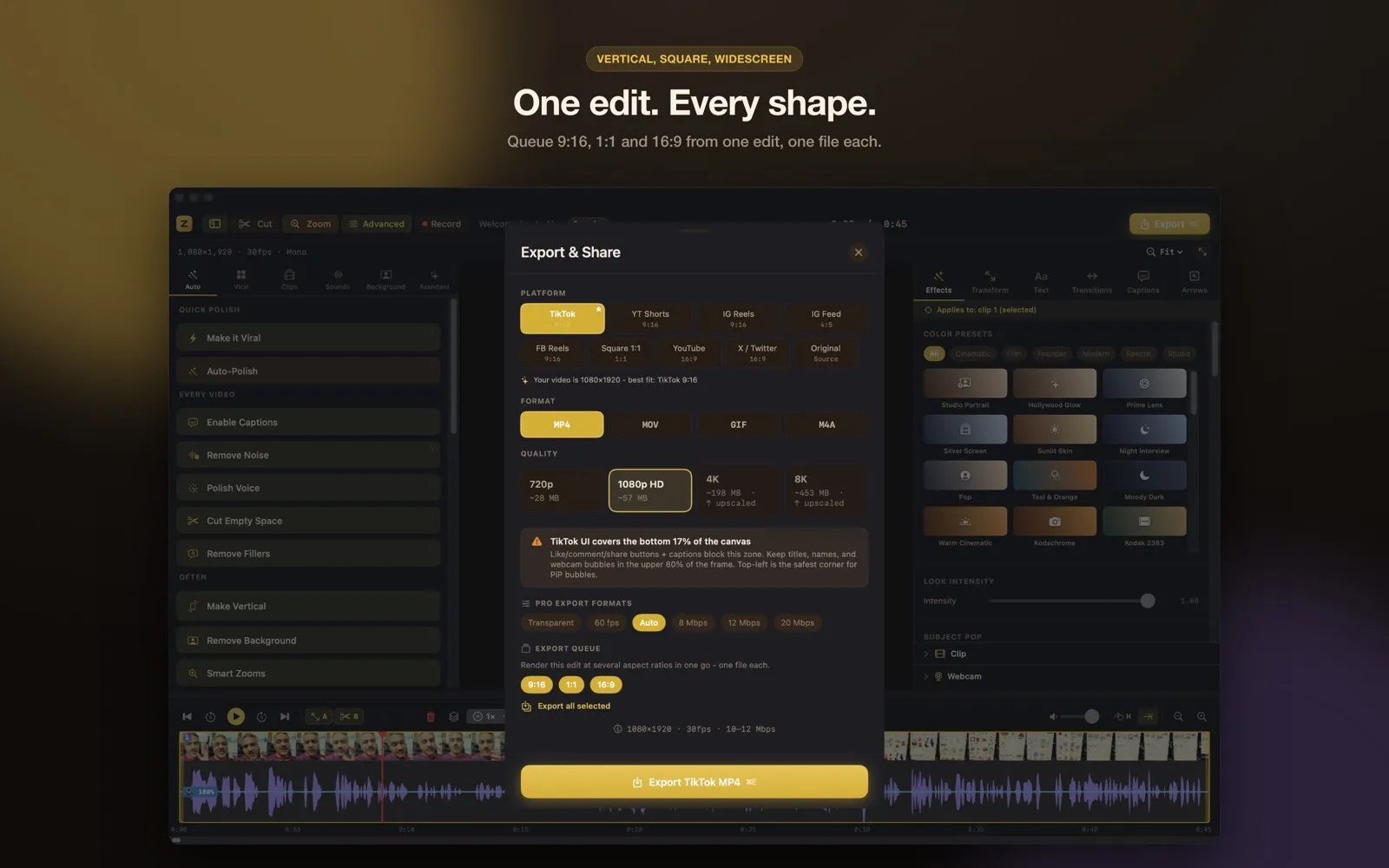
About Zella
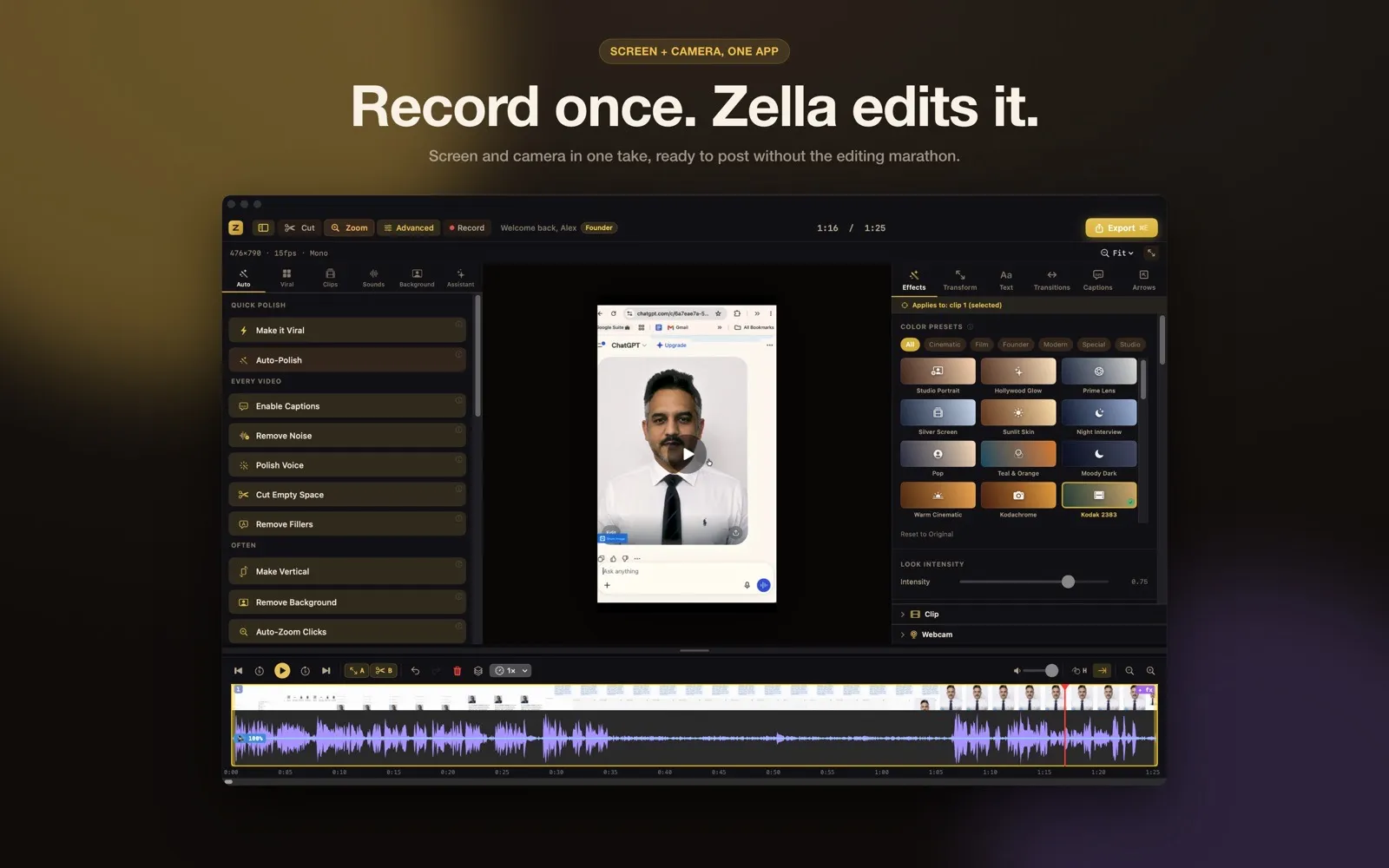
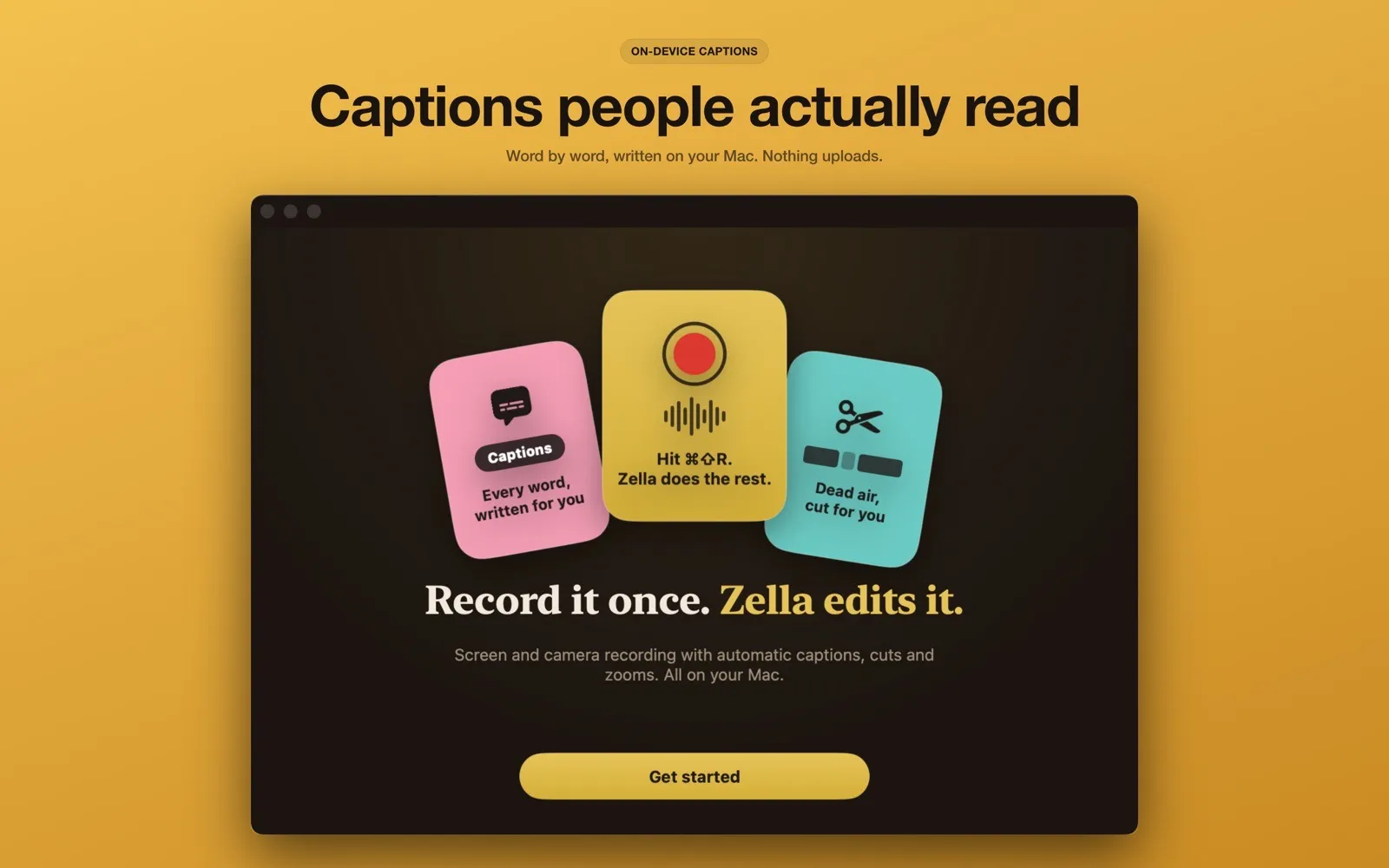
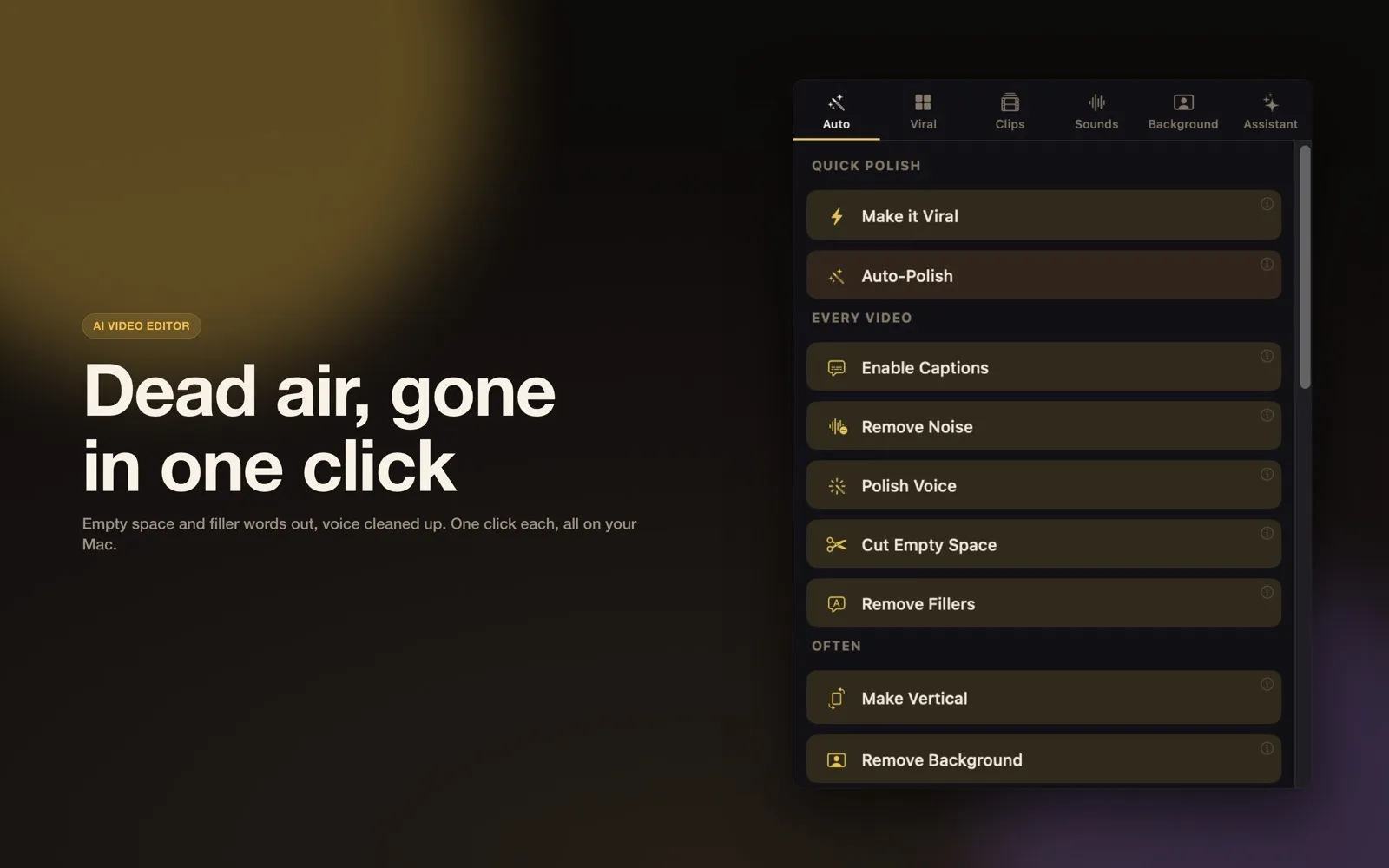
Zella edits screen recordings into finished videos on the Mac and iPhone: it captions speech on the device, cuts silences and filler words, adds zooms and cleans up the voice, and an optional faster-paced pass adds transitions, effects and music. Footage stays on the device and there is no account; the App Store privacy label says no data is collected, and speech and voice models download from Zella's server when first needed. An optional AI assistant works with your own OpenAI, Google, Groq or OpenRouter key or a local Ollama model, and stock media search takes your own Pexels or Pixabay key. The free version has the full editor with exports up to two minutes at 1080p and a 7-day Pro Week. Pro is US$89.99 once, and Founder, which adds a Claude Code connector on the Mac, is US$299 once, both as in-app purchases that cover Mac and iPhone. Mac App Store only; requires macOS 14 or later.
Install Zella
Download it from the links above, or install it from the Terminal:
mas install 6802100098 Mac App Store CLI: This works once your Apple Account has the app. The first time, get it from the Mac App Store.
Questions about Zella
Is Zella free?
Zella is free to download and use, with paid upgrades for extra features. Price: Free with exports up to 2 minutes at 1080p; Pro $89.99 once, Founder $299 once (in-app, Mac and iPhone).
Where can I download Zella for Mac?
Download Zella from the Mac App Store and the developer's website (zellahq.com). MacWorthy links only to official sources.
Can I install Zella from the Terminal?
Yes. With Mac App Store CLI, run mas install 6802100098. This works once your Apple Account has the app. The first time, get it from the Mac App Store.
Which macOS version does Zella need?
The Mac App Store version of Zella requires macOS 14.0 or later.
What are good alternatives to Zella?
Other video & capture apps for Mac worth a look are Make It a Video (free + pro), CleanShot X (one-time purchase), Window Capture (free + pro) and NeatShot (free).
Other video & capture apps like Zella
Make It a Video
Screen recorder and editor that cuts the ums and lets you edit by deleting words.
CleanShot X
The screenshot tool that does everything.
Window Capture
A small screen recorder for a window, a region or a display, with Mac audio.
NeatShot
Free screenshots and screen recording that stay on your Mac.
PulseShot
Screenshots and screen recording, with markup you can speak.
SimplyShot
Capture, record and edit without switching apps.
QuickShot
Screenshots, pins, OCR and recording from one shortcut.
Shotbase
Screenshots, recordings and web captures in one library, sorted by on-device AI.