Window Capture
A small screen recorder for a window, a region or a display, with Mac audio.
About Window Capture
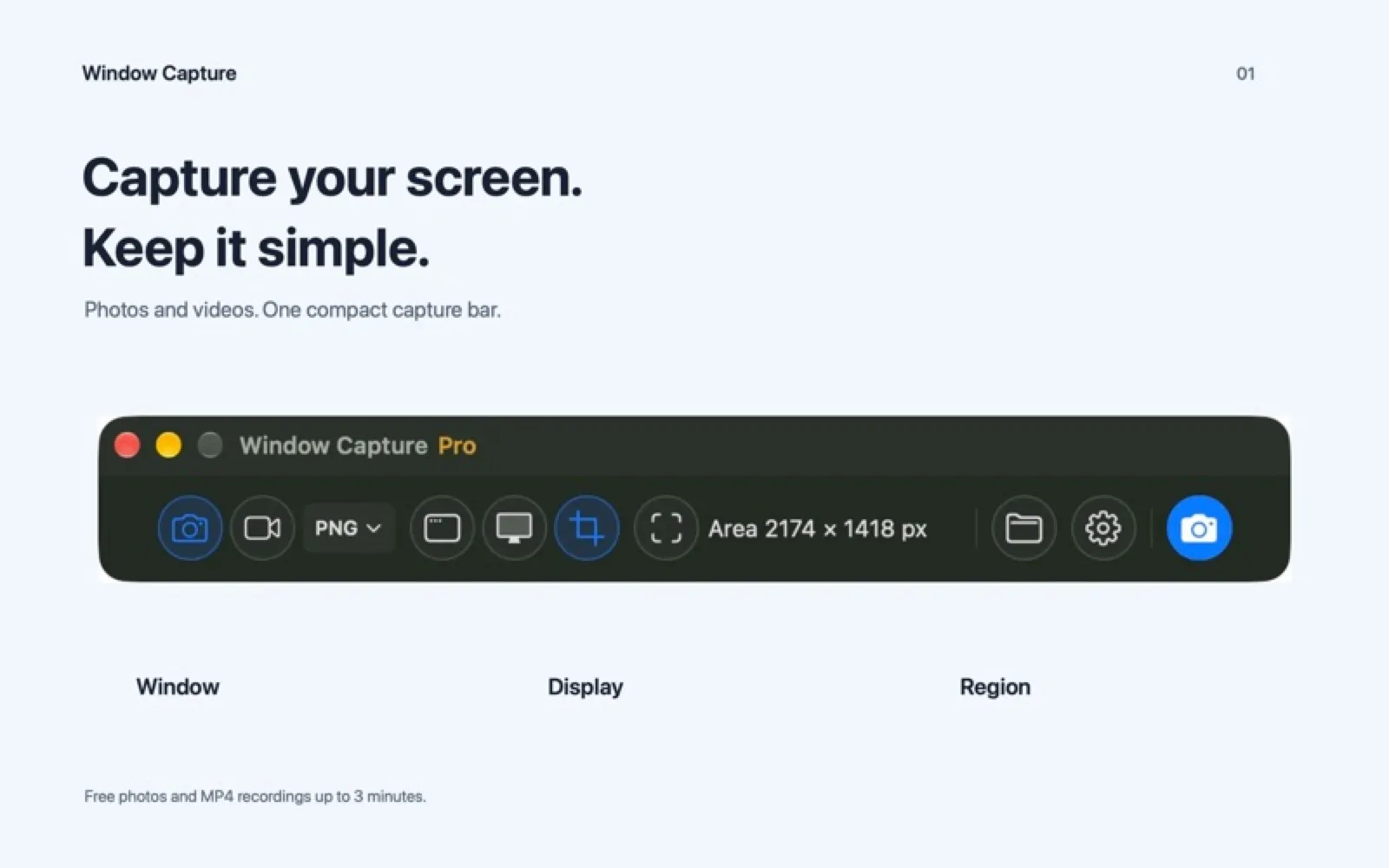
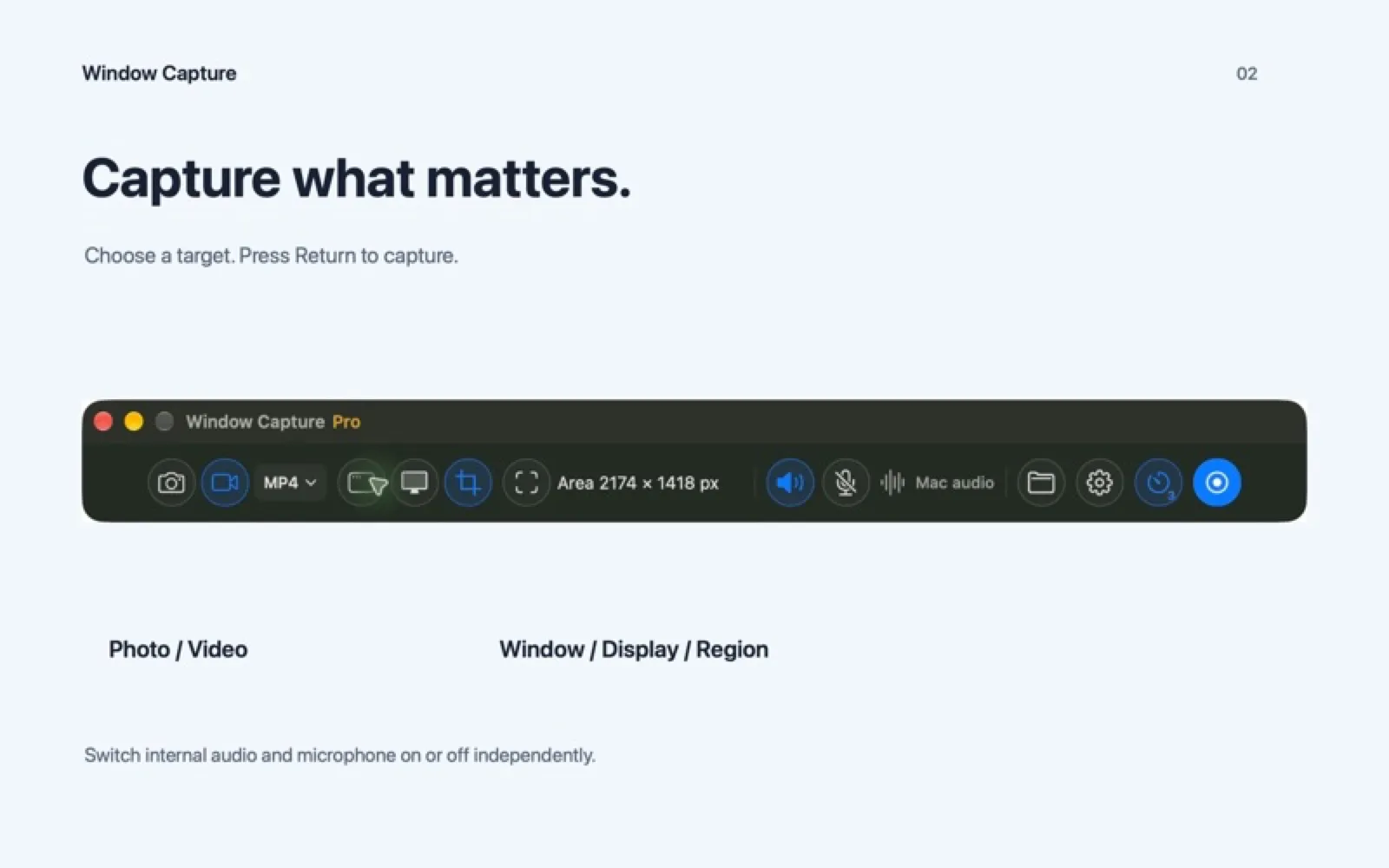
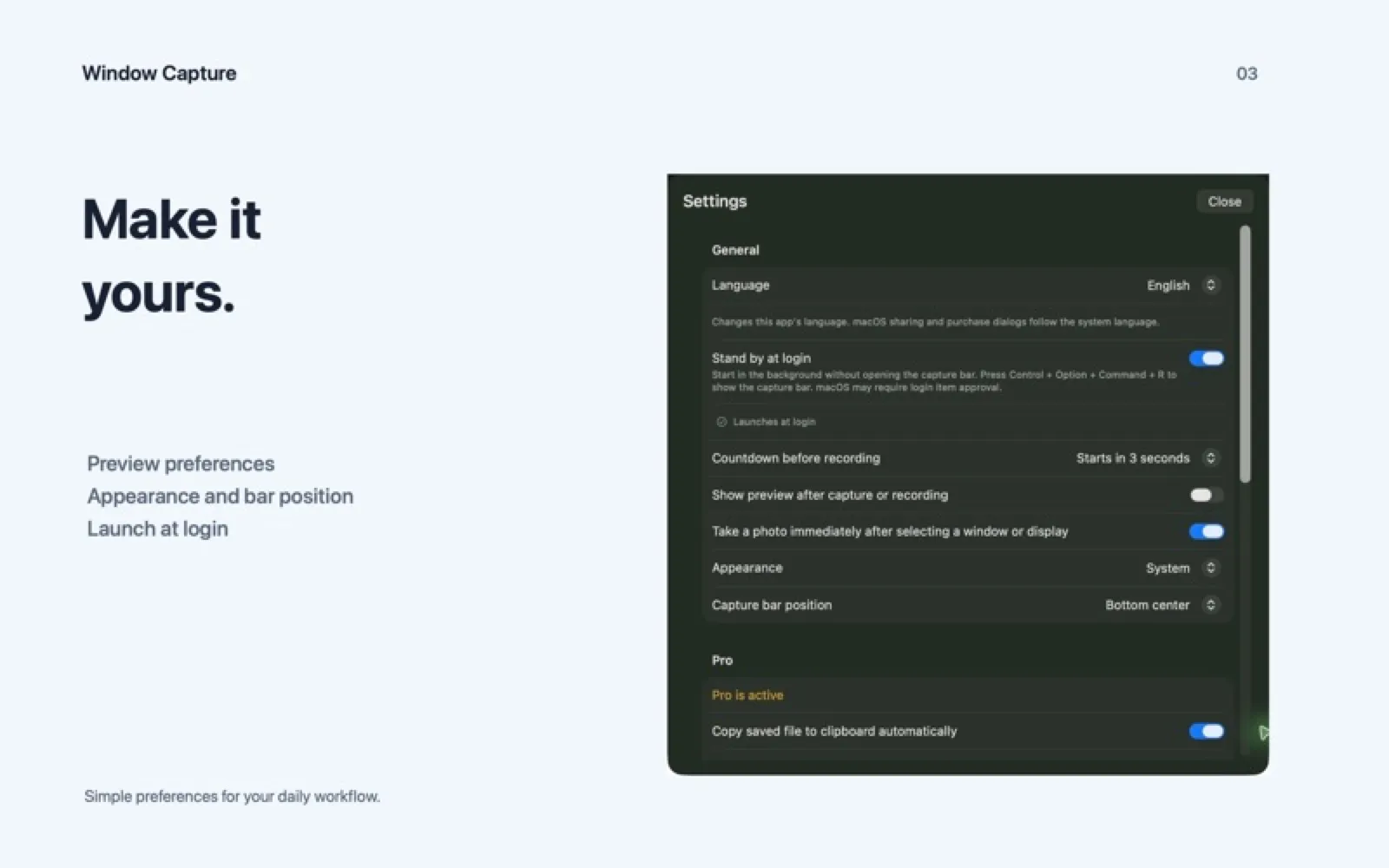
Window Capture takes screenshots and records MP4 video of one window, a selected region or a whole display. Mac audio and the microphone can be turned on separately, each with its own level meter, and a countdown and simple trimming of the start and end are built in. The free version limits each recording to three minutes. A one-time Pro purchase removes the limit and adds GIF export, cursor and click highlighting, auto-zoom around clicks, and on-device text recognition (OCR). Recordings and OCR stay on the Mac, and the App Store label lists no data collected. Requires macOS 15 or later on Apple Silicon.
Install Window Capture
Download it from the links above, or install it from the Terminal:
mas install 6815995037 Mac App Store CLI: This works once your Apple Account has the app. The first time, get it from the Mac App Store.
Questions about Window Capture
Is Window Capture free?
Window Capture is free to download and use, with paid upgrades for extra features. Price: Free; Pro US$7.99 one-time in-app purchase.
Where can I download Window Capture for Mac?
Download Window Capture from the Mac App Store and the developer's website (apps.apple.com). MacWorthy links only to official sources.
Can I install Window Capture from the Terminal?
Yes. With Mac App Store CLI, run mas install 6815995037. This works once your Apple Account has the app. The first time, get it from the Mac App Store.
Which macOS version does Window Capture need?
The Mac App Store version of Window Capture requires macOS 15.0 or later.
What are good alternatives to Window Capture?
Other video & capture apps for Mac worth a look are NeatShot (free), QuickShot (one-time purchase), palmscreen (one-time purchase) and ScreenPost (one-time purchase).
Other video & capture apps like Window Capture
NeatShot
Free screenshots and screen recording that stay on your Mac.
QuickShot
Screenshots, pins, OCR and recording from one shortcut.

palmscreen
Screen recordings that zoom where you click, and screenshots with a clean backdrop.

ScreenPost
Capture a screenshot, recording or GIF, annotate it, redact secrets and post it to X in one flow.
CleanShot X
The screenshot tool that does everything.
Make It a Video
Screen recorder and editor that cuts the ums and lets you edit by deleting words.

Shottr
A tiny, very fast screenshot tool.

PulseShot
Screenshots and screen recording, with markup you can speak.