TimeGo Clock
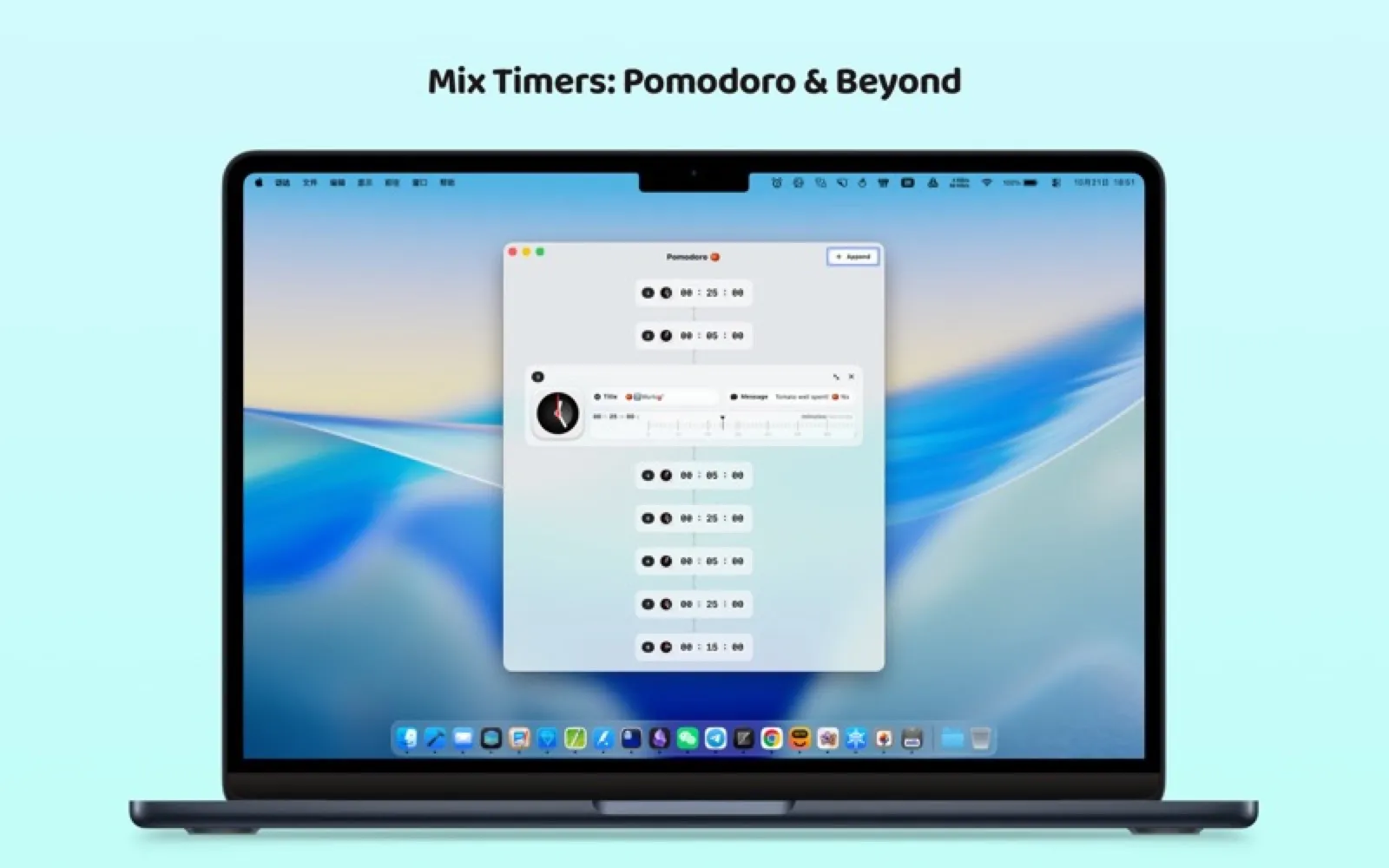
A tiny menu bar countdown timer with chained timers and a floating HUD.
About TimeGo Clock
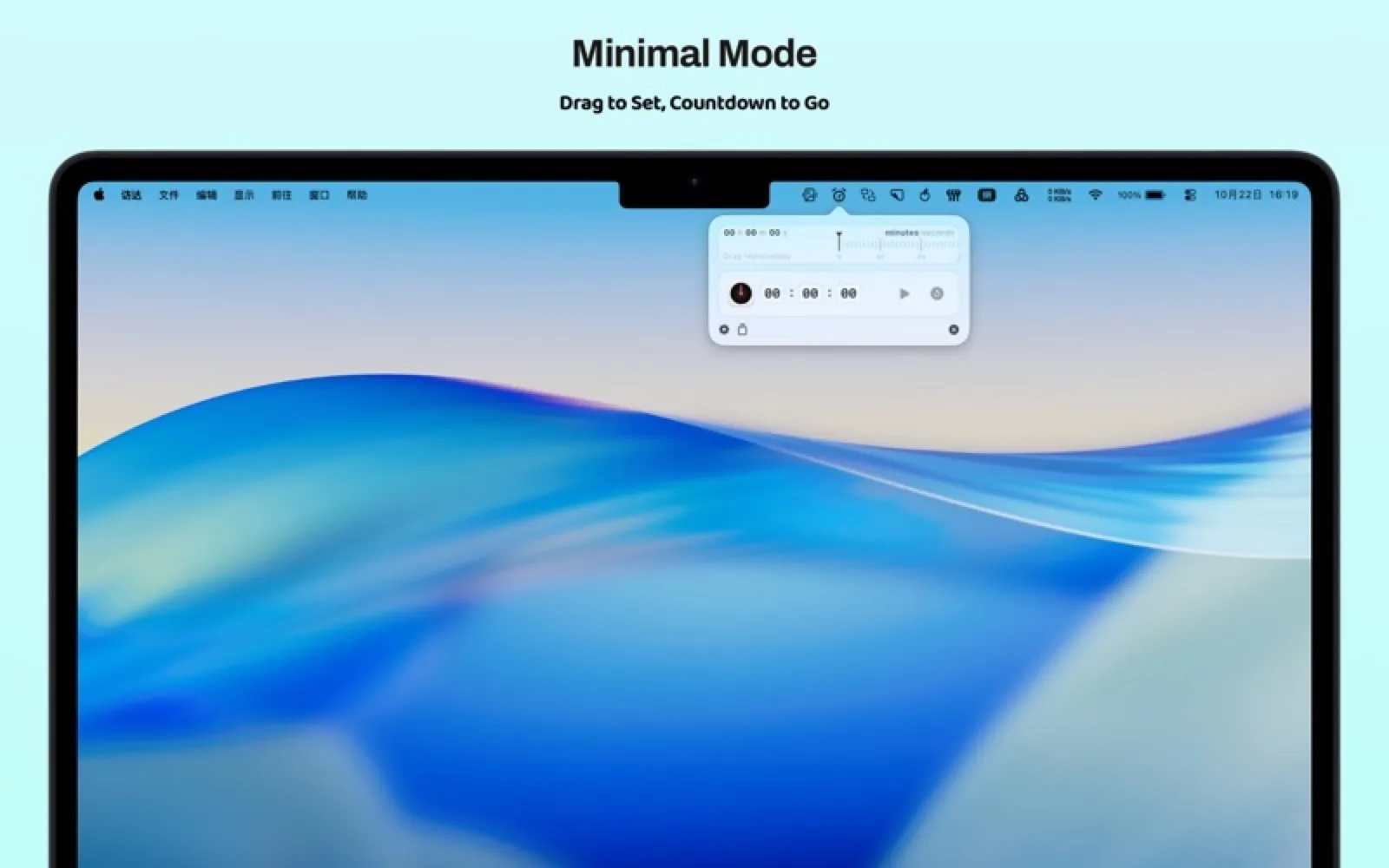
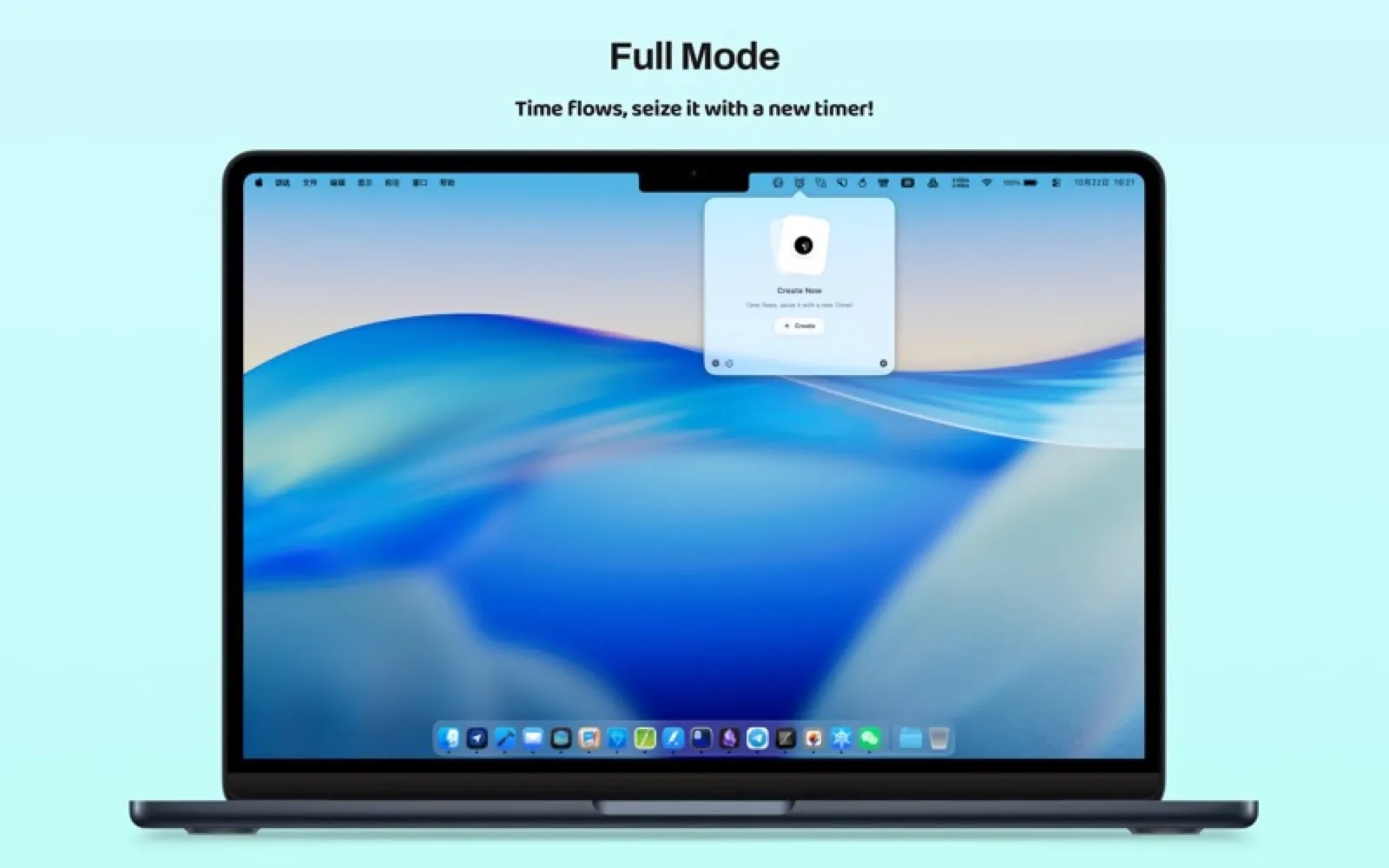
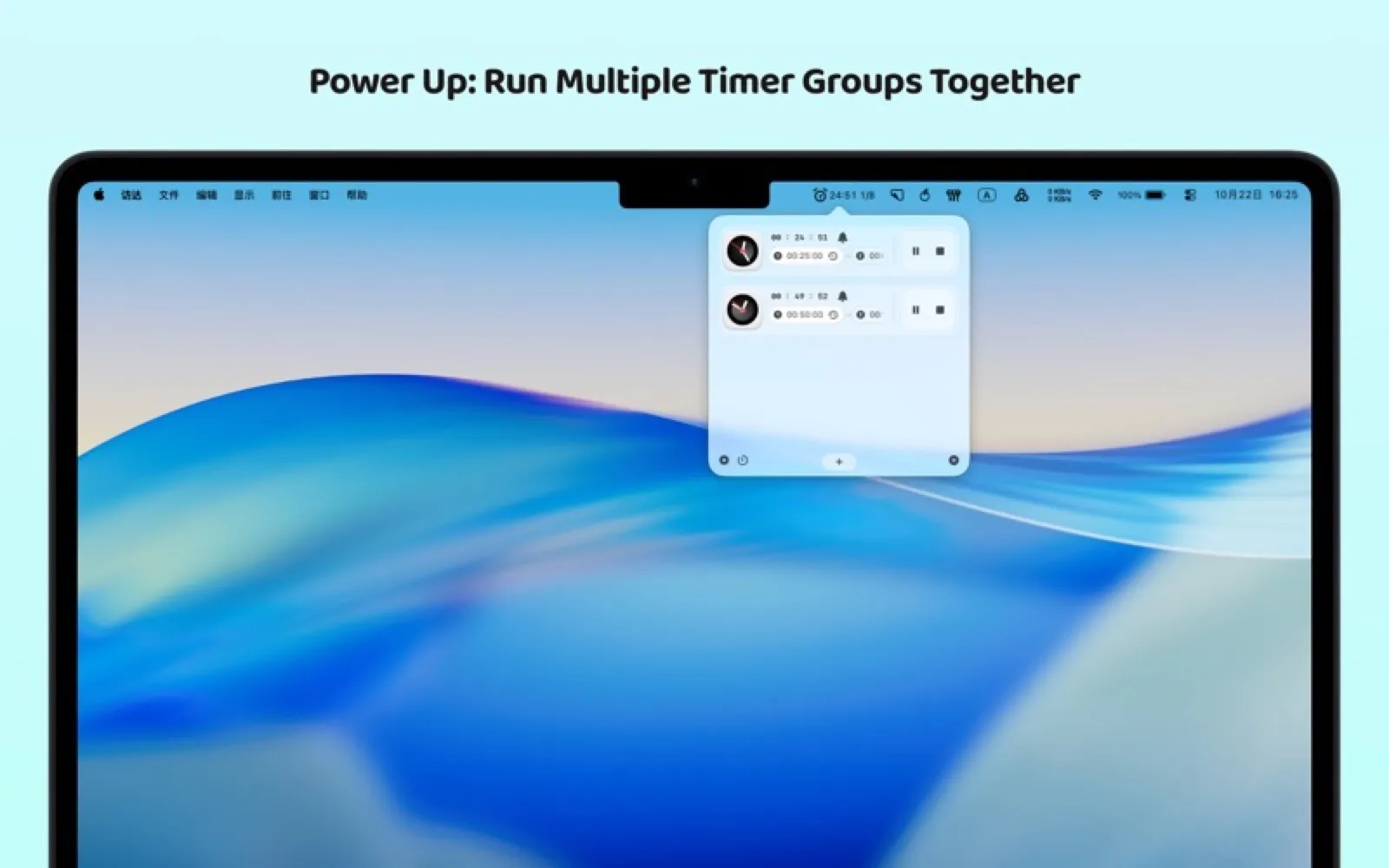
TimeGo Clock is a 1.7 MB timer and reminder app that lives in the menu bar and can show the live countdown in the status bar. Timers can be chained into your own groups, such as work and break cycles, and a group can restart its current segment. A floating countdown HUD stays on screen and can follow the active display or be pinned to a corner. It switches between a minimalist mode and a full-featured one, takes typed times or a picker with an optional seconds mode, and its own notifications can sound even in Focus mode. No account and, per its App Store label, no data collected. Mac App Store only, with Family Sharing; requires macOS 13 or later.
Install TimeGo Clock
Download it from the links above, or install it from the Terminal:
mas install 6448658165 Mac App Store CLI: This works once your Apple Account has the app. The first time, get it from the Mac App Store.
Questions about TimeGo Clock
How much does TimeGo Clock cost?
TimeGo Clock: $3.99 one-time (US price, Mac App Store).
Where can I download TimeGo Clock for Mac?
Download TimeGo Clock from the Mac App Store and the developer's website (apps.apple.com). MacWorthy links only to official sources.
Can I install TimeGo Clock from the Terminal?
Yes. With Mac App Store CLI, run mas install 6448658165. This works once your Apple Account has the app. The first time, get it from the Mac App Store.
Which macOS version does TimeGo Clock need?
The Mac App Store version of TimeGo Clock requires macOS 13.0 or later.
What are good alternatives to TimeGo Clock?
Other productivity apps for Mac worth a look are DeskMinder (free + pro), Amnesia (one-time purchase), DropToDo (one-time purchase) and Fadeclock (free + pro).
Other productivity apps like TimeGo Clock
DeskMinder
Quick desktop reminders with full-screen alerts that are hard to miss.

Amnesia
Asks why you opened a distracting app and keeps the answer on screen.
DropToDo
Set a reminder by dragging down from the menu bar: the distance is the time.
Fadeclock
A slide-friendly timer that shows when an activity ends, with music that fades out before time's up.

Blinkivo
A menu bar eye-break timer that can pause for, or run only with, the apps you choose.

OneFocus
A focus timer that hides chosen apps and websites, with history synced through iCloud.
Fantastical
A calendar that understands plain sentences.
Cardhop
Contacts, rebuilt around a single search field.