SubsDay
Every recurring charge on one small calendar.
About SubsDay
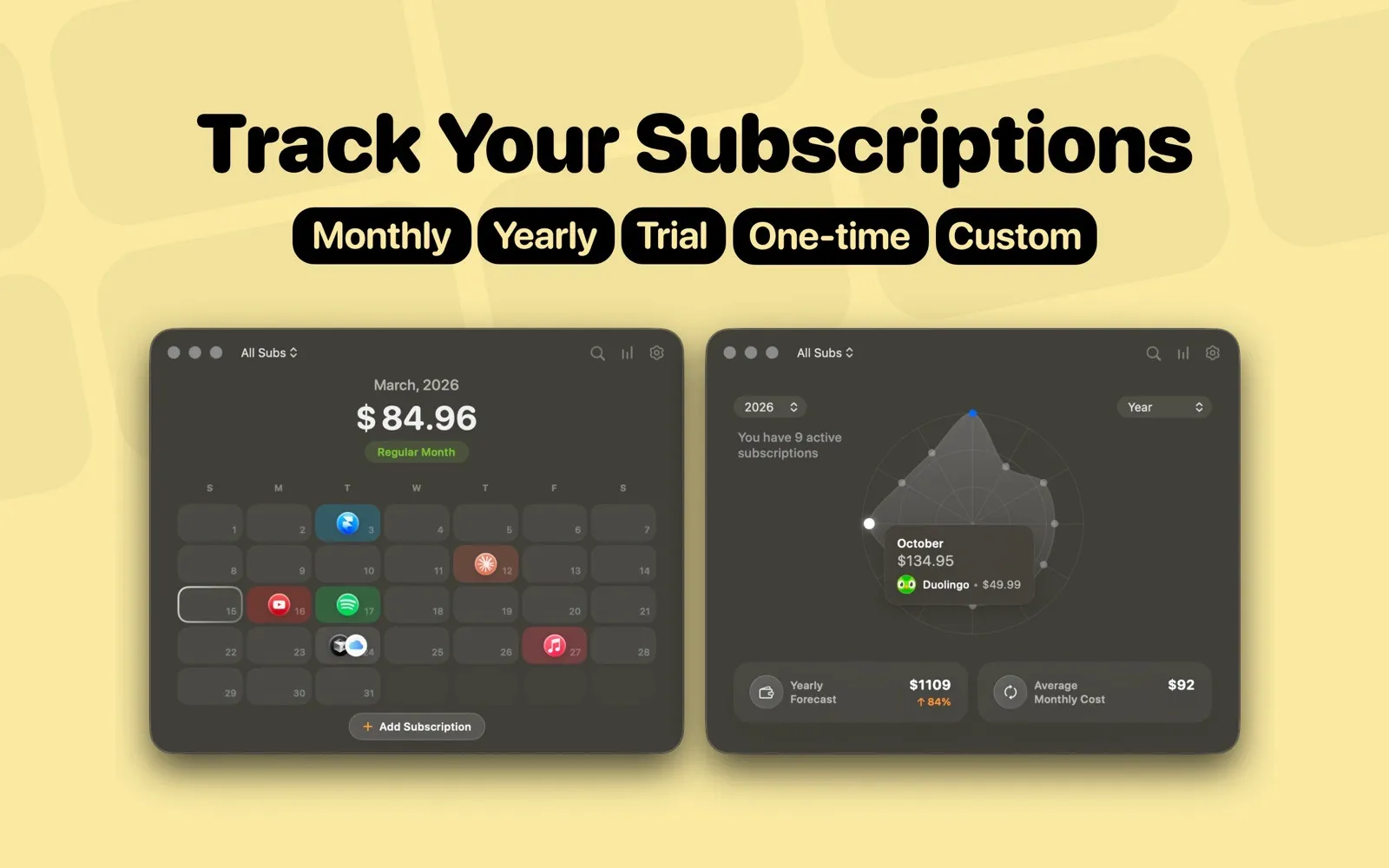
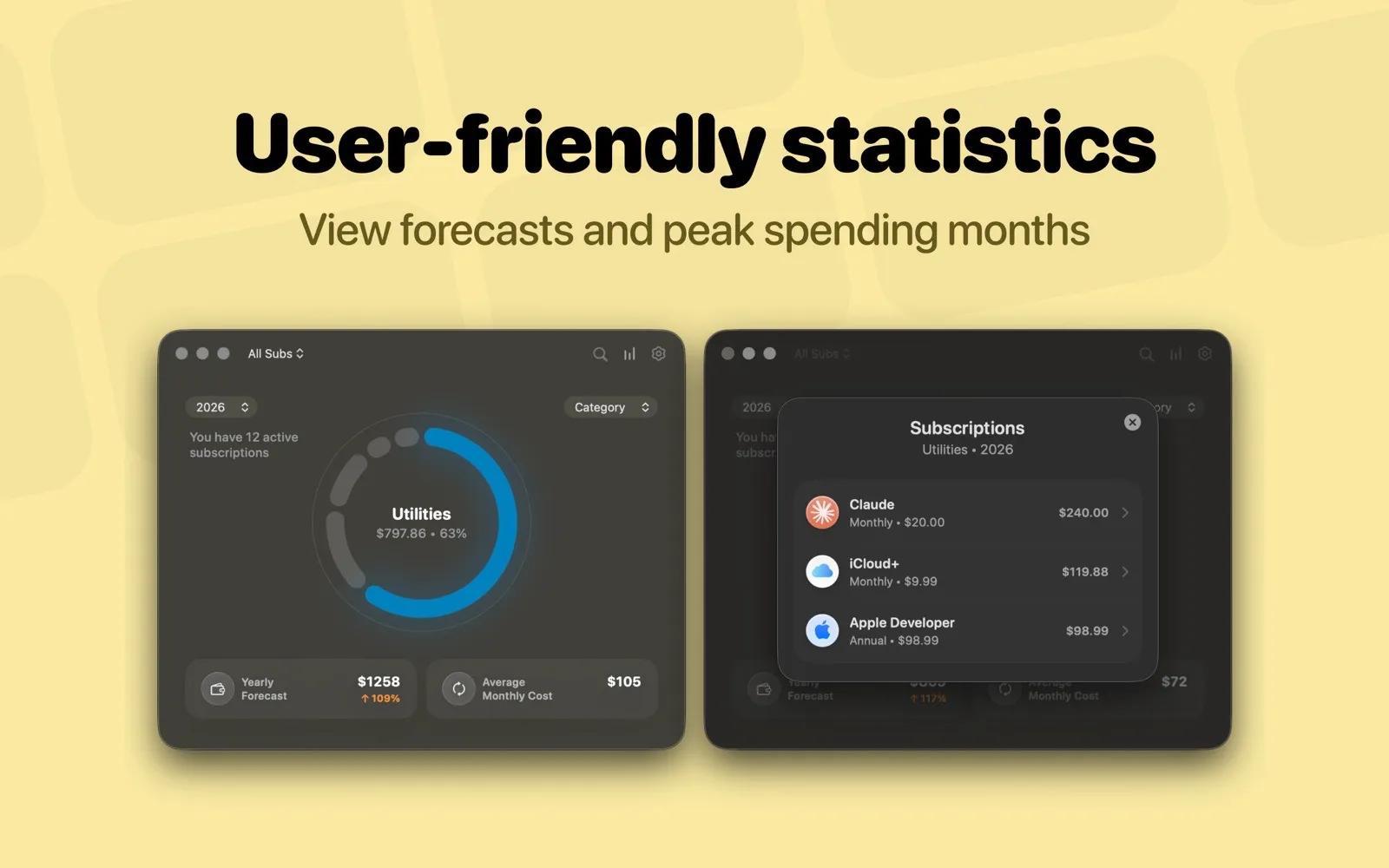
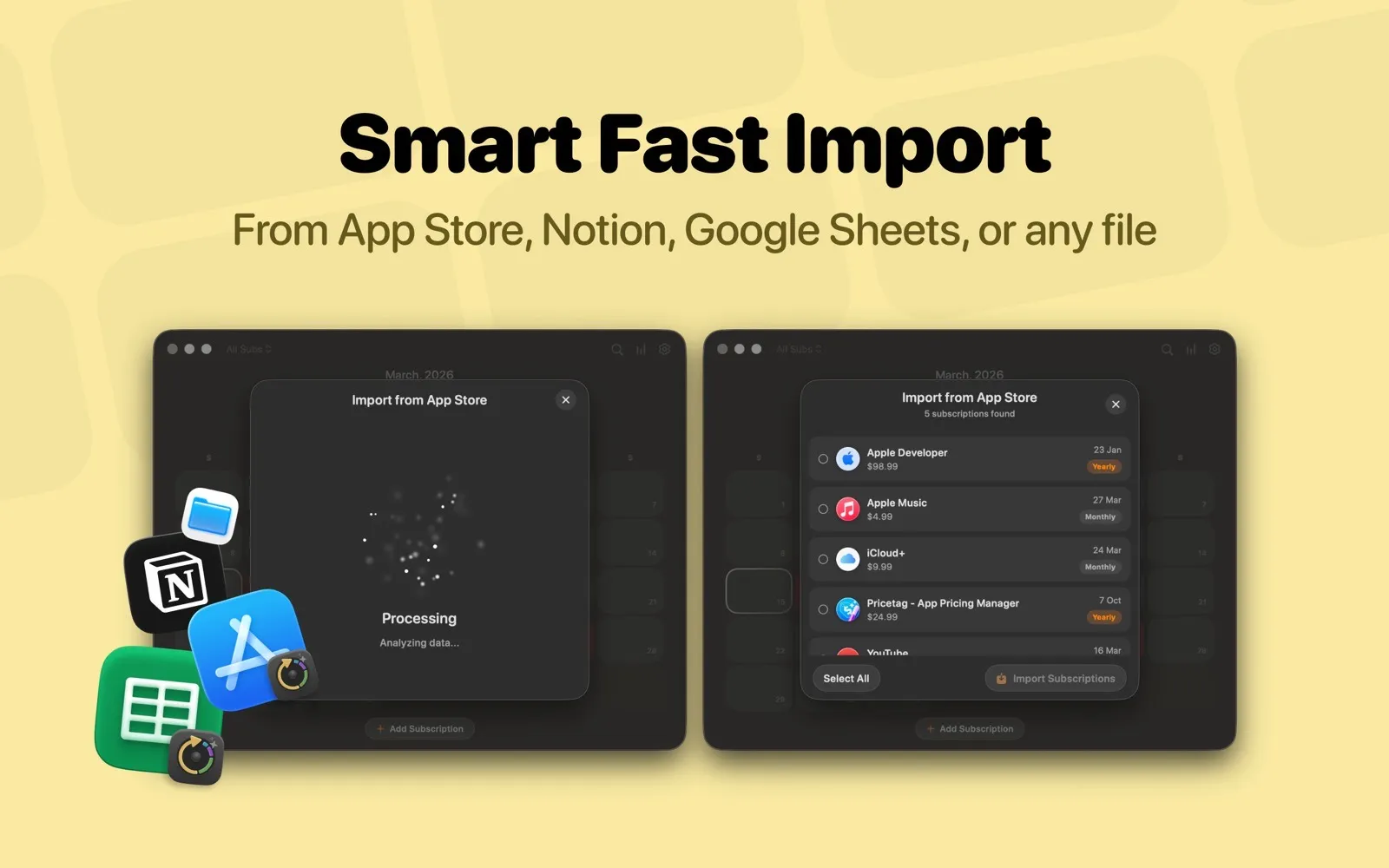
SubsDay shows upcoming renewals on a month calendar, converts between 168 currencies and breaks spending down by category. It syncs over iCloud with the iPhone app, exports to CSV, and Pro is a one-time purchase.
Install SubsDay
Download it from the links above, or install it from the Terminal:
mas install 6743316600 Mac App Store CLI: This works once your Apple Account has the app. The first time, get it from the Mac App Store.
Questions about SubsDay
Is SubsDay free?
SubsDay is free to download and use, with paid upgrades for extra features.
Where can I download SubsDay for Mac?
Download SubsDay from the Mac App Store and the developer's website (subsday.appps.od.ua). MacWorthy links only to official sources.
Can I install SubsDay from the Terminal?
Yes. With Mac App Store CLI, run mas install 6743316600. This works once your Apple Account has the app. The first time, get it from the Mac App Store.
Which macOS version does SubsDay need?
The Mac App Store version of SubsDay requires macOS 14.0 or later.
What are good alternatives to SubsDay?
Other money apps for Mac worth a look are Copilot Money (subscription), MoneyWiz (free + pro), Banktivity (subscription) and Notch Revenue (one-time purchase).
Other money apps like SubsDay

Copilot Money
Budgeting that feels effortless.
MoneyWiz
Personal finance for every account.

Banktivity
Serious personal finance for the Mac.
Notch Revenue
Today's and this month's Stripe revenue, shown in the MacBook notch.

MoneyMoney
Online banking, done locally.

Slap Alert
A pixel monkey slaps a sticky note on your screen for every sale.