MoneyWiz
Personal finance for every account.
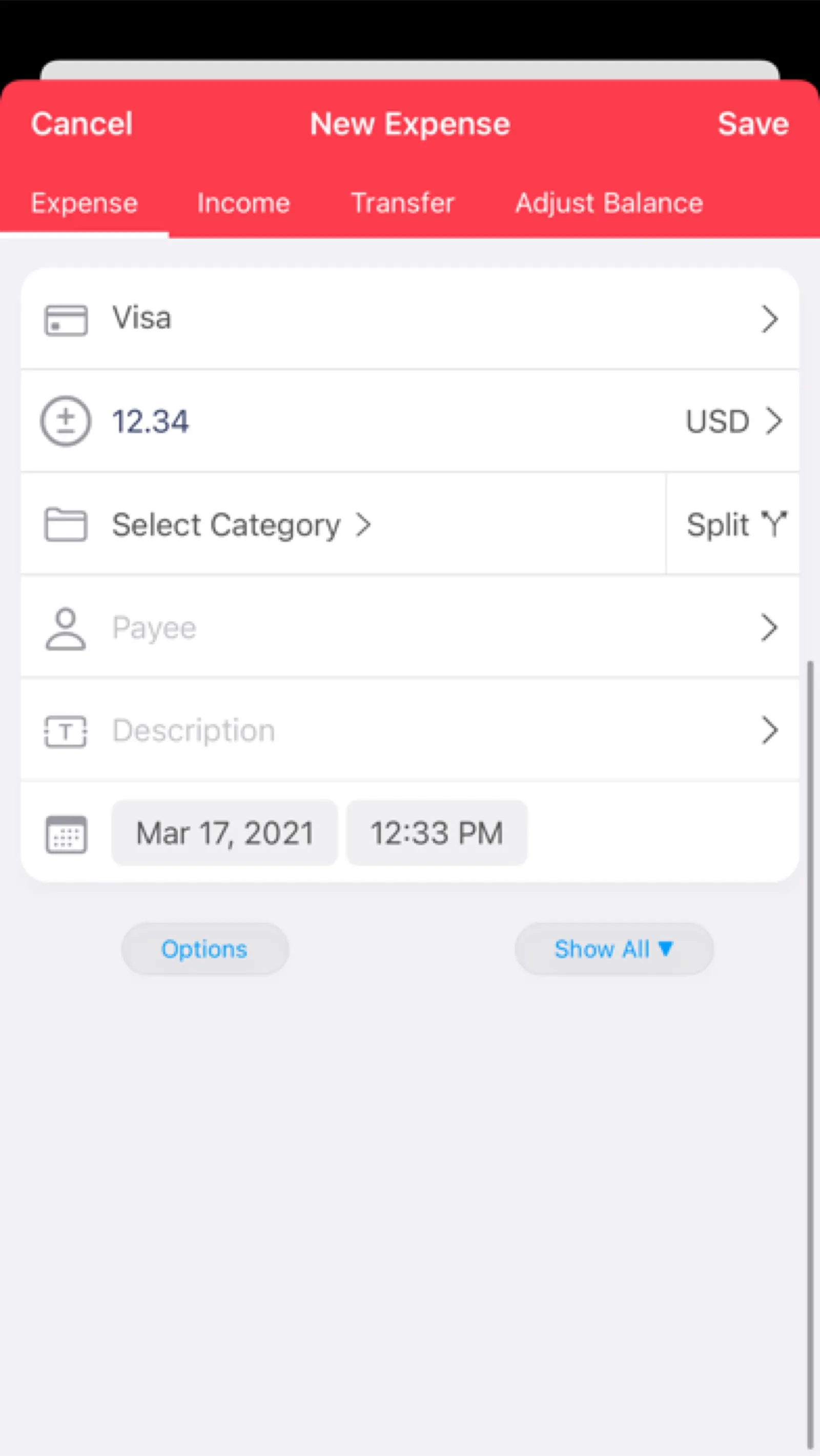
About MoneyWiz
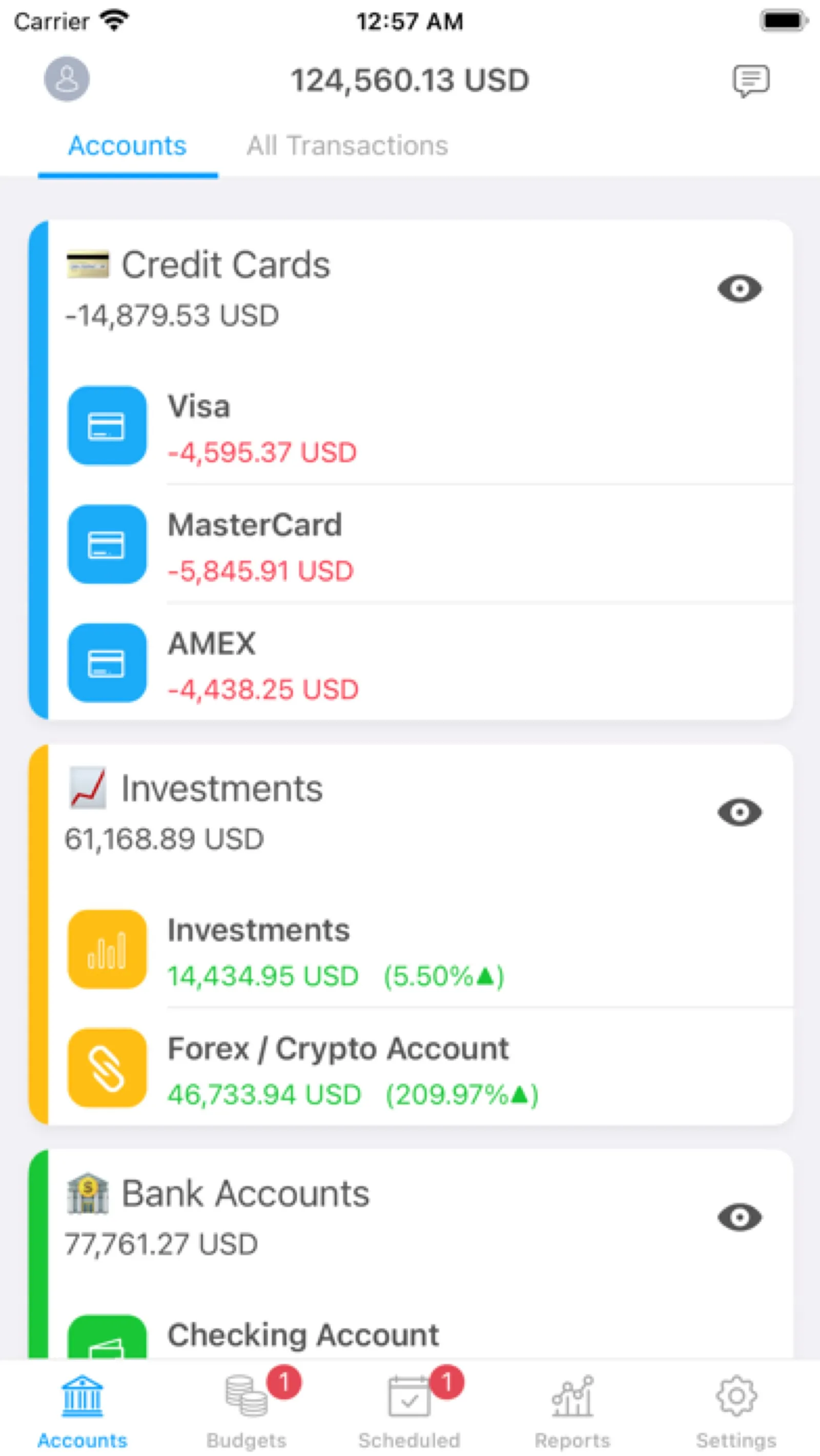
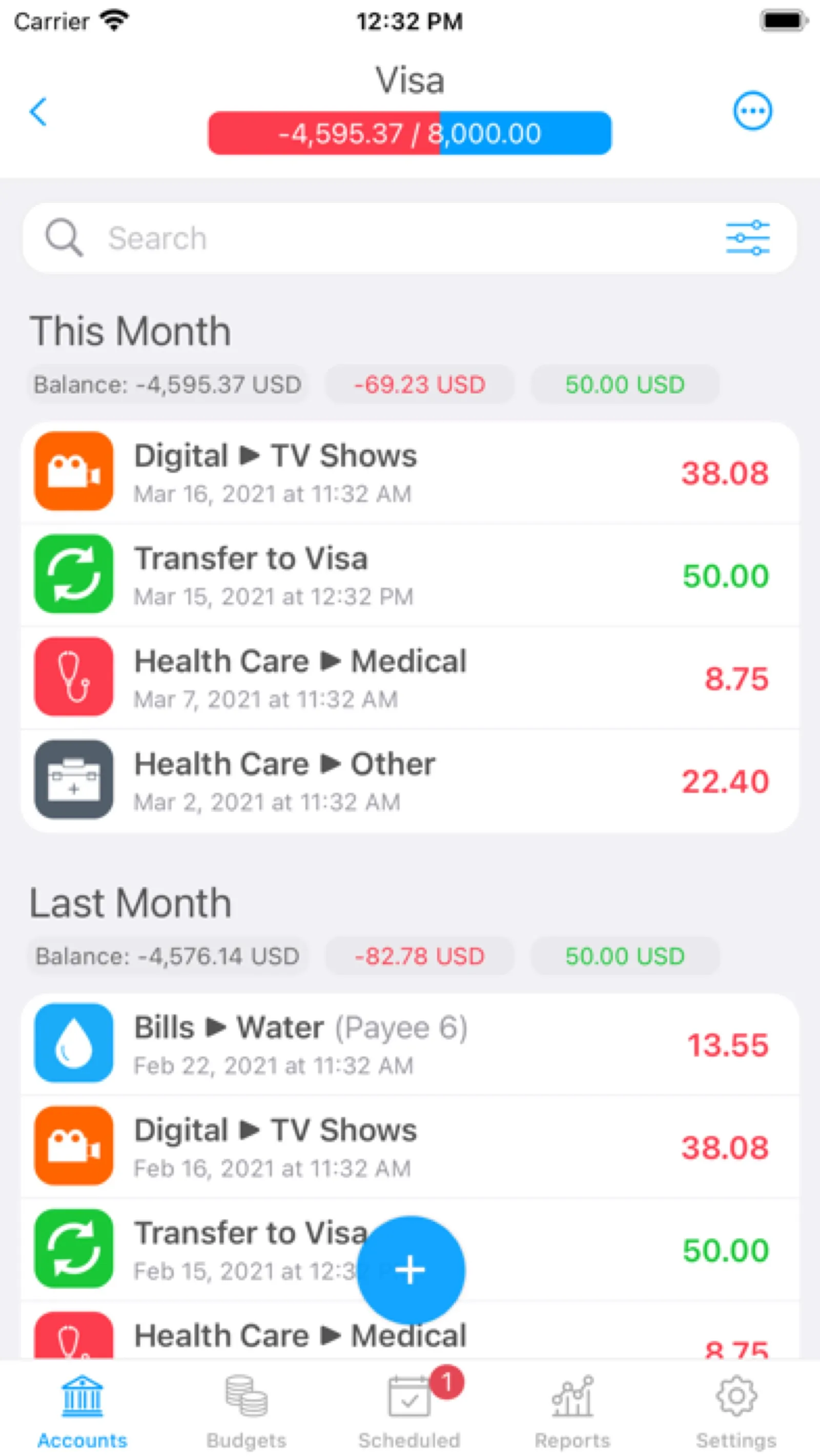
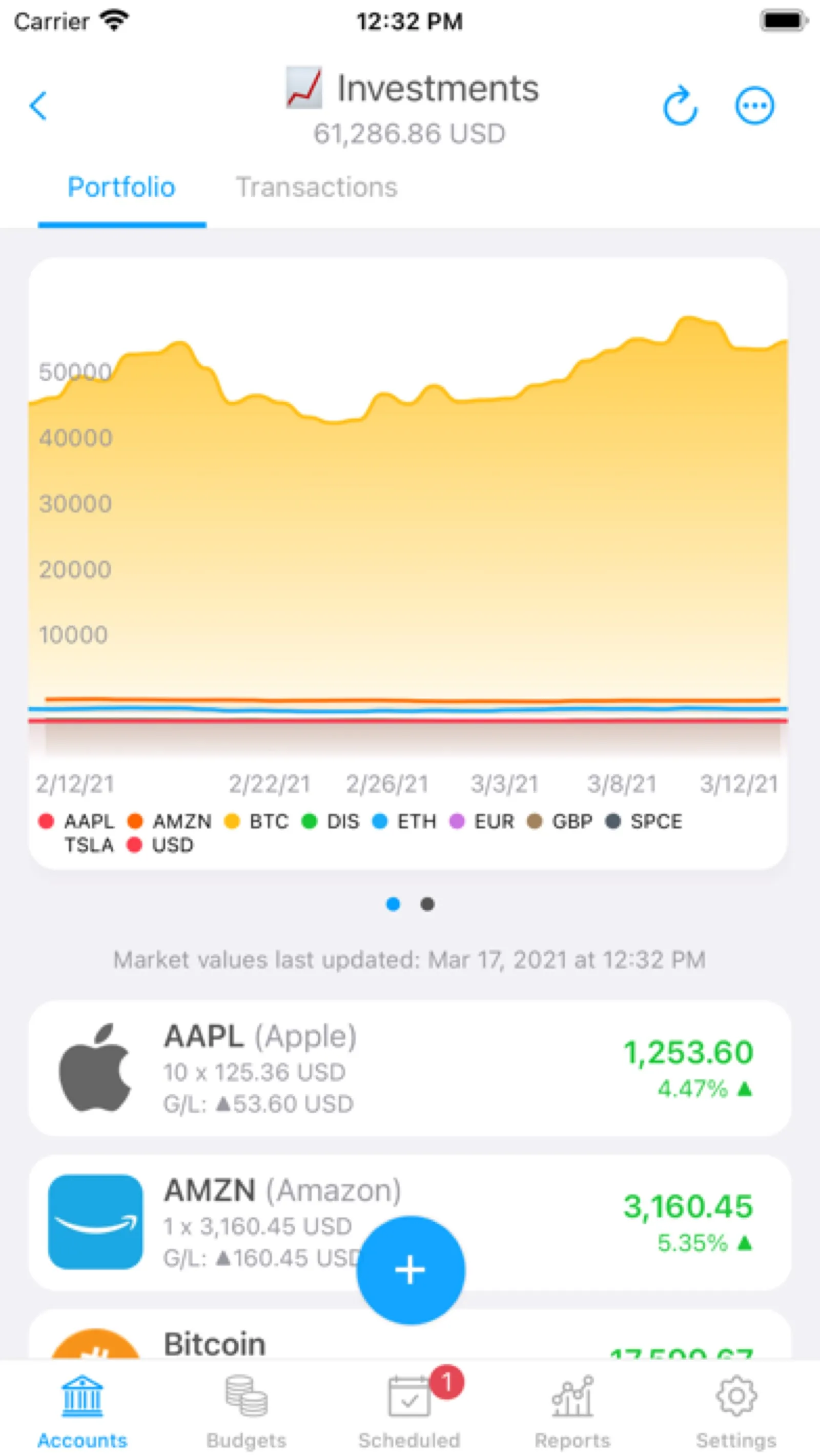
Track accounts, budgets, bills and investments with bank sync or manual entry, synced across your devices.
Install MoneyWiz
Download it from the links above, or install it from the Terminal:
mas install 1511185140 Questions about MoneyWiz
Is MoneyWiz free?
No. MoneyWiz is sold as a subscription; the Mac App Store download is free and the subscription is bought inside the app.
Where can I download MoneyWiz for Mac?
Download MoneyWiz from the Mac App Store and the developer's website (wiz.money). MacWorthy links only to official sources.
Can I install MoneyWiz from the Terminal?
Yes. With Mac App Store CLI, run mas install 1511185140.
Which macOS version does MoneyWiz need?
The Mac App Store version of MoneyWiz requires macOS 17.0 or later.
What are good alternatives to MoneyWiz?
Other money apps for Mac worth a look are Banktivity (subscription), Copilot Money (subscription), Subscription Day (free + pro) and MoneyMoney (one-time purchase).
Other money apps like MoneyWiz

Banktivity
Serious personal finance for the Mac.

Copilot Money
Budgeting that feels effortless.
Subscription Day
Every recurring charge on one small calendar.

MoneyMoney
Online banking, done locally.

Revone
Revenue from every payment platform in one dashboard.