Lumière
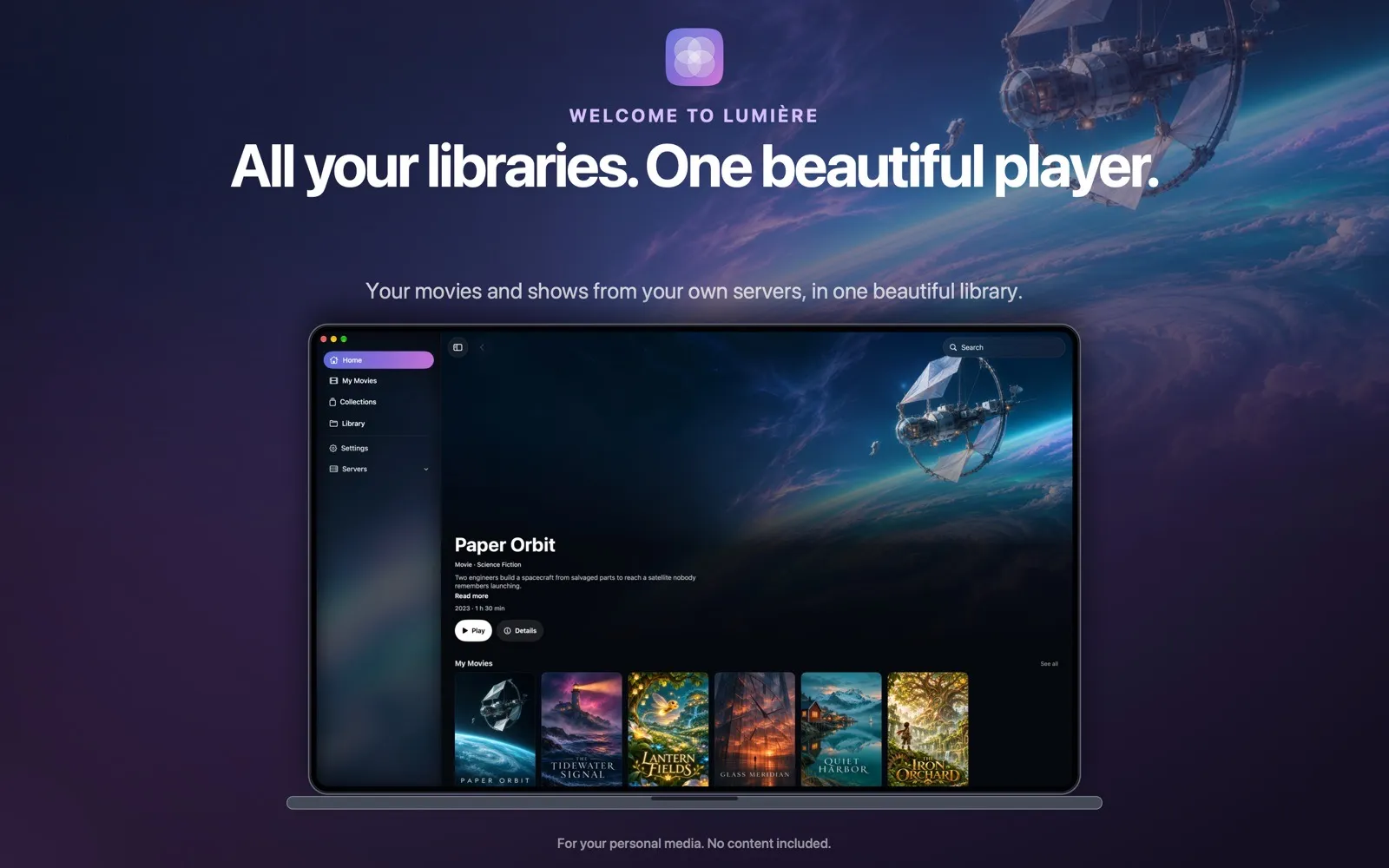
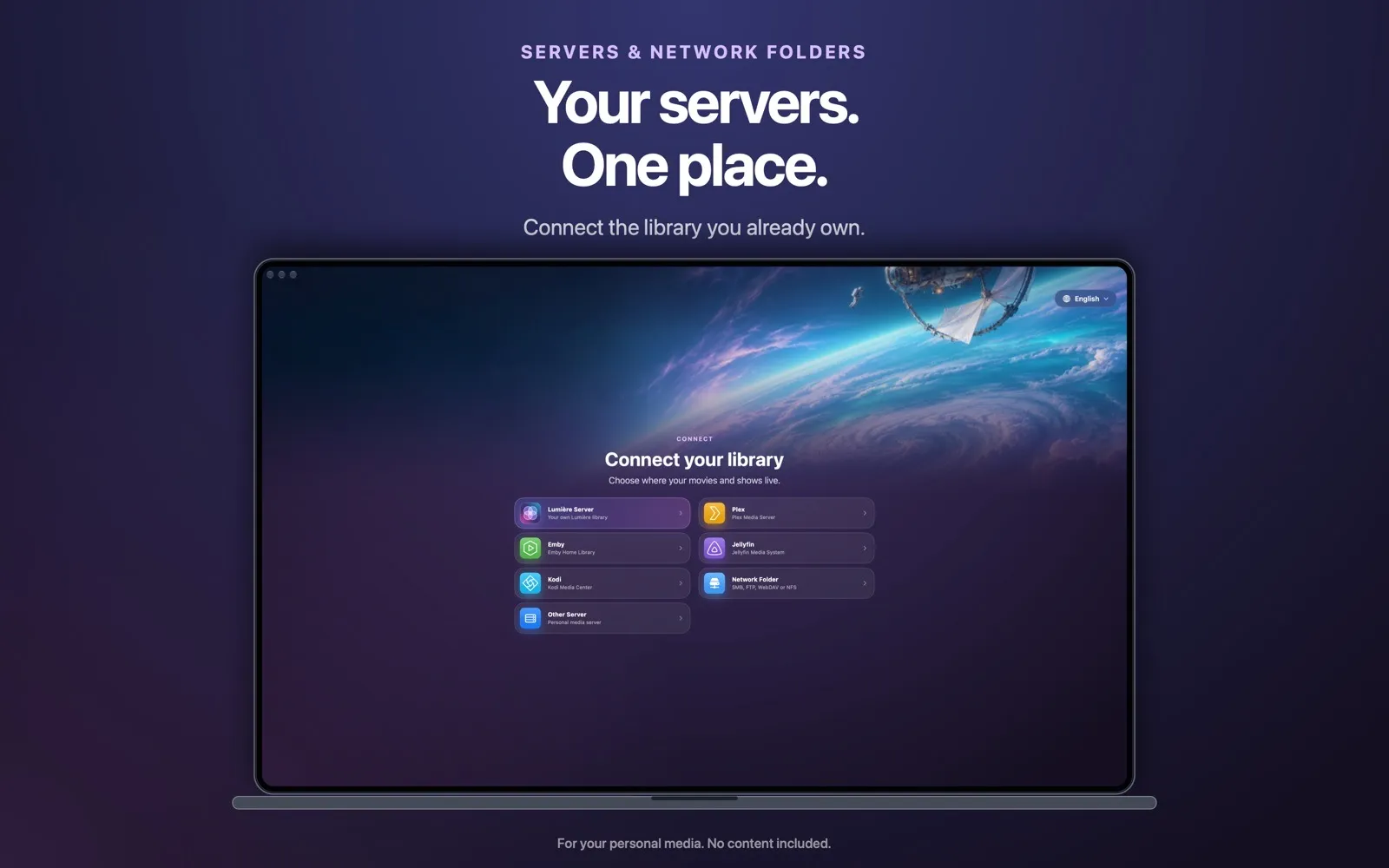
Plays your Plex, Jellyfin, Emby and network-folder library in a native Mac window.
About Lumière
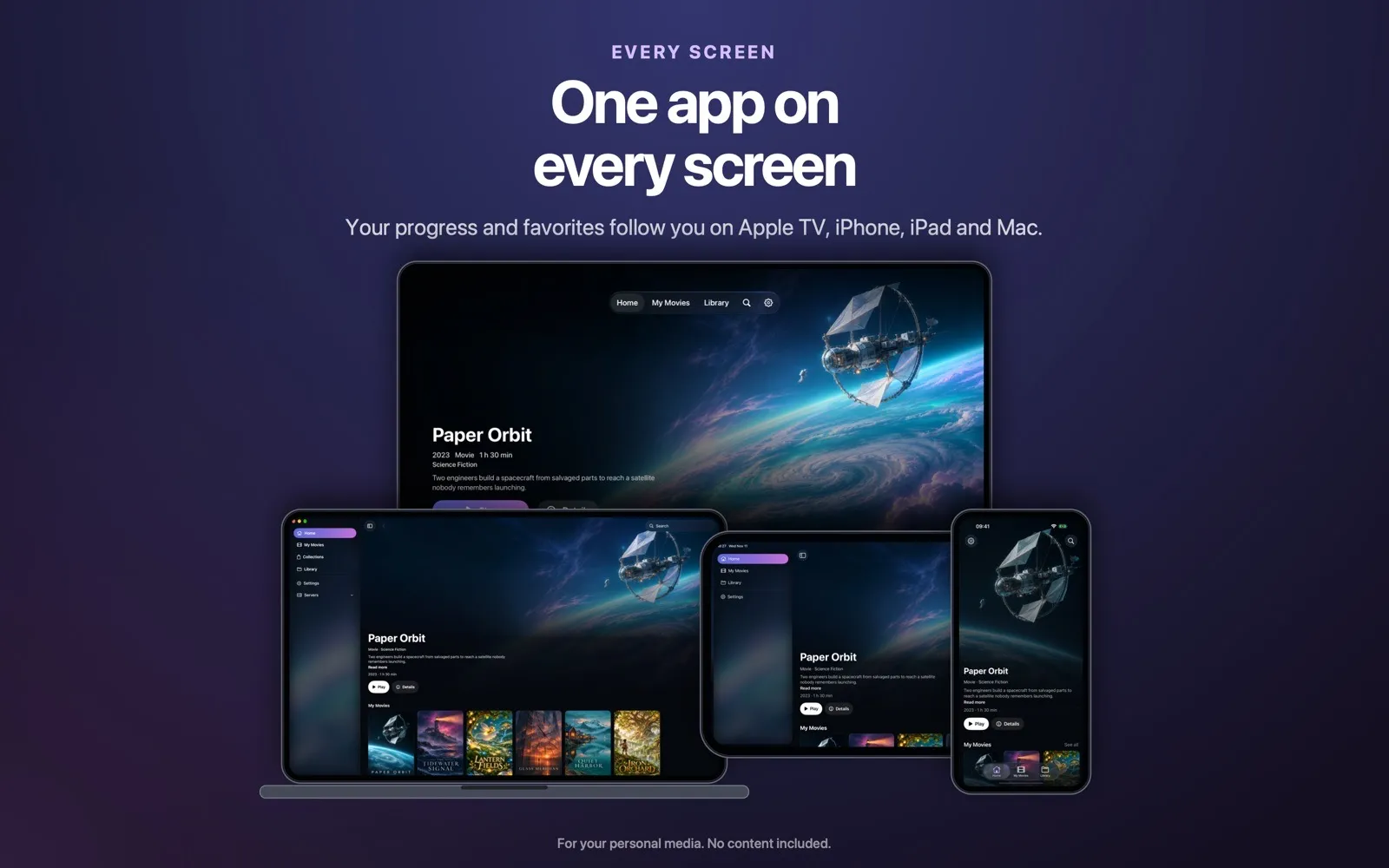
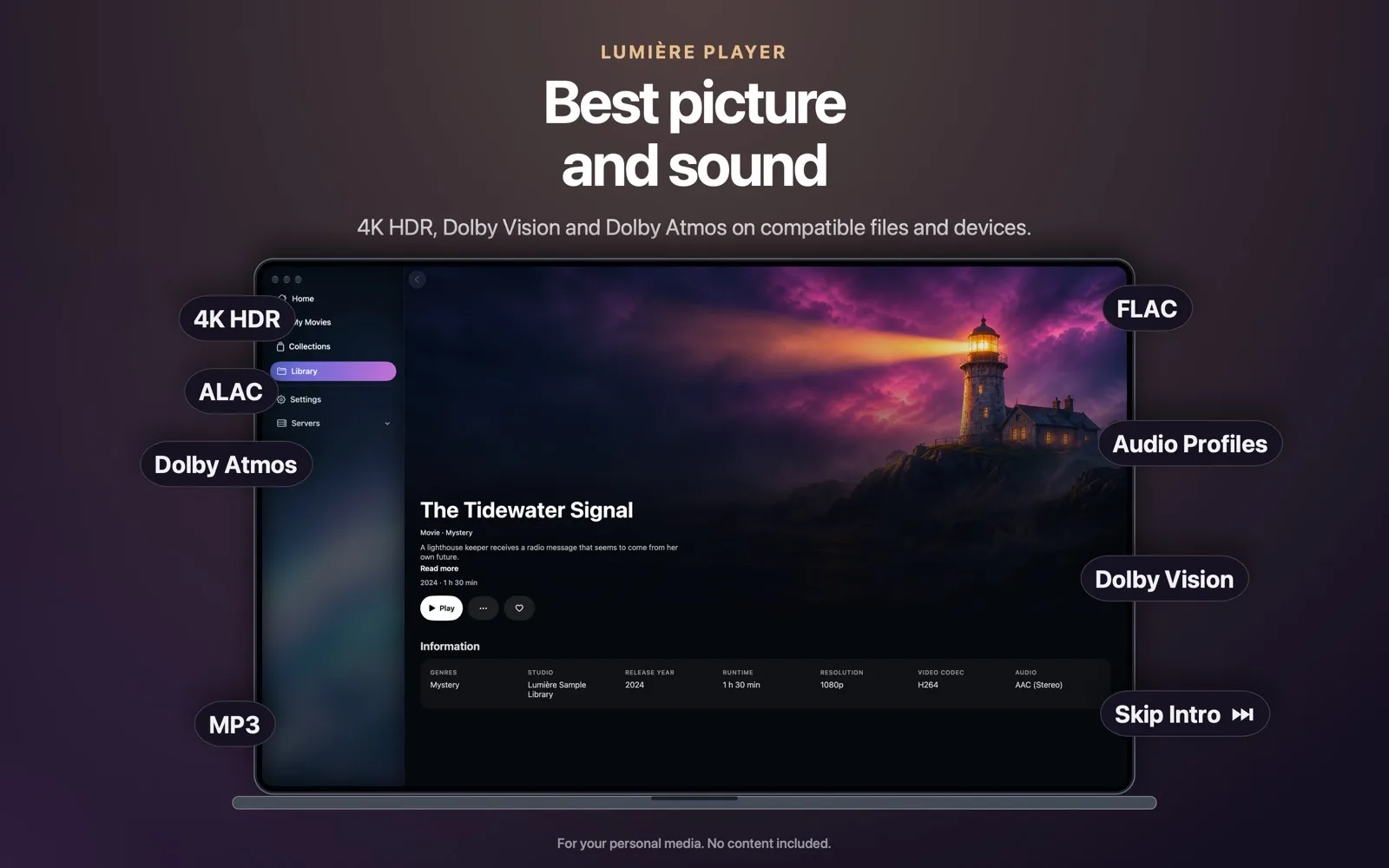
Lumière is a SwiftUI player for the movies, shows and music on your own Plex, Jellyfin, Emby or Kodi server, or in SMB, NFS, FTP and WebDAV network folders; it plays the original files with Apple hardware decoding and hands other formats to a built-in VLC player. There is no Lumière account and no ads or analytics, and the developer never receives what you watch. Server passwords stay in the Keychain, while iCloud holds the free plan's device slots and, if you turn sync on, your server list, which is why the App Store label lists user content, a user ID and product interaction for app functionality. Plex sign-in goes through plex.tv, trailers and artwork can load from YouTube and TMDB, and music playback needs the developer's separate Lumière Server. The free version allows one server, 20 titles, 1080p stereo and two devices; Lumière Plus removes the limits for US$2.99 a month, US$24.99 a year or US$59.99 once. Mac App Store only, one download for Mac, iPhone, iPad and Apple TV; requires macOS 15 or later, and it is still at version 0.1.
Install Lumière
Download it from the links above, or install it from the Terminal:
mas install 6830332402 Mac App Store CLI: This works once your Apple Account has the app. The first time, get it from the Mac App Store.
Questions about Lumière
Is Lumière free?
Lumière is free to download and use, with paid upgrades for extra features. Price: Free (one server, 20 titles, 1080p stereo, two devices); Lumière Plus $2.99 a month, $24.99 a year or $59.99 once.
Where can I download Lumière for Mac?
Download Lumière from the Mac App Store and the developer's website (lumiere.artsvit.com). MacWorthy links only to official sources.
Can I install Lumière from the Terminal?
Yes. With Mac App Store CLI, run mas install 6830332402. This works once your Apple Account has the app. The first time, get it from the Mac App Store.
Which macOS version does Lumière need?
The Mac App Store version of Lumière requires macOS 15.0 or later.
What are good alternatives to Lumière?
Other video & capture apps for Mac worth a look are CleanShot X (one-time purchase), IINA (open source), Make It a Video (free + pro) and Window Capture (free + pro).
Other video & capture apps like Lumière
CleanShot X
The screenshot tool that does everything.

IINA
The modern media player for macOS.

Make It a Video
Screen recorder and editor that cuts the ums and lets you edit by deleting words.

Window Capture
A small screen recorder for a window, a region or a display, with Mac audio.

Shottr
A tiny, very fast screenshot tool.

NeatShot
Free screenshots and screen recording that stay on your Mac.

Infuse
A beautiful home for your video library.
Gifski
High-quality GIFs from any video.