Cloister Ink
A private markdown writing desk that keeps your files in your own iCloud.
About Cloister Ink
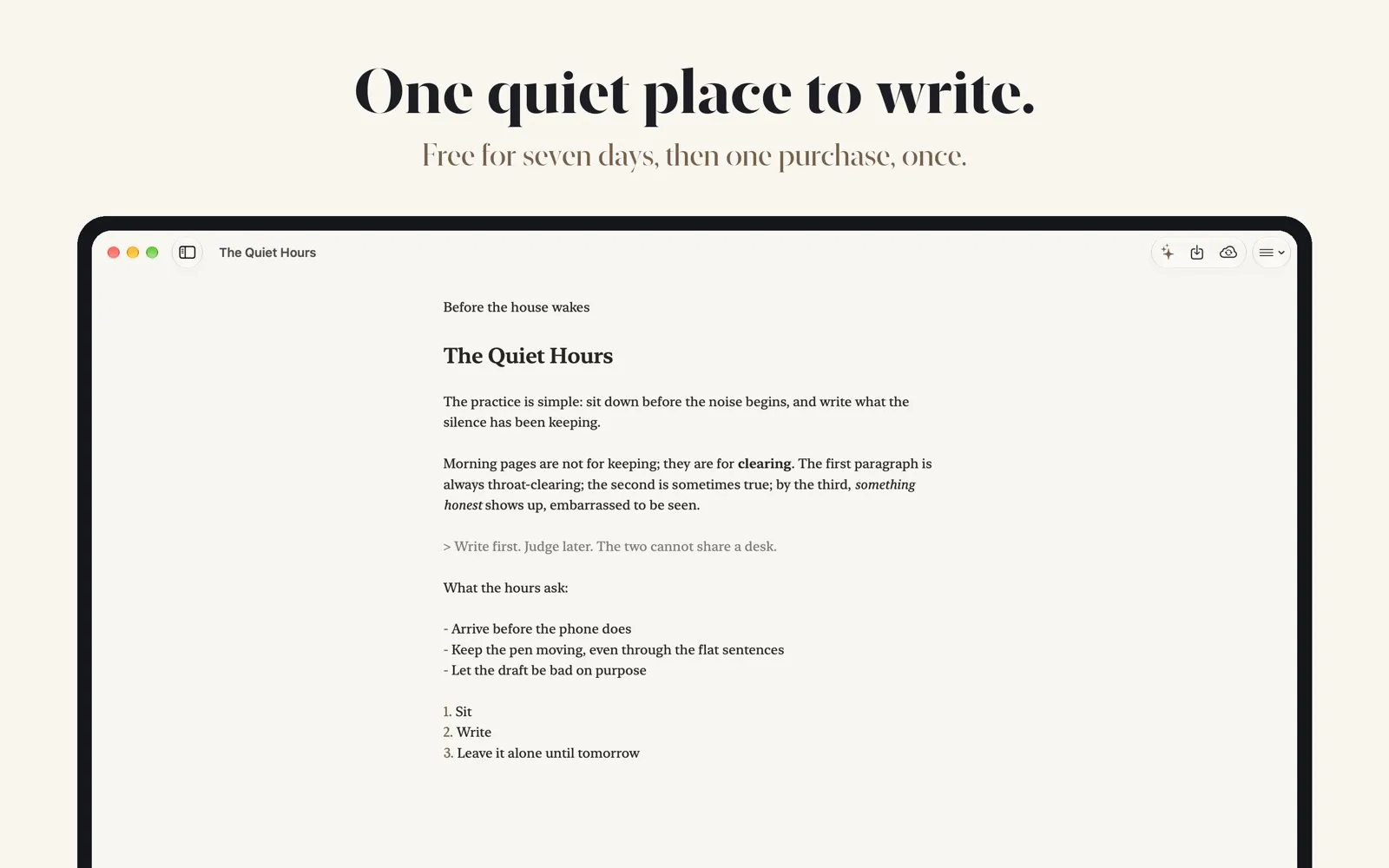
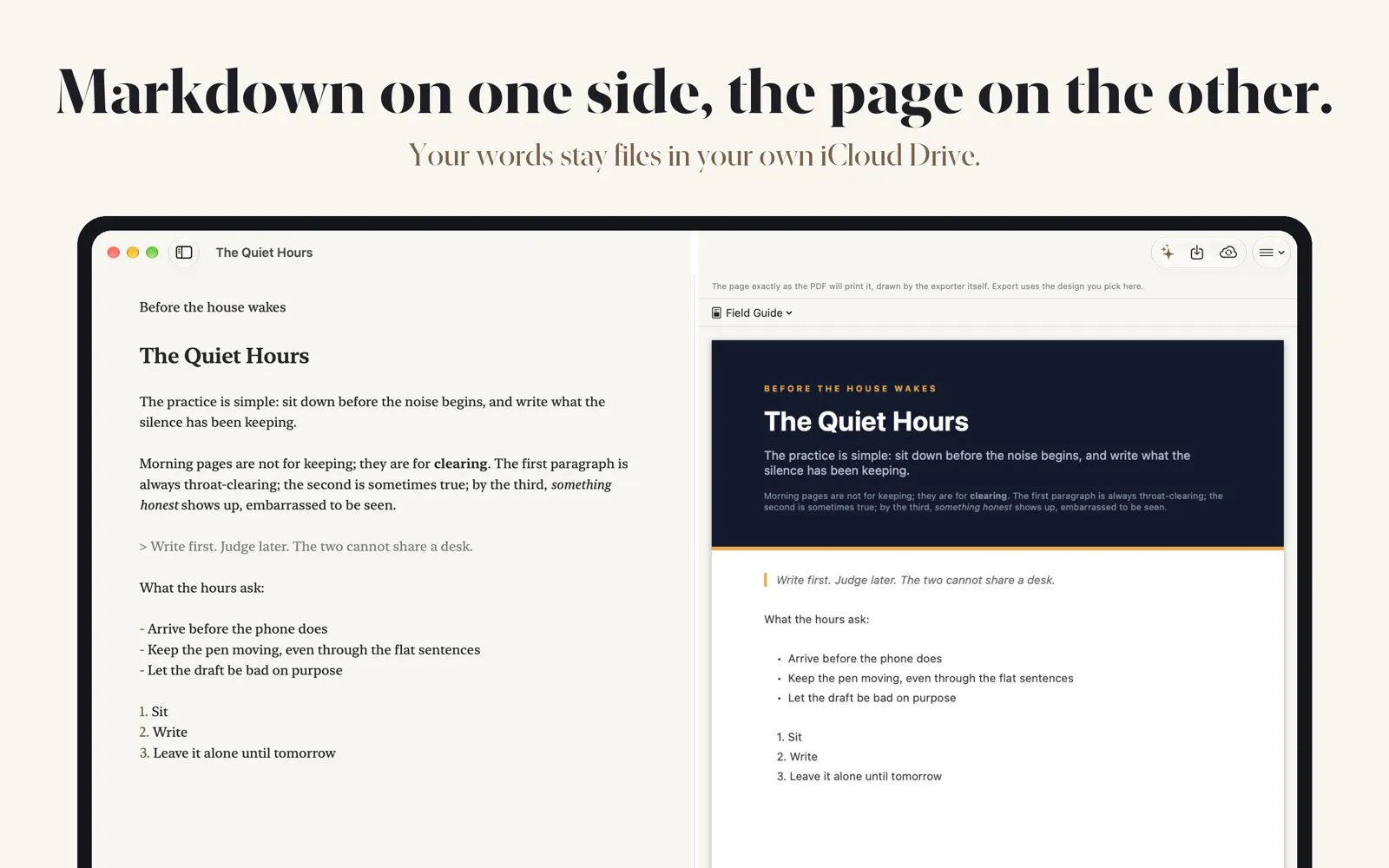
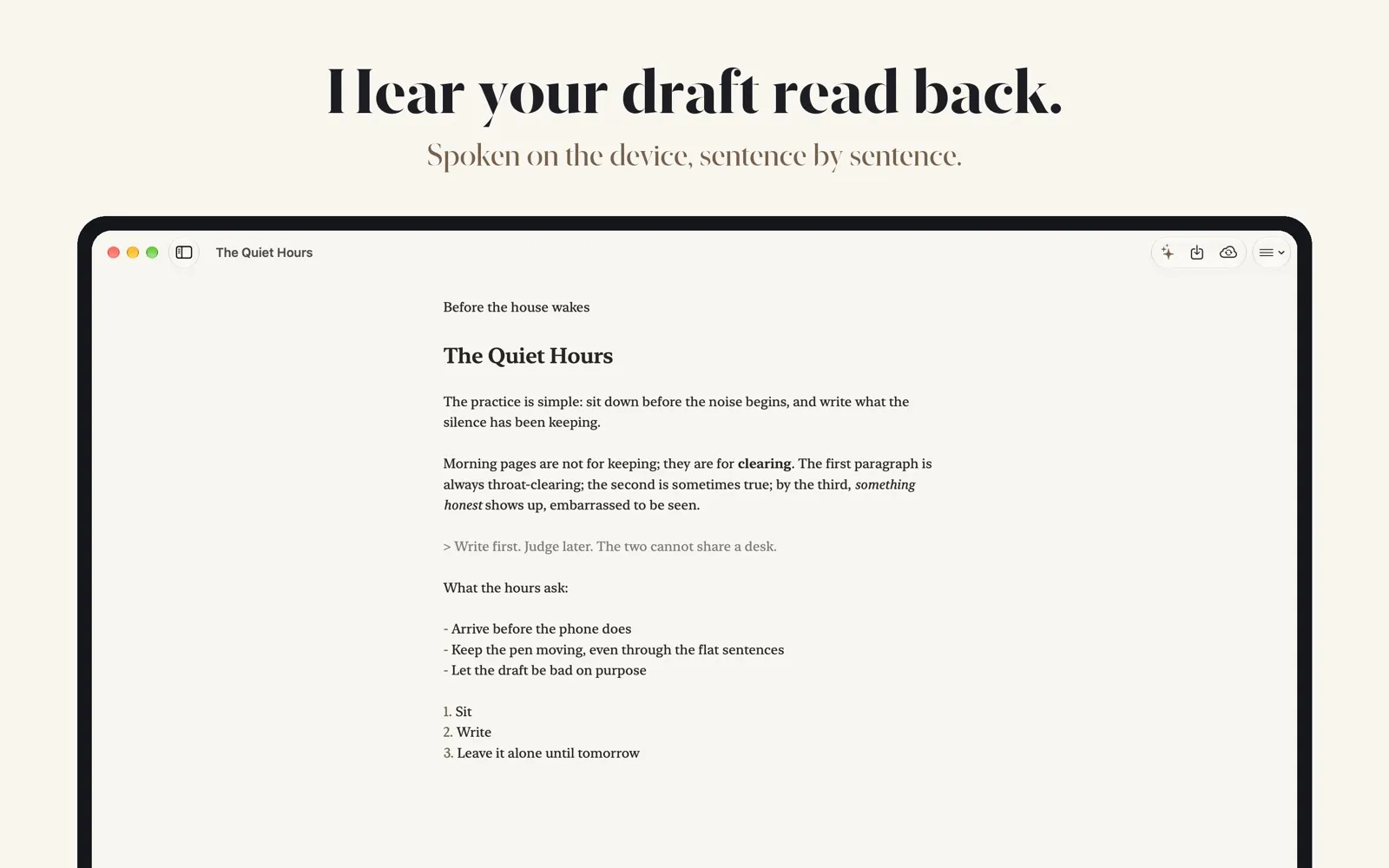
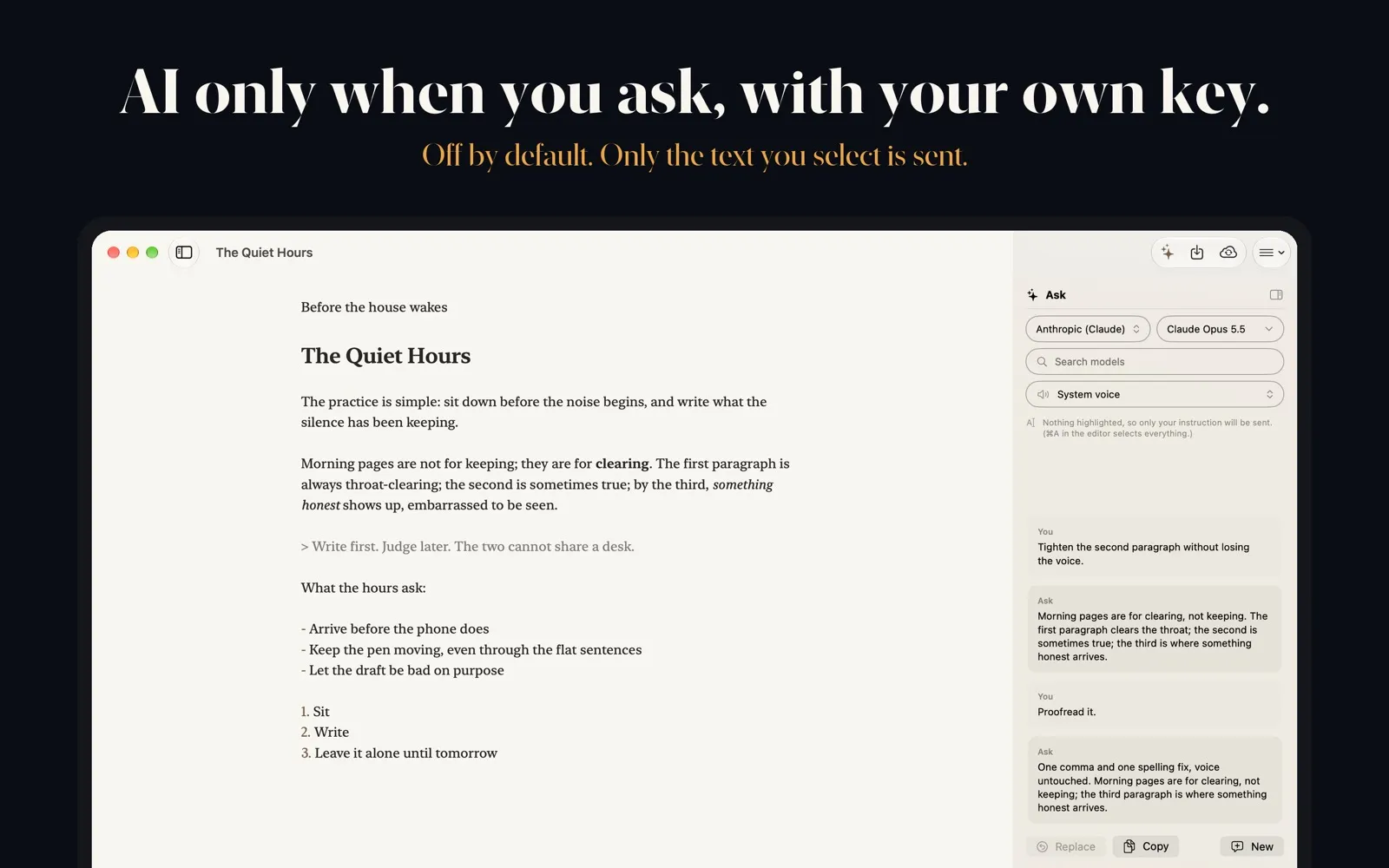
Cloister Ink is a markdown editor for long writing projects that keeps every document as a plain .md file, either in your own iCloud Drive or on the Mac only, with no account and no server of its own. One editor has three passes: Draft keeps spelling checks off, Terminal shows the raw markdown in a coloured dark console, and Revise turns checking back on, with light, dark and sepia themes, session word goals, memos attached to a file, real Finder tags and up to 30 draft snapshots per document. It imports Word, PDF, HTML, RTF and text files into an Inbox as markdown, and exports PDF, Word, RTF, HTML or Markdown with eight page designs. Dictation runs on the device, and Read Aloud uses the system voice unless you pick an AI voice. The optional Ask editor is off by default; it sends only the text you select to Claude, ChatGPT, Grok or an OpenAI-compatible endpoint under your own key, or uses Apple Intelligence on the device, and suggests revisions rather than writing for you. The App Store label lists user content linked to you for that feature, and the app has no analytics or telemetry. Mac App Store only (a Windows version is sold separately on the Microsoft Store); the Mac app needs macOS 14 or later, and after the trial your files stay readable and exportable while new writing waits for the purchase.
Install Cloister Ink
Download it from the links above, or install it from the Terminal:
mas install 6789028541 Mac App Store CLI: This works once your Apple Account has the app. The first time, get it from the Mac App Store.
Questions about Cloister Ink
How much does Cloister Ink cost?
Cloister Ink: Free download with a 7-day trial, then a one-time $59.99 in-app purchase that covers Mac, iPad and iPhone (Family Sharing on).
Where can I download Cloister Ink for Mac?
Download Cloister Ink from the Mac App Store and the developer's website (cloisterink.com). MacWorthy links only to official sources.
Can I install Cloister Ink from the Terminal?
Yes. With Mac App Store CLI, run mas install 6789028541. This works once your Apple Account has the app. The first time, get it from the Mac App Store.
Which macOS version does Cloister Ink need?
The Mac App Store version of Cloister Ink requires macOS 14.0 or later.
What are good alternatives to Cloister Ink?
Other writing & notes apps for Mac worth a look are iA Writer (one-time purchase), Ulysses (subscription), Bear (free + pro) and MarkEdit (open source).
Other writing & notes apps like Cloister Ink
iA Writer
Focused Markdown writing, nothing more.
Ulysses
A complete writing environment for long work.

Bear
Beautiful notes, linked and tagged.

MarkEdit
TextEdit, if it spoke Markdown.

NotePlan
Tasks, calendar and notes in plain Markdown.

Traverse
An outliner that keeps its work in OPML files.

Markdown Preview
Read .md files as formatted documents.
SideNotes
Notes, tasks and snippets in a panel that slides out from the edge of the screen.