NotePlan
Tasks, calendar and notes in plain Markdown.

About NotePlan
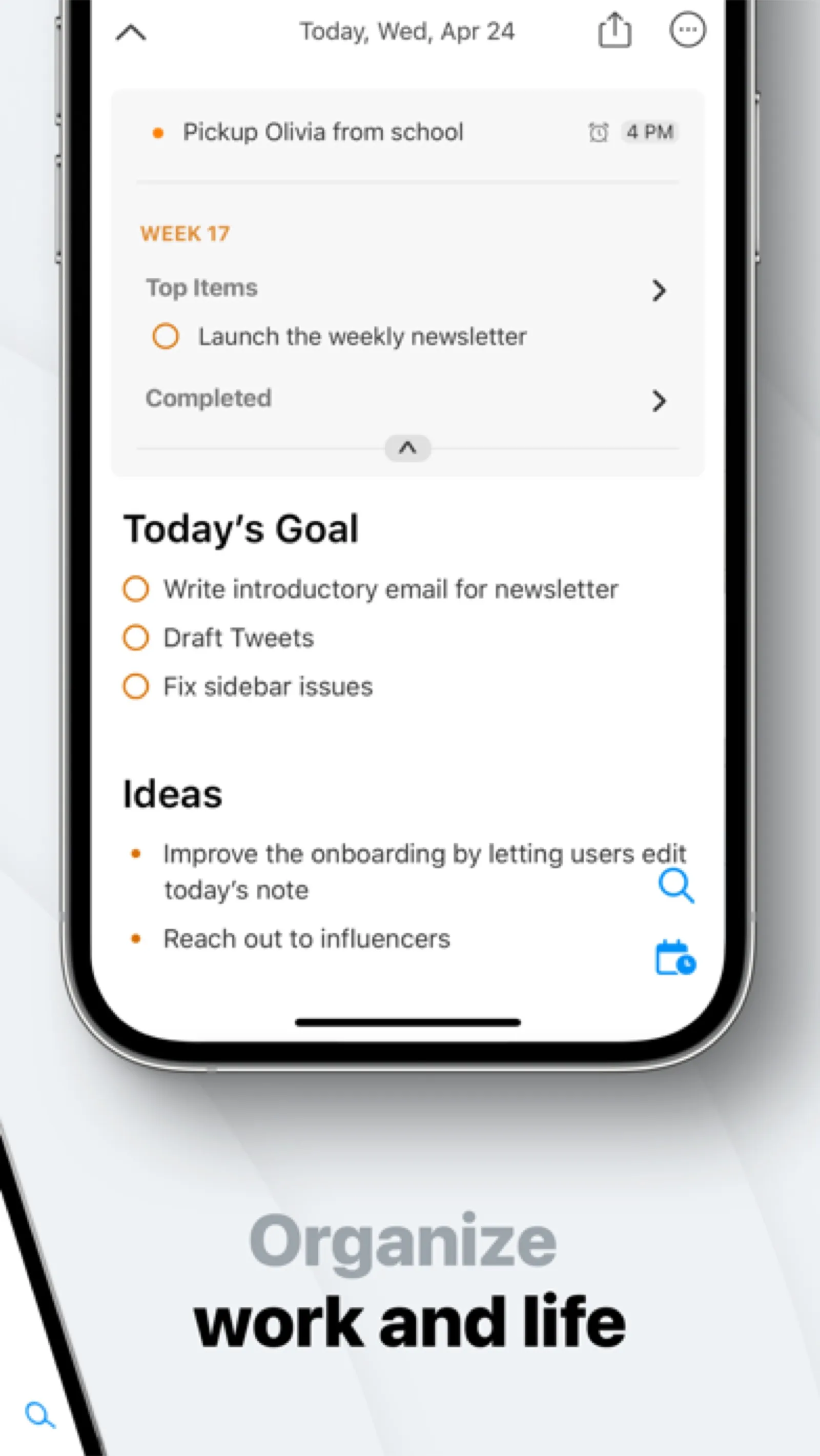
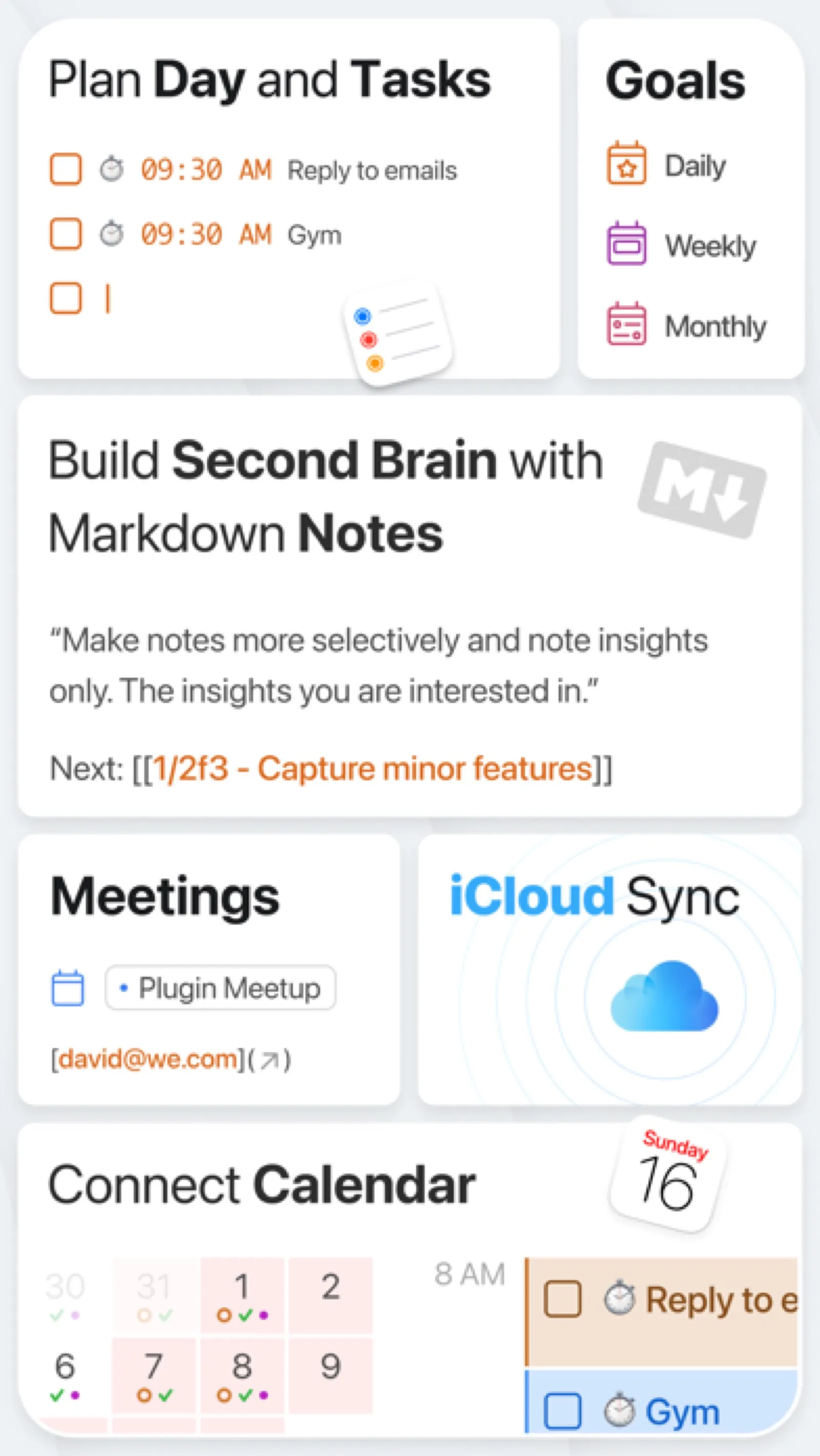
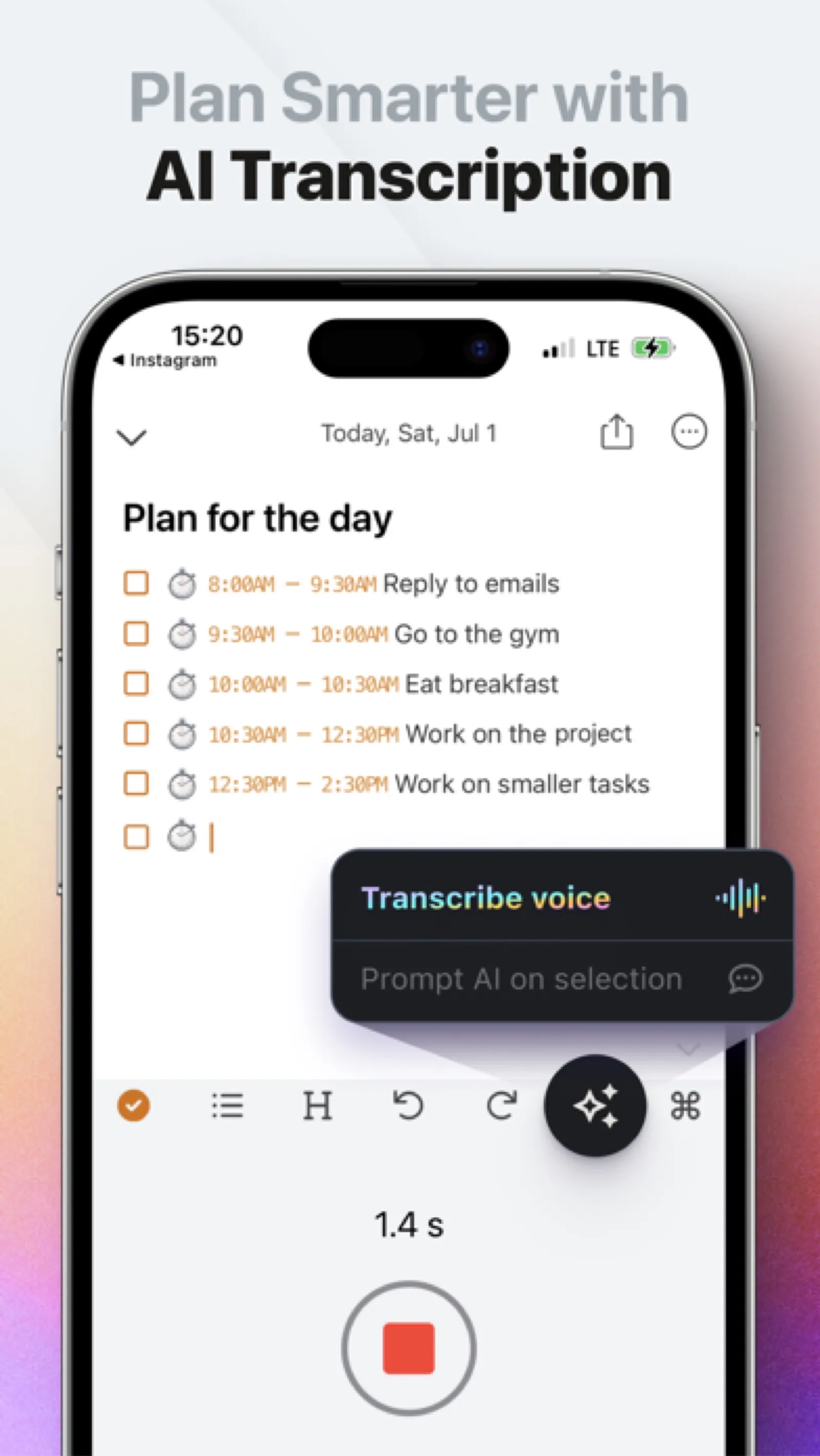
NotePlan treats your day as a Markdown file with tasks and time blocks, linked to project notes. Your data stays as plain text.
Install NotePlan
Download it from the links above, or install it from the Terminal:
mas install 1505432629 Questions about NotePlan
Is NotePlan free?
No. NotePlan is sold as a subscription; the Mac App Store download is free and the subscription is bought inside the app.
Where can I download NotePlan for Mac?
Download NotePlan from the Mac App Store and the developer's website (noteplan.co). MacWorthy links only to official sources.
Can I install NotePlan from the Terminal?
Yes. With Mac App Store CLI, run mas install 1505432629.
Which macOS version does NotePlan need?
The Mac App Store version of NotePlan requires macOS 15.0 or later.
What are good alternatives to NotePlan?
Other writing & notes apps for Mac worth a look are iA Writer (one-time purchase), Ulysses (subscription), Bear (free + pro) and MarkEdit (open source).
Other writing & notes apps like NotePlan
iA Writer
Focused Markdown writing, nothing more.

Ulysses
A complete writing environment for long work.

Bear
Beautiful notes, linked and tagged.

MarkEdit
TextEdit, if it spoke Markdown.
Cirrus
A Markdown note that pops up over whatever you are doing.

Tolaria
A knowledge base made of plain Markdown files and Git.
Inkstone
A WYSIWYG editor for the Markdown files already on your Mac.

Glance
A fast Markdown reader with a proper Quick Look.