
Serviced
One offline maintenance log for the house, cars, boats and gear.
About Serviced
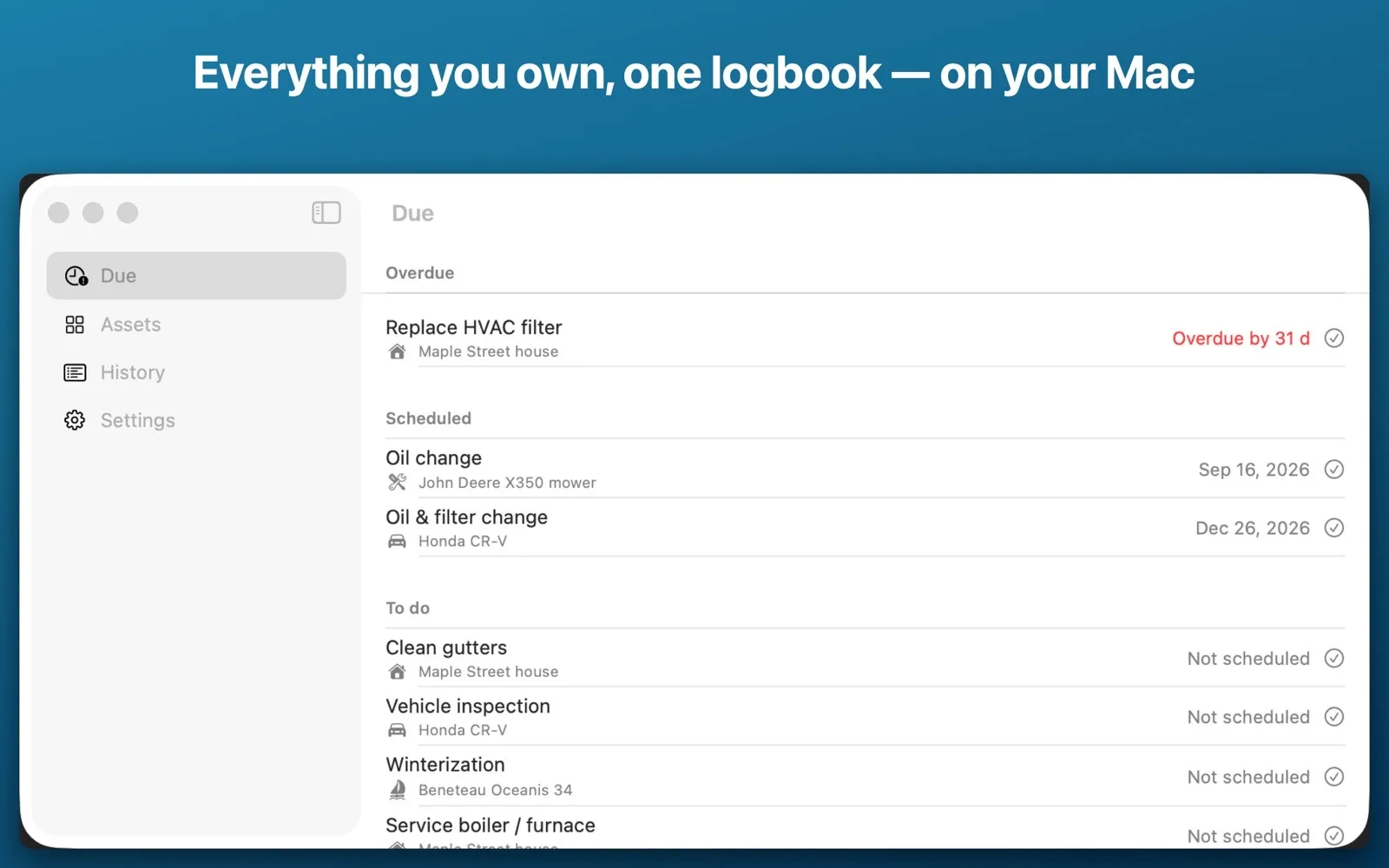
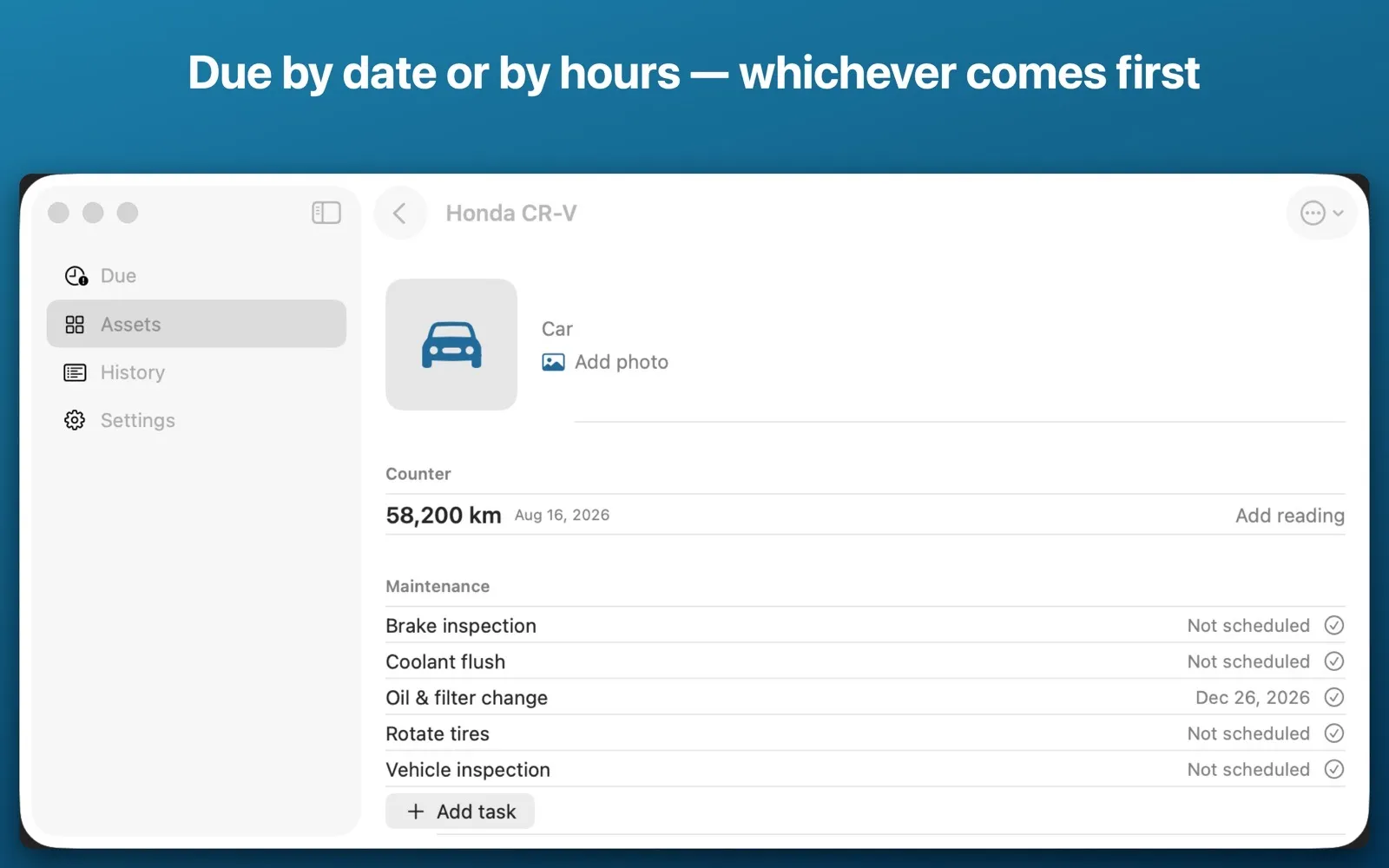
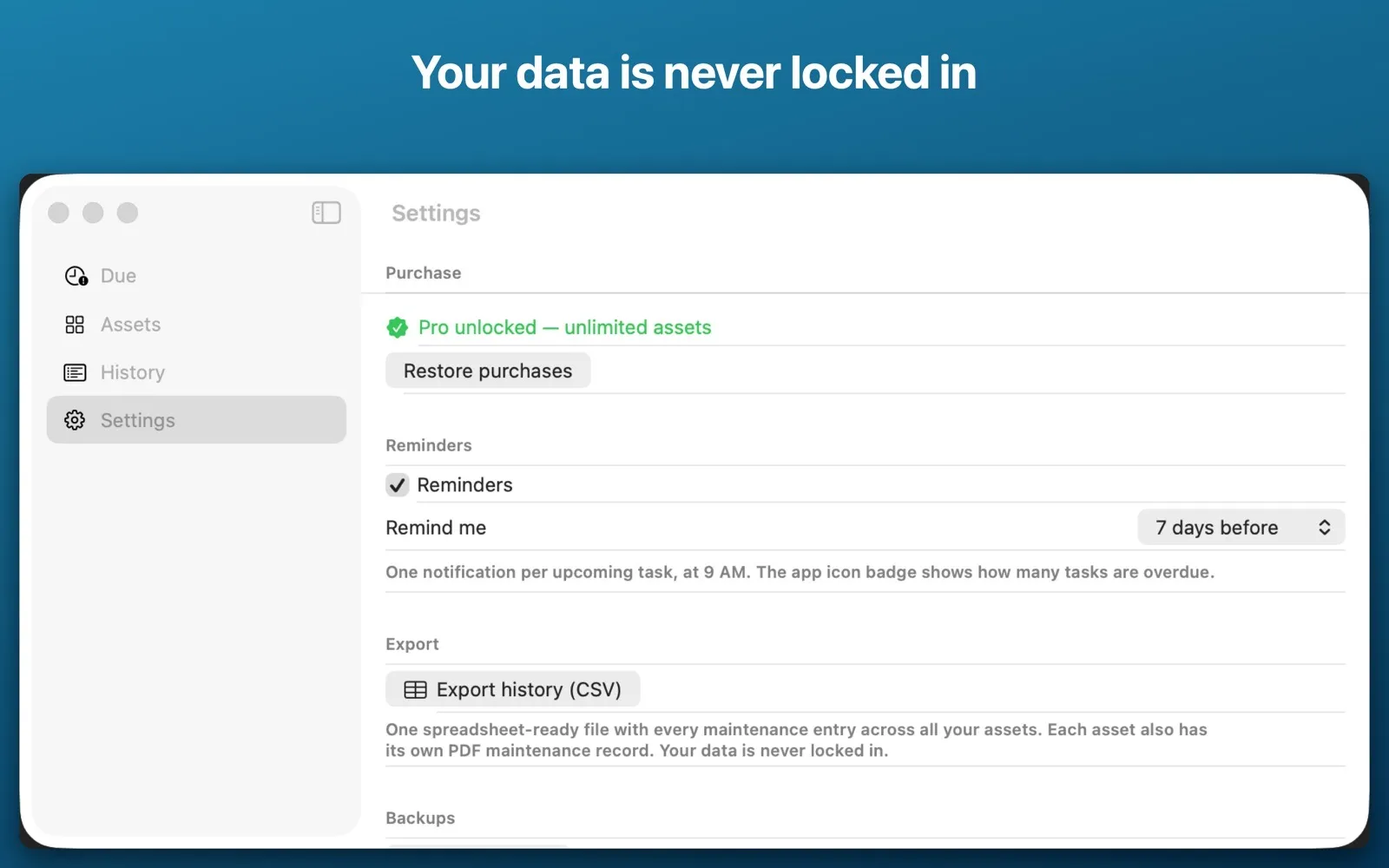
Serviced keeps one maintenance log for a home, cars, boats, machines and other gear, with tasks due by date or by a counter such as engine hours or miles, so something used every week and something that sits all winter each come due when they should. Each asset shows what is overdue or coming up, keeps its full service history and totals, and sends local reminders. The record exports as CSV or a PDF maintenance record, for example to show a buyer. Data stays on the device with a daily JSON backup and a 30-day trash; there is no account or server, and the App Store label says Data Not Collected. The free version covers three active assets with every feature, and a one-time $14.99 Pro purchase removes the limit on Mac, iPhone and iPad. Mac App Store only; requires macOS 15 or later.
Install Serviced
Download it from the links above, or install it from the Terminal:
mas install 6801830611 Mac App Store CLI: This works once your Apple Account has the app. The first time, get it from the Mac App Store.
Questions about Serviced
Is Serviced free?
Serviced is free to download and use, with paid upgrades for extra features. Price: Free for 3 active assets; Pro $14.99 one-time in-app purchase (Mac, iPhone and iPad).
Where can I download Serviced for Mac?
Download Serviced from the Mac App Store and the developer's website (appsthere.com). MacWorthy links only to official sources.
Can I install Serviced from the Terminal?
Yes. With Mac App Store CLI, run mas install 6801830611. This works once your Apple Account has the app. The first time, get it from the Mac App Store.
Which macOS version does Serviced need?
The Mac App Store version of Serviced requires macOS 15.0 or later.
What are good alternatives to Serviced?
Other utilities apps for Mac worth a look are BuildWire Calc (free), QuickRight (free), Mac Ninja (one-time purchase) and Locseek (free + pro).
Other utilities apps like Serviced

BuildWire Calc
Offline electrical and building calculators that show their working.

QuickRight
Adds new-file, copy-path, terminal and file tools to the Finder right-click menu.

Mac Ninja
Unloads idle browser tabs and slows background CPU hogs, without closing anything.

Locseek
Everything-style file-name search for the Mac, with results as you type.

Yado
Clean up, back up and organize an iPhone from your Mac.

Bartender 6
Organize and hide menu bar icons.

Ice
A powerful, free menu bar manager.

iStat Menus
Your Mac's vital signs, in the menu bar.