RevelRaw
A RAW photo editor that ranks film-style looks for each frame and syncs edits across a shoot.
About RevelRaw
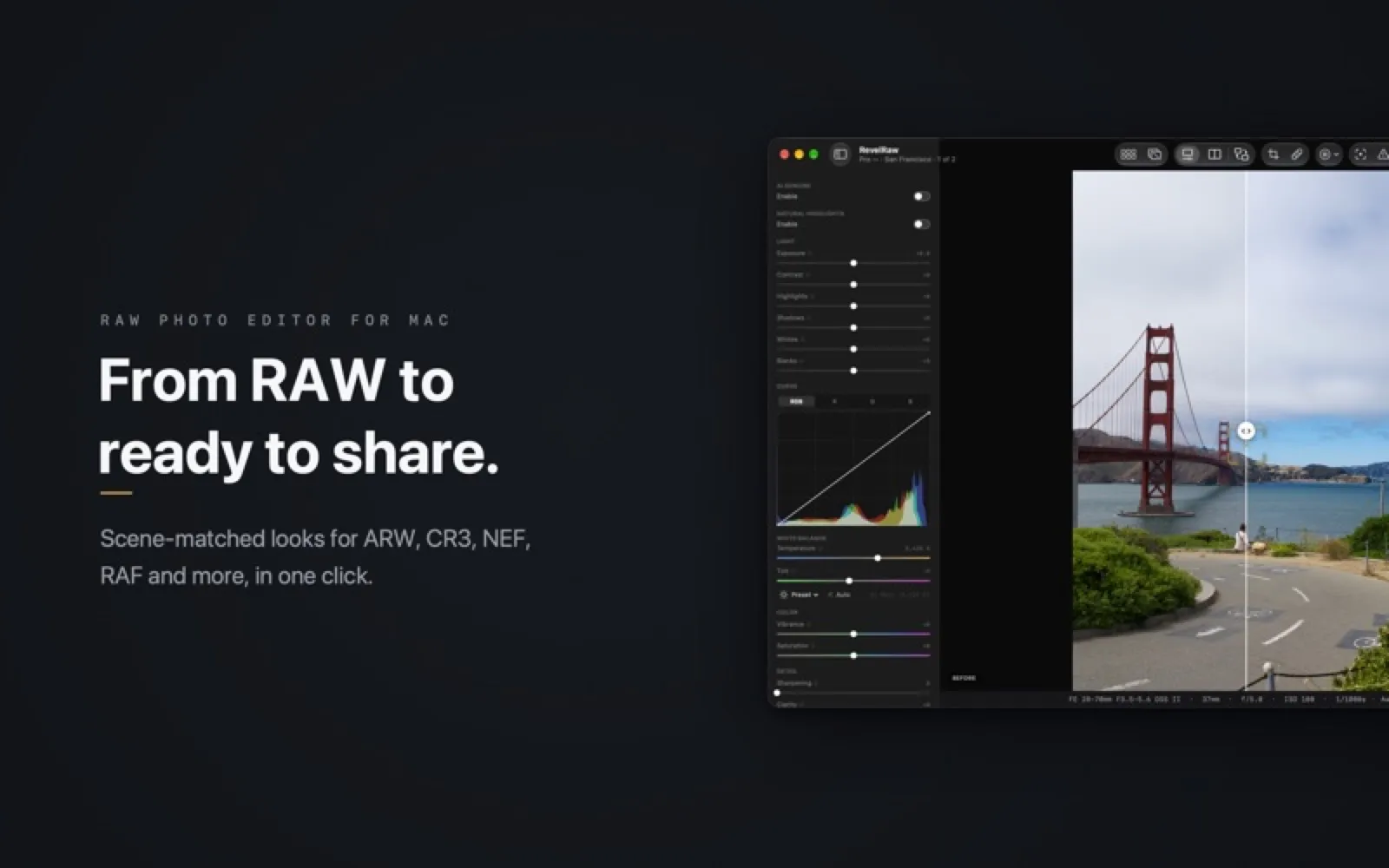
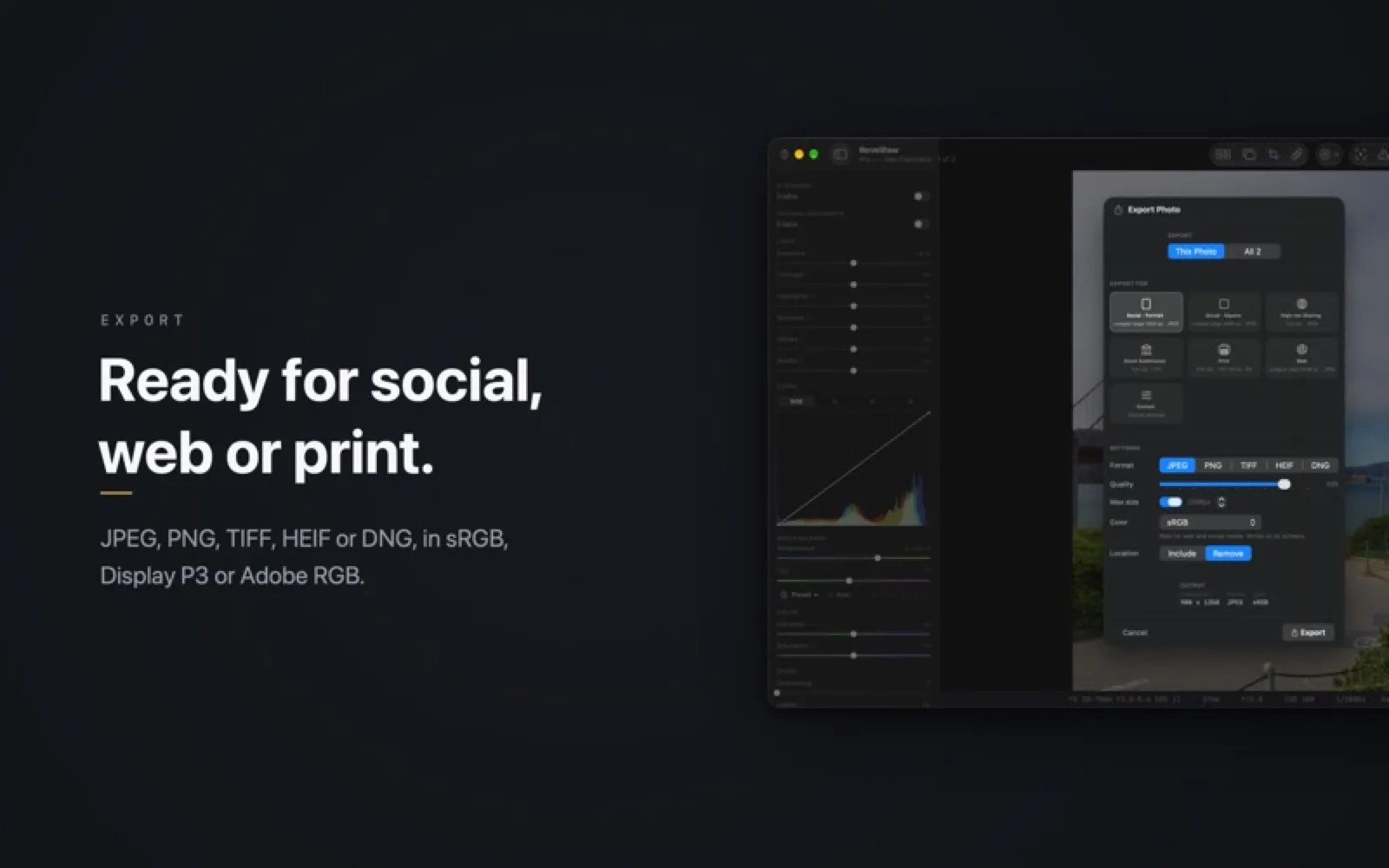
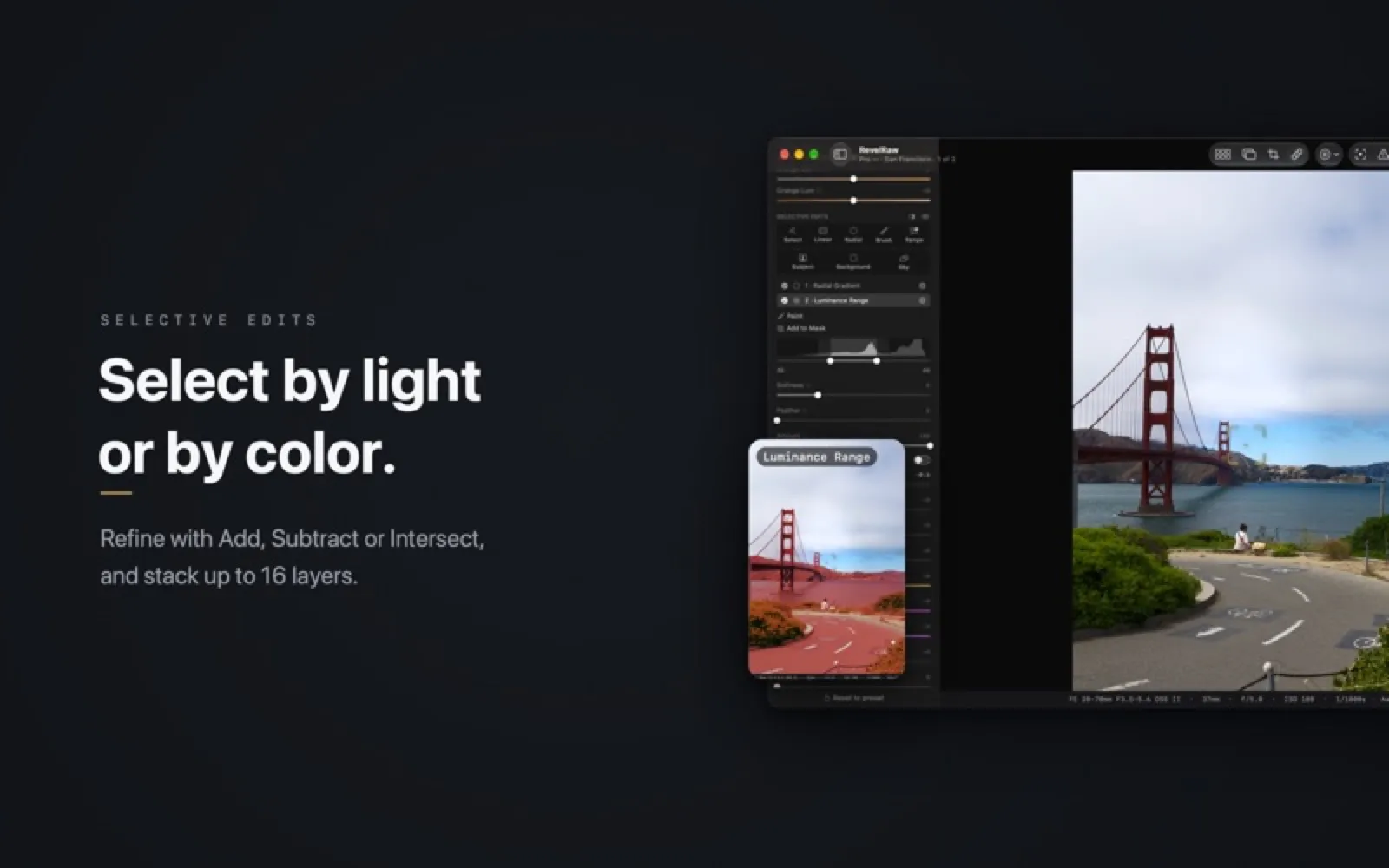
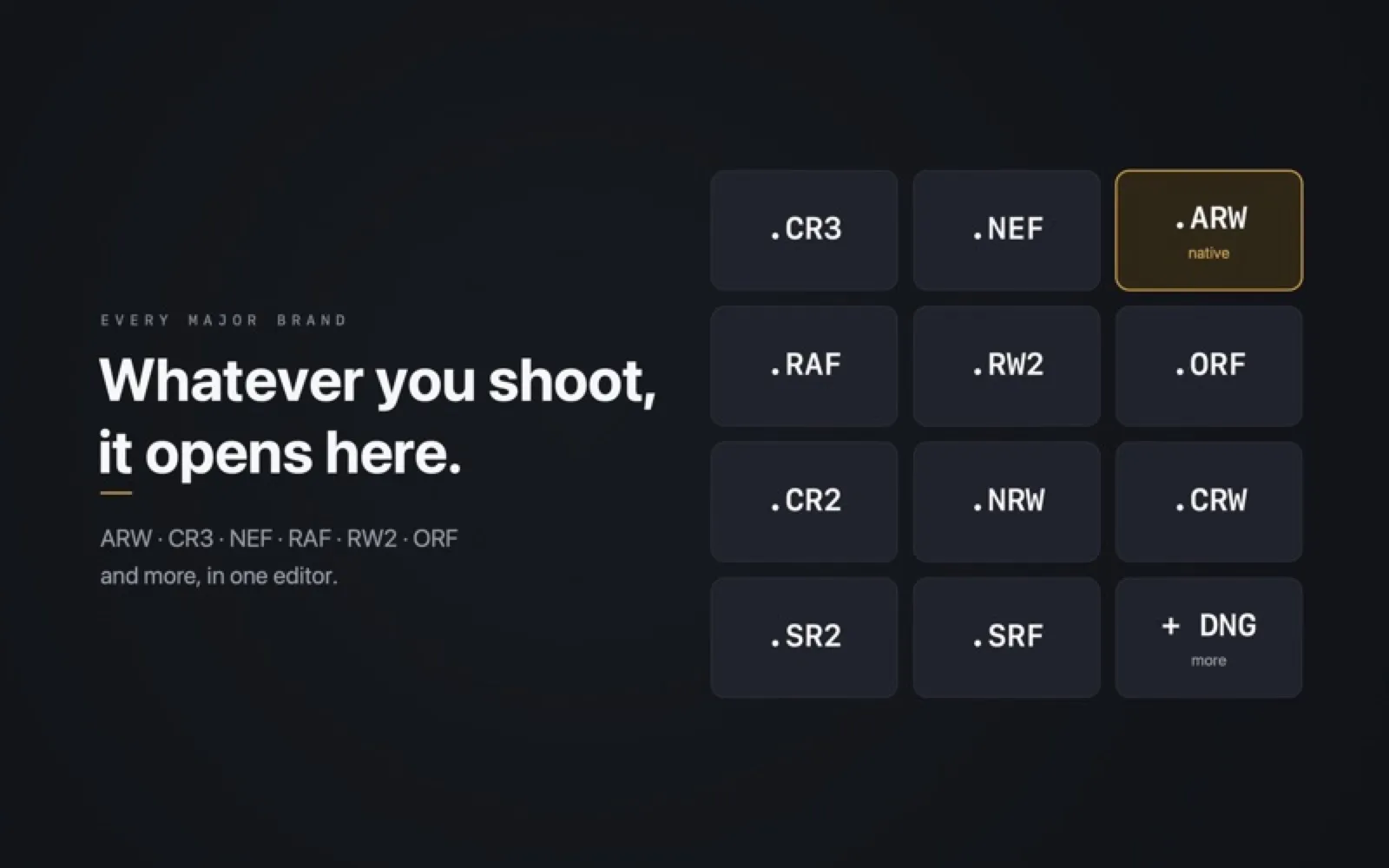
RevelRaw opens RAW files from Canon, Nikon, Sony, Fujifilm, Panasonic, OM System and iPhone ProRAW, 24 formats in all, and suggests looks from 50+ presets ranked by on-device scene detection, including film looks, before you fine-tune exposure, white balance, eight-band HSL, curves, Dehaze, grain and sharpening. Masks cover gradients, a brush, colour and luminance ranges and one-click subject or background selection, with sky selection and tap-to-select on macOS 27 after a one-time model download; it also has AI denoise, lens corrections, straightening, dust-spot healing, and flags and star ratings that it writes to XMP sidecars. Settings can be synced across a whole shoot, and Lightroom .xmp presets, .cube LUTs and supported Lightroom edits can be imported. Every editing tool is free and one full-quality export is included; Pro adds unlimited and batch export. Photos are processed on the Mac with no account, and the App Store label says Data Not Collected. Sold through the Mac App Store; requires macOS 26 or later on an Apple silicon Mac.
Install RevelRaw
Download it from the links above, or install it from the Terminal:
mas install 6773942240 Mac App Store CLI: This works once your Apple Account has the app. The first time, get it from the Mac App Store.
Questions about RevelRaw
Is RevelRaw free?
RevelRaw is free to download and use, with paid upgrades for extra features. Price: Free editing with one full-quality export; Pro (unlimited and batch export) is $3.99 a month, $24.99 a year or $94.99 once, in-app.
Where can I download RevelRaw for Mac?
Download RevelRaw from the Mac App Store and the developer's website (revelraw.com). MacWorthy links only to official sources.
Can I install RevelRaw from the Terminal?
Yes. With Mac App Store CLI, run mas install 6773942240. This works once your Apple Account has the app. The first time, get it from the Mac App Store.
Which macOS version does RevelRaw need?
The Mac App Store version of RevelRaw requires macOS 26.0 or later.
What are good alternatives to RevelRaw?
Other design & photo apps for Mac worth a look are bitLight (one-time purchase), masoc (free + pro), Pixelmator Pro (one-time purchase) and PixRoom (free + pro).
Other design & photo apps like RevelRaw

bitLight
A one-time-purchase RAW editor for culling and developing shoots on Apple silicon.
masoc
A RAW photo and Log video editor with on-device masks, film looks and Lightroom preset import.
Pixelmator Pro
A pro image editor, built entirely for the Mac.
PixRoom
Local photo and video library manager with on-device AI search.
Flipic Lens
A fast photo viewer and culling tool that works straight from your folders.
Affinity
Pro vector, pixel and layout tools in one app.
Sketch
The native interface design tool.
Acorn
The image editor for humans.