
PDF Diet
Shrinks PDFs on your Mac and shows the pages side by side before you save.
About PDF Diet
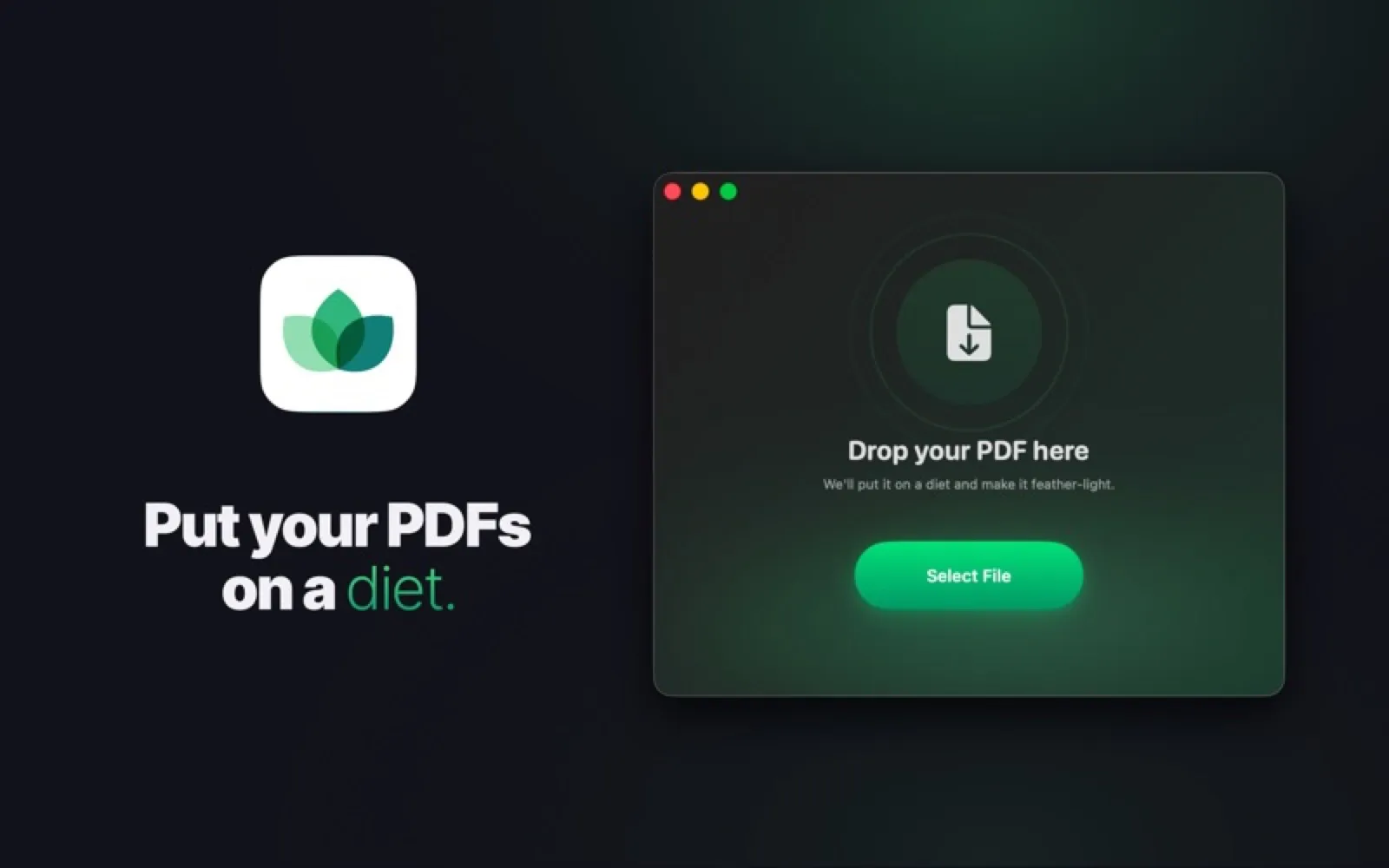
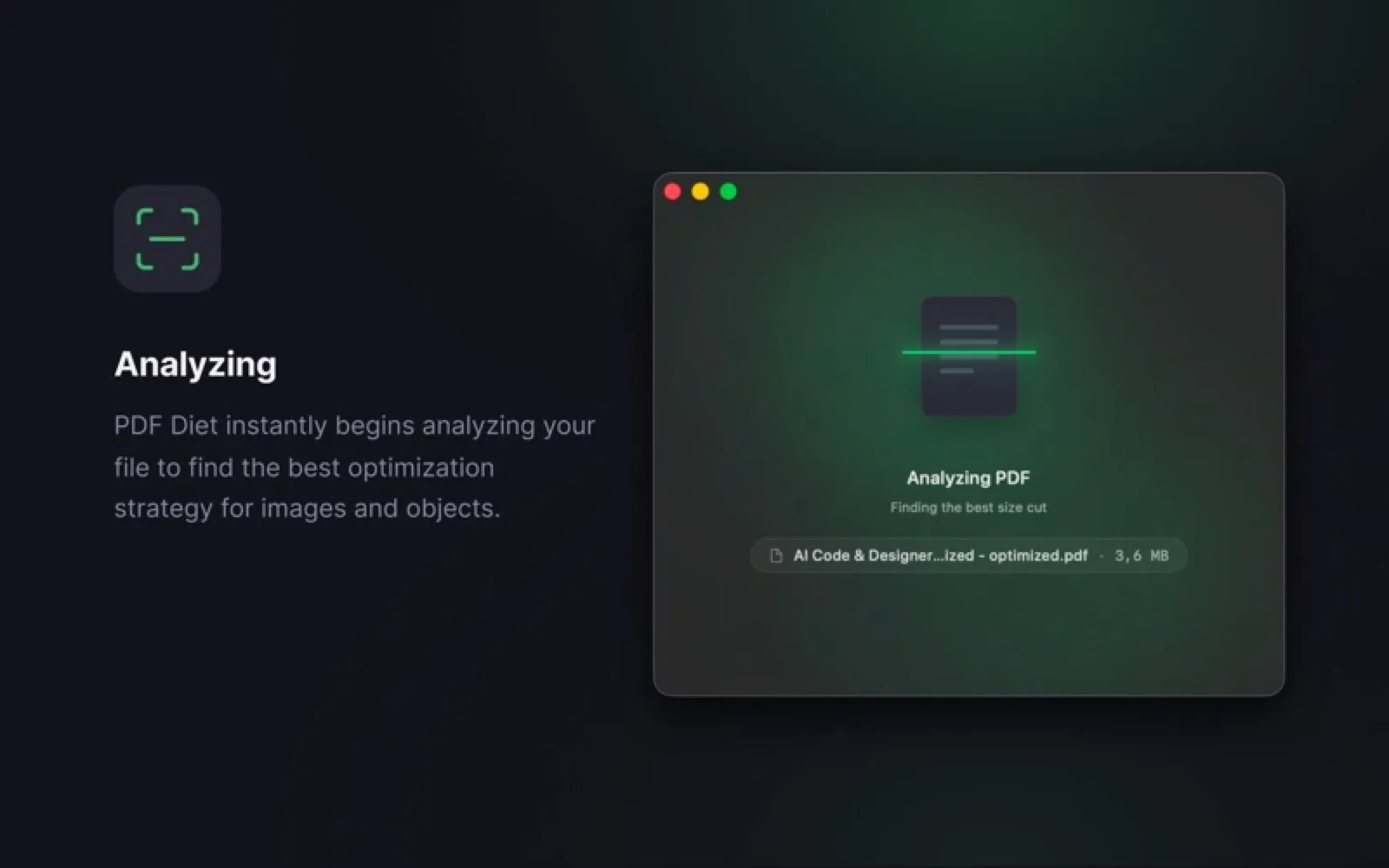
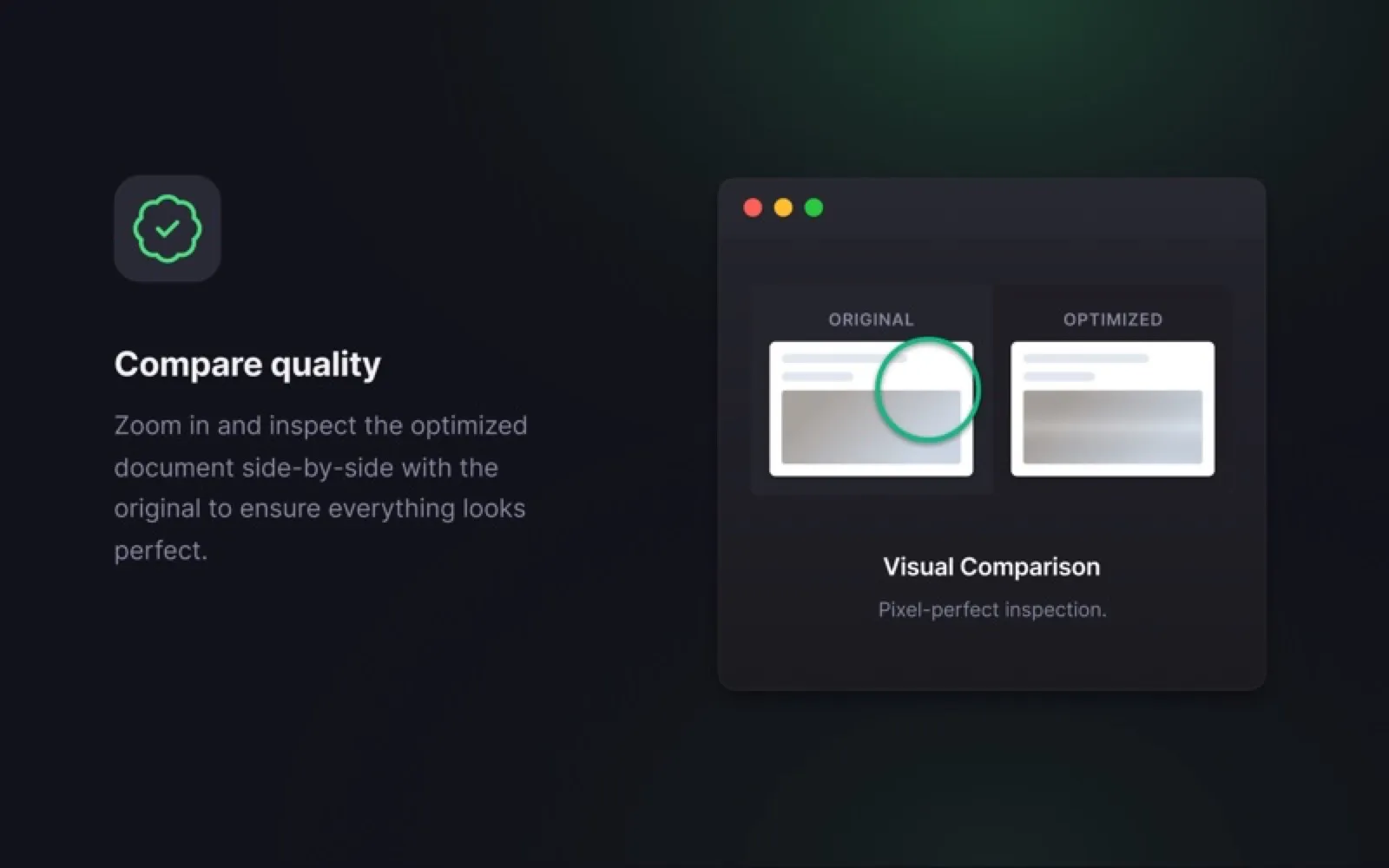
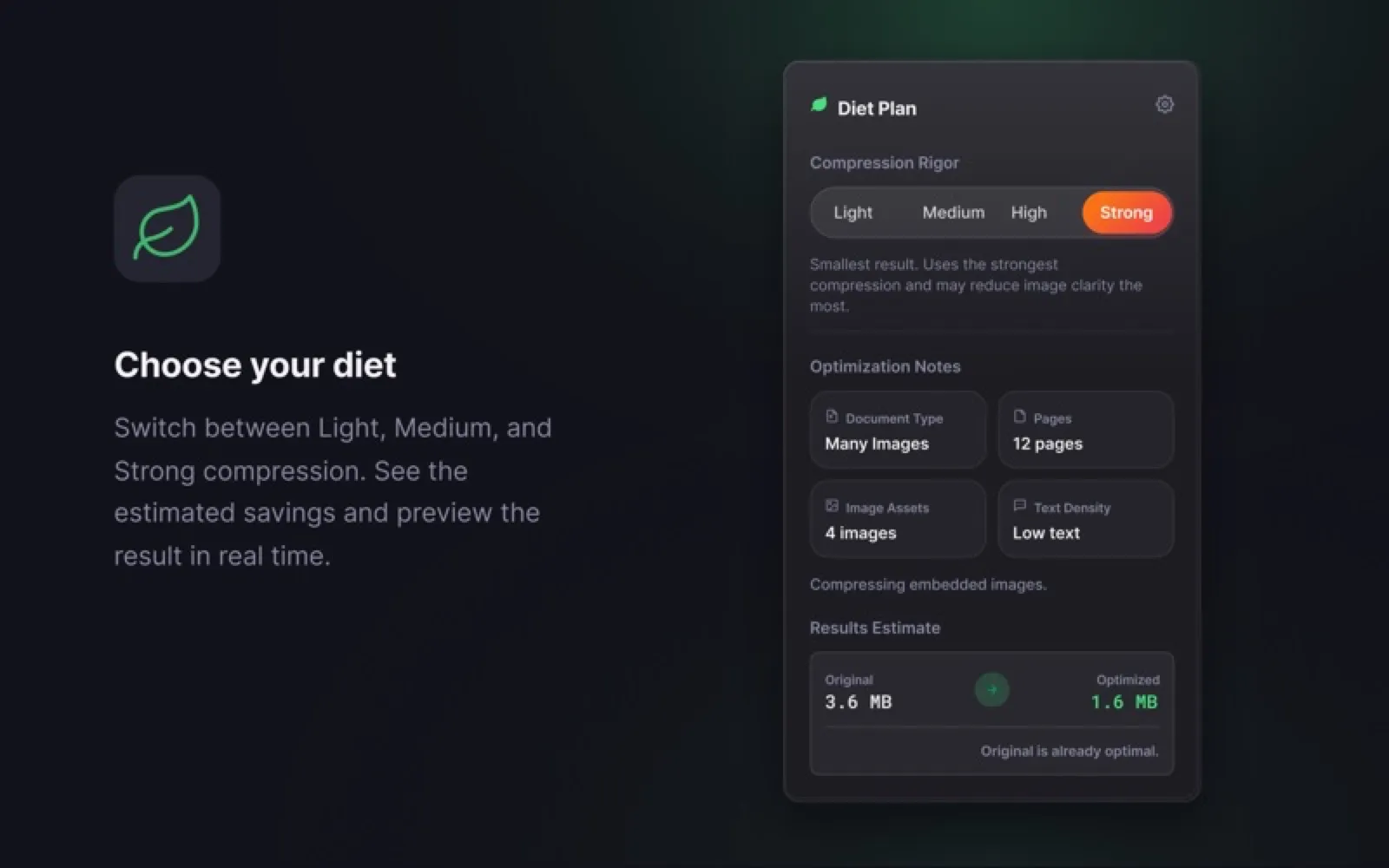
PDF Diet compresses one PDF or a whole batch on the Mac with Light, Medium, High or Strong presets, checking each page first so scans and photos are recompressed while vector-only pages keep their lines and text, and it estimates the resulting size. A side-by-side preview keeps scrolling and zoom in sync between the original and the compressed copy. Cleanup options strip hidden metadata, remove annotations or flatten form fields before it saves a separate copy, leaving the original untouched. It works offline with no account; the privacy policy says it makes no network connections, and the App Store privacy label says no data is collected. US$2.99 once, with no trial; the iPhone and iPad version, PDF Diet Mobile, is a separate app. Mac App Store only; requires macOS 15 or later.
Install PDF Diet
Download it from the links above, or install it from the Terminal:
mas install 6762083114 Mac App Store CLI: This works once your Apple Account has the app. The first time, get it from the Mac App Store.
Questions about PDF Diet
How much does PDF Diet cost?
PDF Diet: $2.99 one-time on the Mac App Store.
Where can I download PDF Diet for Mac?
Download PDF Diet from the Mac App Store and the developer's website (pdfdiet.artsvit.com). MacWorthy links only to official sources.
Can I install PDF Diet from the Terminal?
Yes. With Mac App Store CLI, run mas install 6762083114. This works once your Apple Account has the app. The first time, get it from the Mac App Store.
Which macOS version does PDF Diet need?
The Mac App Store version of PDF Diet requires macOS 15.0 or later.
What are good alternatives to PDF Diet?
Other writing & notes apps for Mac worth a look are PDF Expert (subscription), Highlights (free + pro), iA Writer (one-time purchase) and Sideleaf (one-time purchase).
Other writing & notes apps like PDF Diet
PDF Expert
Read, annotate and edit PDFs without a fight.

Highlights
Turn PDF highlights into notes.
iA Writer
Focused Markdown writing, nothing more.
Sideleaf
Sticky notes tucked into the screen's edge, peeked at with a hover.
NotchPad
Linked notes, clipboard history and window stickies, a hover away in the notch.

Ulysses
A complete writing environment for long work.

Bear
Beautiful notes, linked and tagged.

Drafts
Where text starts, before it knows where it goes.