Pastebot
Clipboard history with filters and saved pastebins.
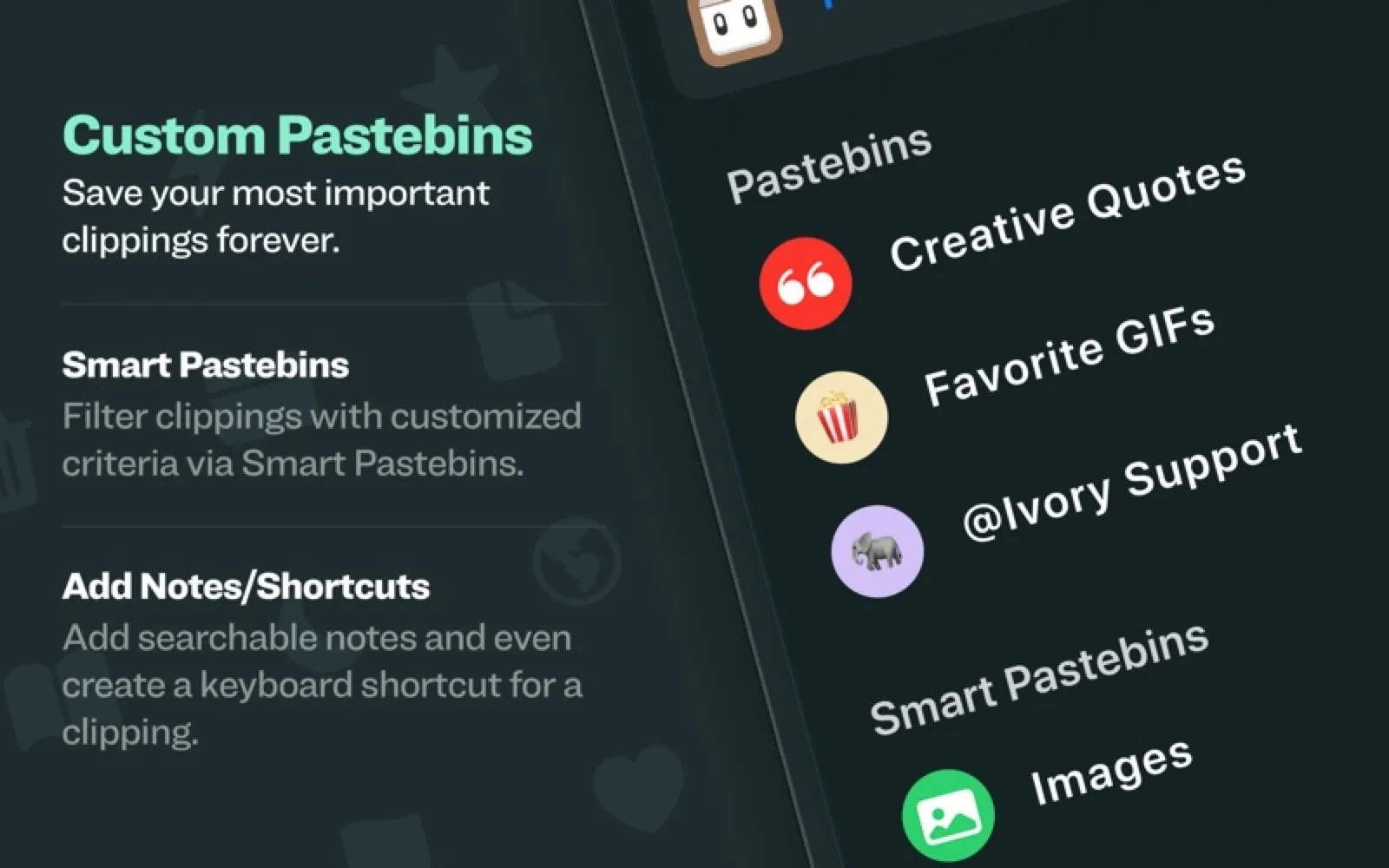
About Pastebot
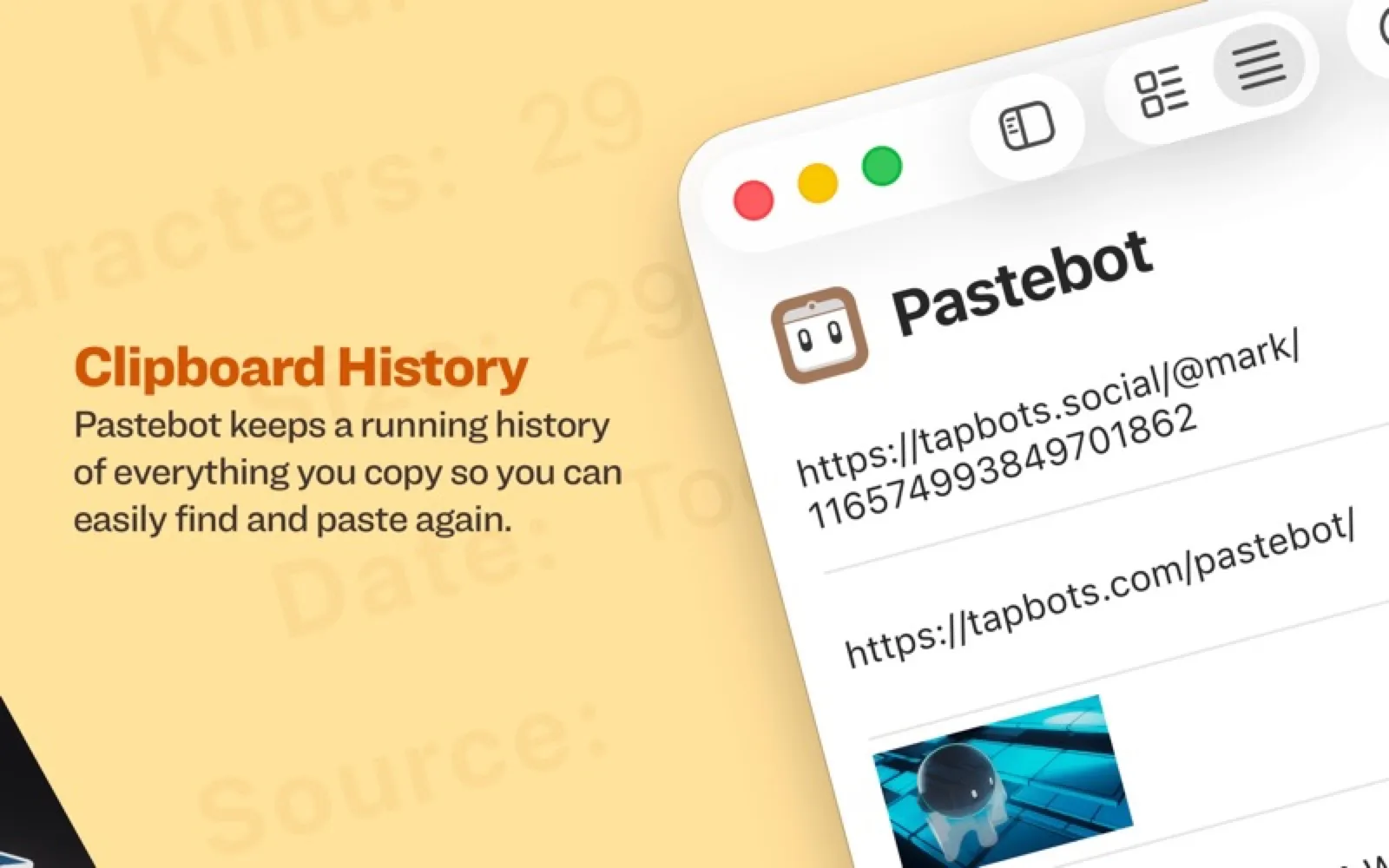
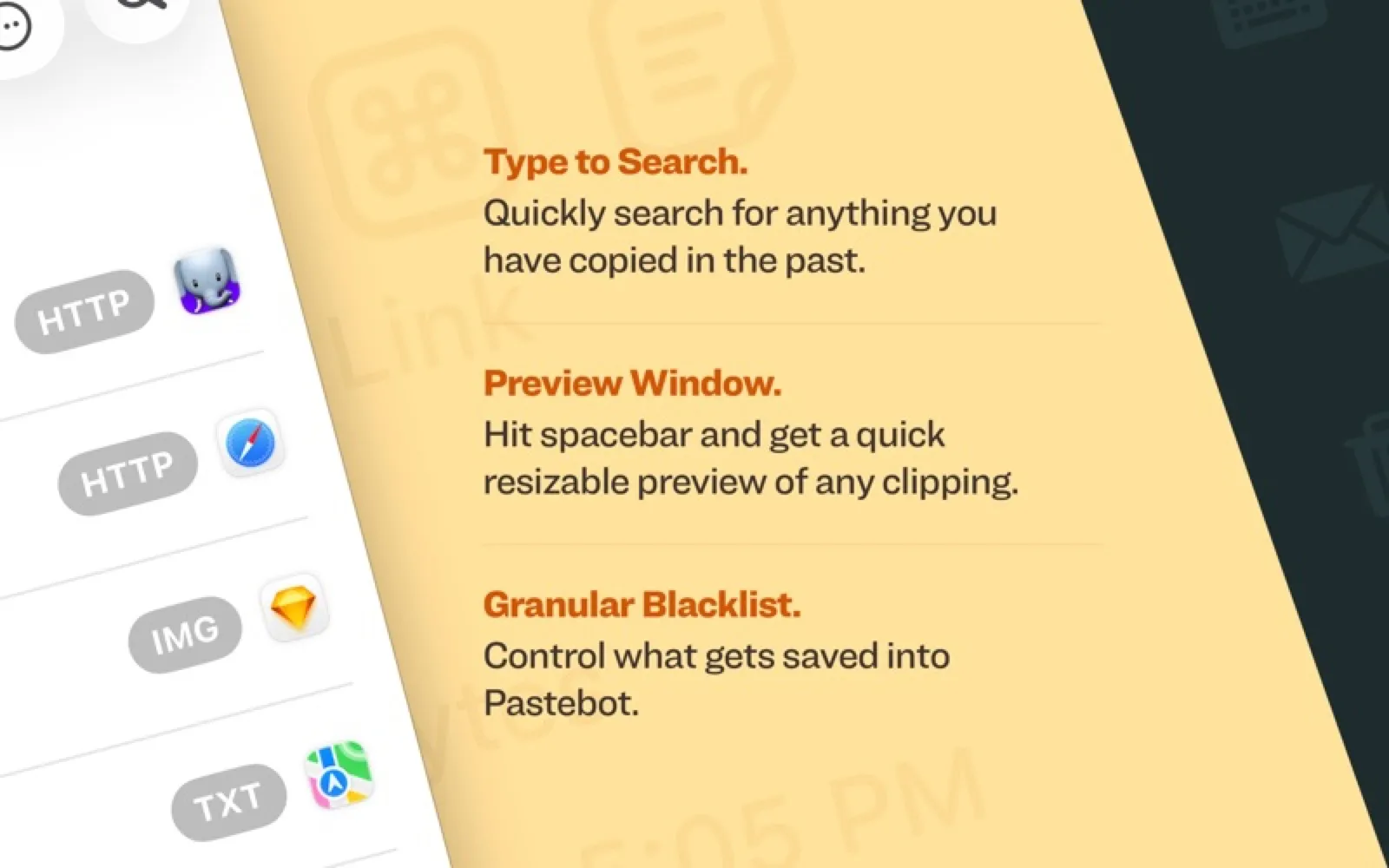
Pastebot keeps a searchable history of what you copy, stores reusable clippings in custom and rule-based pastebins, and runs stackable text filters before pasting. A stack pastes clippings in sequence, and iCloud keeps several Macs in step.
Install Pastebot
Download it from the links above, or install it from the Terminal:
brew install --cask pastebot mas install 6761201231 Questions about Pastebot
How much does Pastebot cost?
Pastebot is paid software, bought up front from tapbots.com.
Where can I download Pastebot for Mac?
Download Pastebot from the Mac App Store and the developer's website (tapbots.com). MacWorthy links only to official sources.
Can I install Pastebot from the Terminal?
Yes. With Homebrew, run brew install --cask pastebot. With Mac App Store CLI, run mas install 6761201231.
Which macOS version does Pastebot need?
The Mac App Store version of Pastebot requires macOS 26.2 or later.
What are good alternatives to Pastebot?
Other productivity apps for Mac worth a look are Paste (subscription), Maccy (open source), Copse (one-time purchase) and Klipto (free + pro).
Other productivity apps like Pastebot

Paste
Clipboard history you can actually browse.

Maccy
A tiny, keyboard-first clipboard manager.

Copse
A small, searchable clipboard history.

Klipto
A private clipboard manager with ordered pasting.

Tinycast
A small open-source launcher that stays light.

SuperCmd
A Swift launcher with AI, dictation and screenshots built in.

Deck
A clipboard history that stays on your Mac.

Just Copy
Clipboard history that drops from the notch.