Klip
An offline clipboard history that never asks for Accessibility.
About Klip
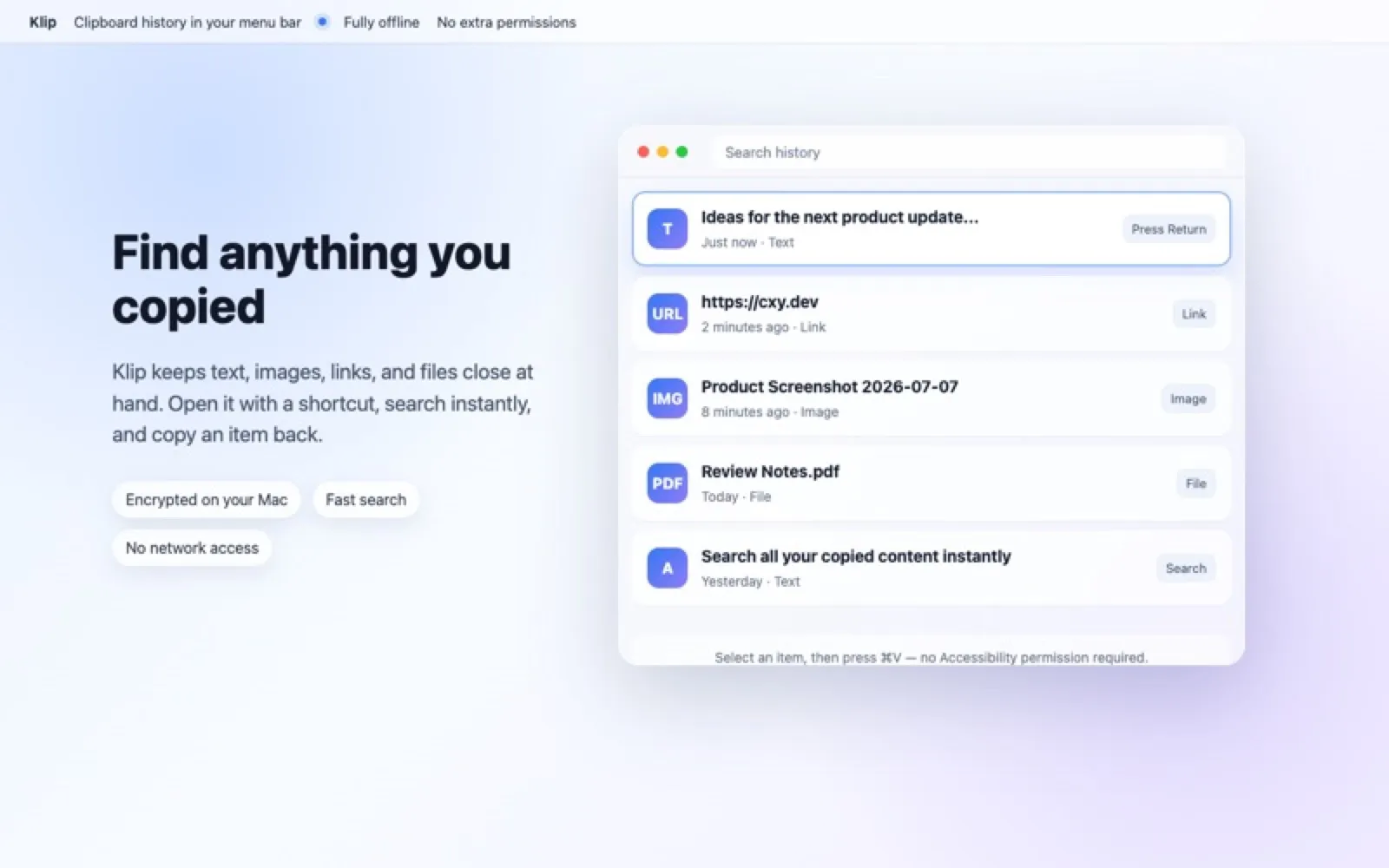
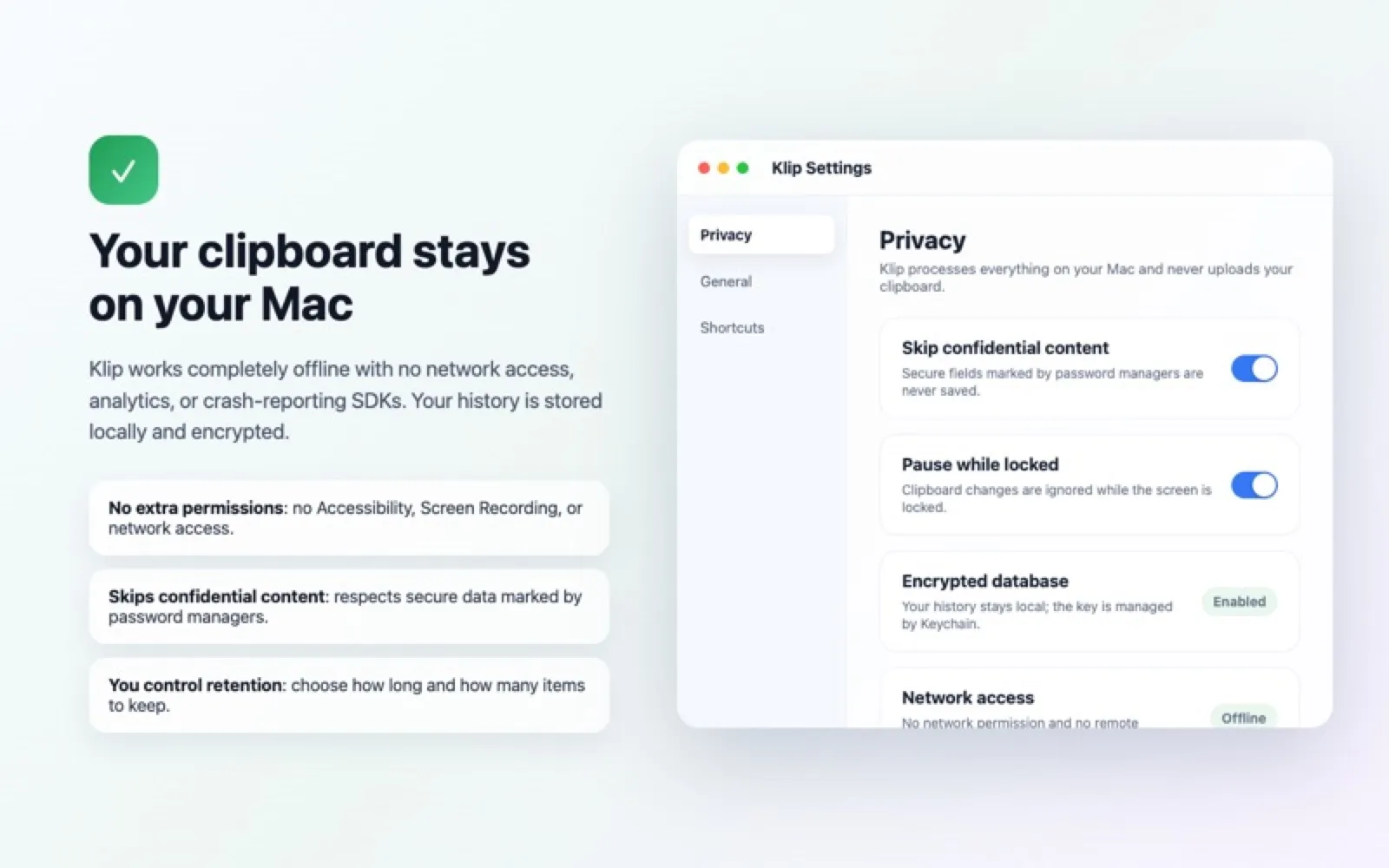
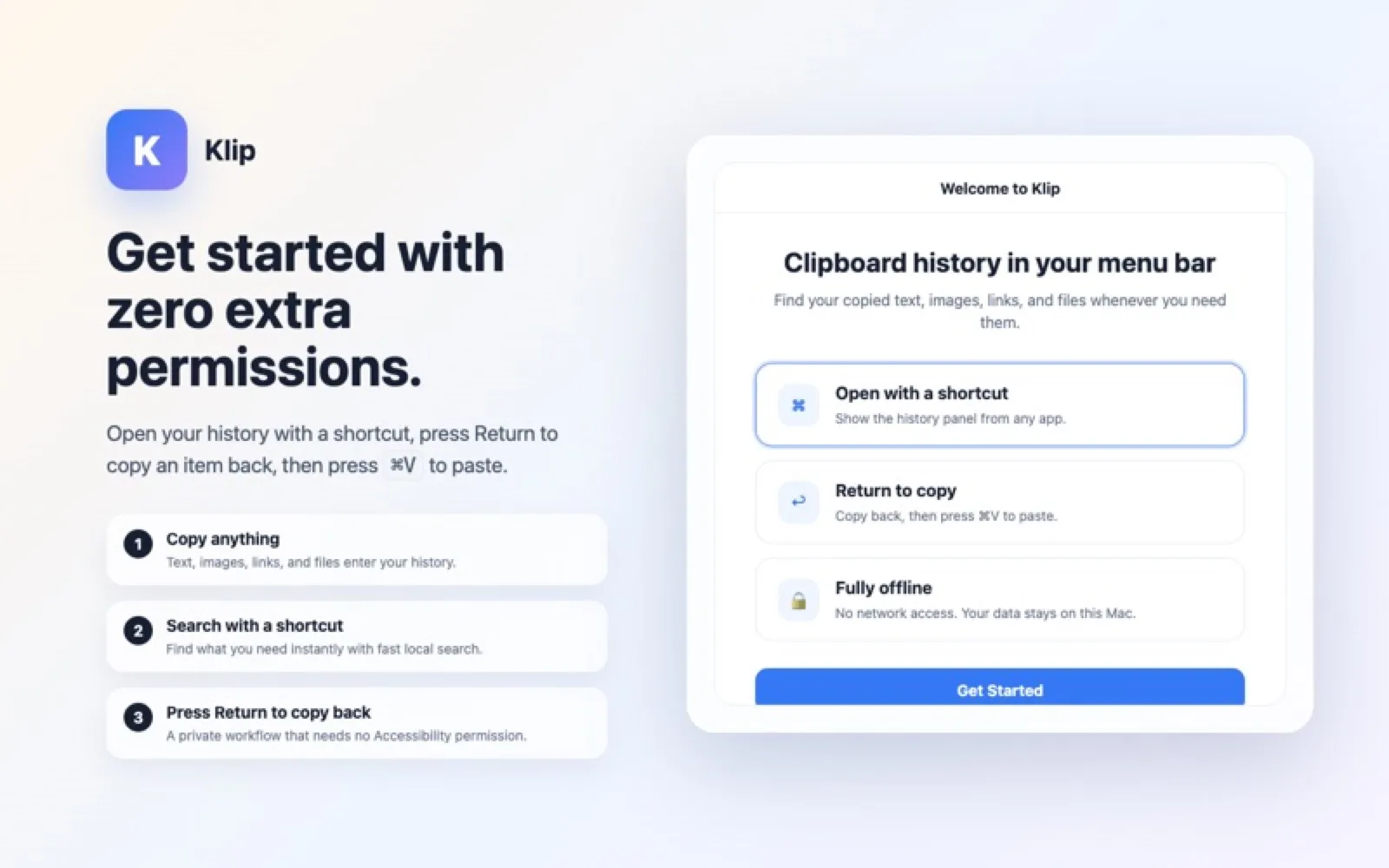
Klip keeps the text, images, links and files you copy in a searchable history that opens from the menu bar or a shortcut, with type filters, pins and merged duplicates. Return copies an item back to the clipboard and you paste it with ⌘V yourself, so it needs no Accessibility access. History is kept in an encrypted database with its key in the Keychain, items that password managers mark as confidential are skipped, and apps can be excluded. It is sandboxed with no network access, no account and no analytics. Needs macOS 14 or later.
Install Klip
Download it from the links above, or install it from the Terminal:
mas install 6788219271 Mac App Store CLI: This works once your Apple Account has the app. The first time, get it from the Mac App Store.
Questions about Klip
Is Klip free?
Klip is free to download and use, with paid upgrades for extra features. Price: Free for 50 history items and 3 pins; Klip Pro is $3.99 once (Mac App Store).
Where can I download Klip for Mac?
Download Klip from the Mac App Store and the developer's website (apps.apple.com). MacWorthy links only to official sources.
Can I install Klip from the Terminal?
Yes. With Mac App Store CLI, run mas install 6788219271. This works once your Apple Account has the app. The first time, get it from the Mac App Store.
Which macOS version does Klip need?
The Mac App Store version of Klip requires macOS 14.0 or later.
What are good alternatives to Klip?
Other productivity apps for Mac worth a look are Maccy (open source), Minimal Paste (one-time purchase), Reel (one-time purchase) and CleanClip (free + pro).
Other productivity apps like Klip

Maccy
A tiny, keyboard-first clipboard manager.
Minimal Paste
A clipboard shelf with no account and no cloud.

Reel
A clipboard shelf that slides up from the bottom of the screen.
CleanClip
Clipboard history with smart lists and a paste stack.
Fantastical
A calendar that understands plain sentences.
Cardhop
Contacts, rebuilt around a single search field.

Dato
The menu bar clock macOS should have had.

Paste
Clipboard history you can actually browse.