Key Press Counter
Counts how many keys you press each hour, under a sky that follows the clock.
About Key Press Counter
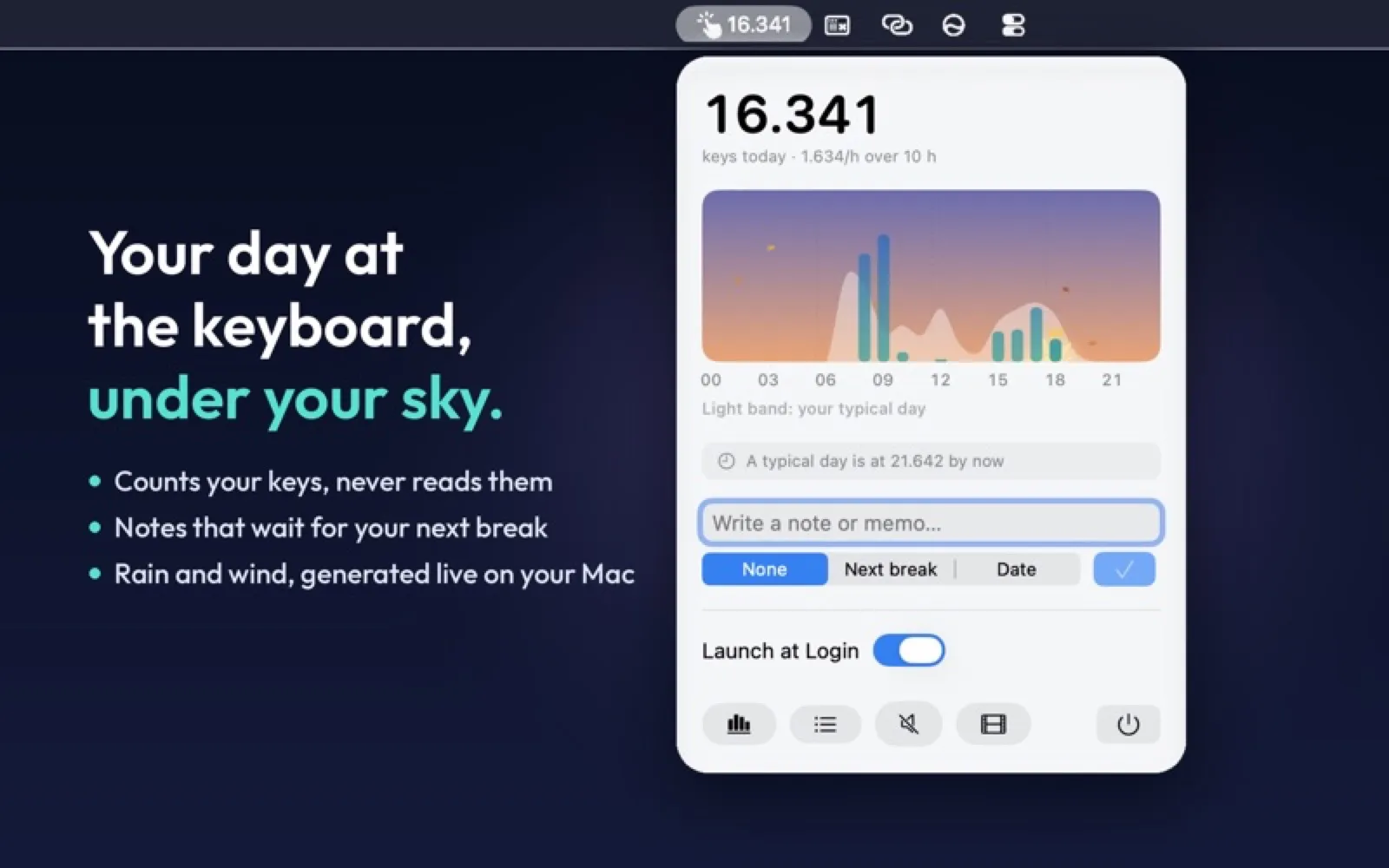
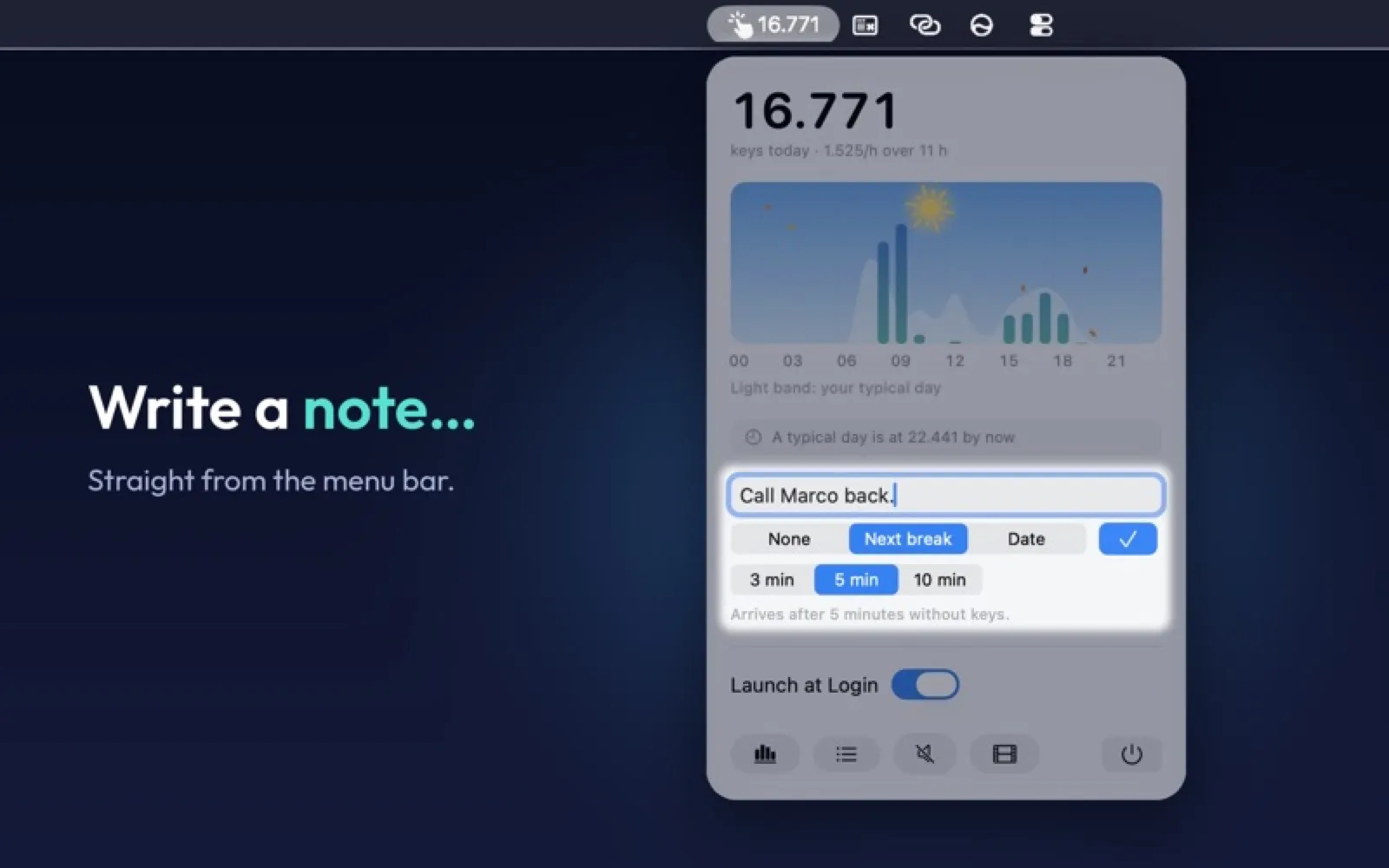
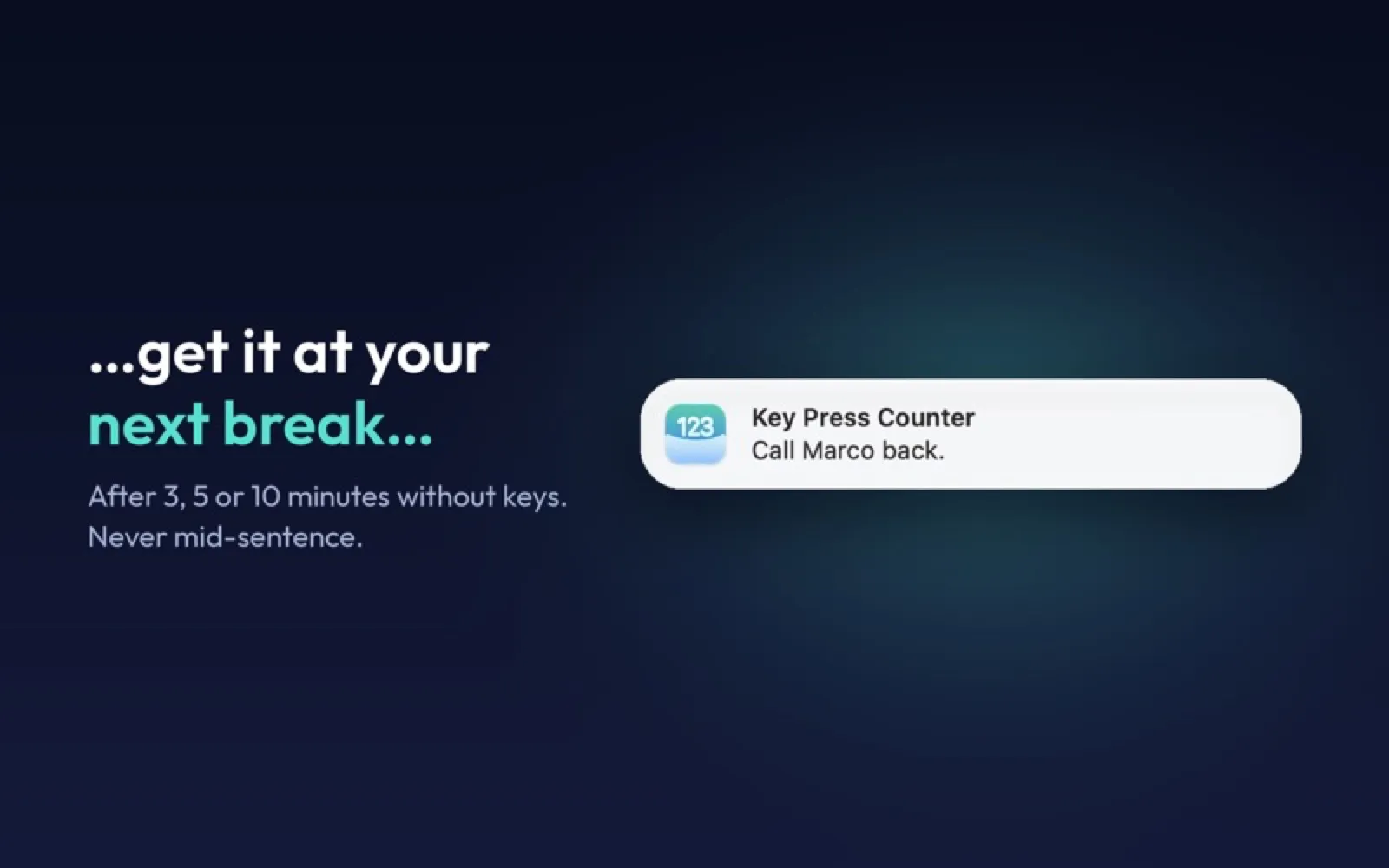
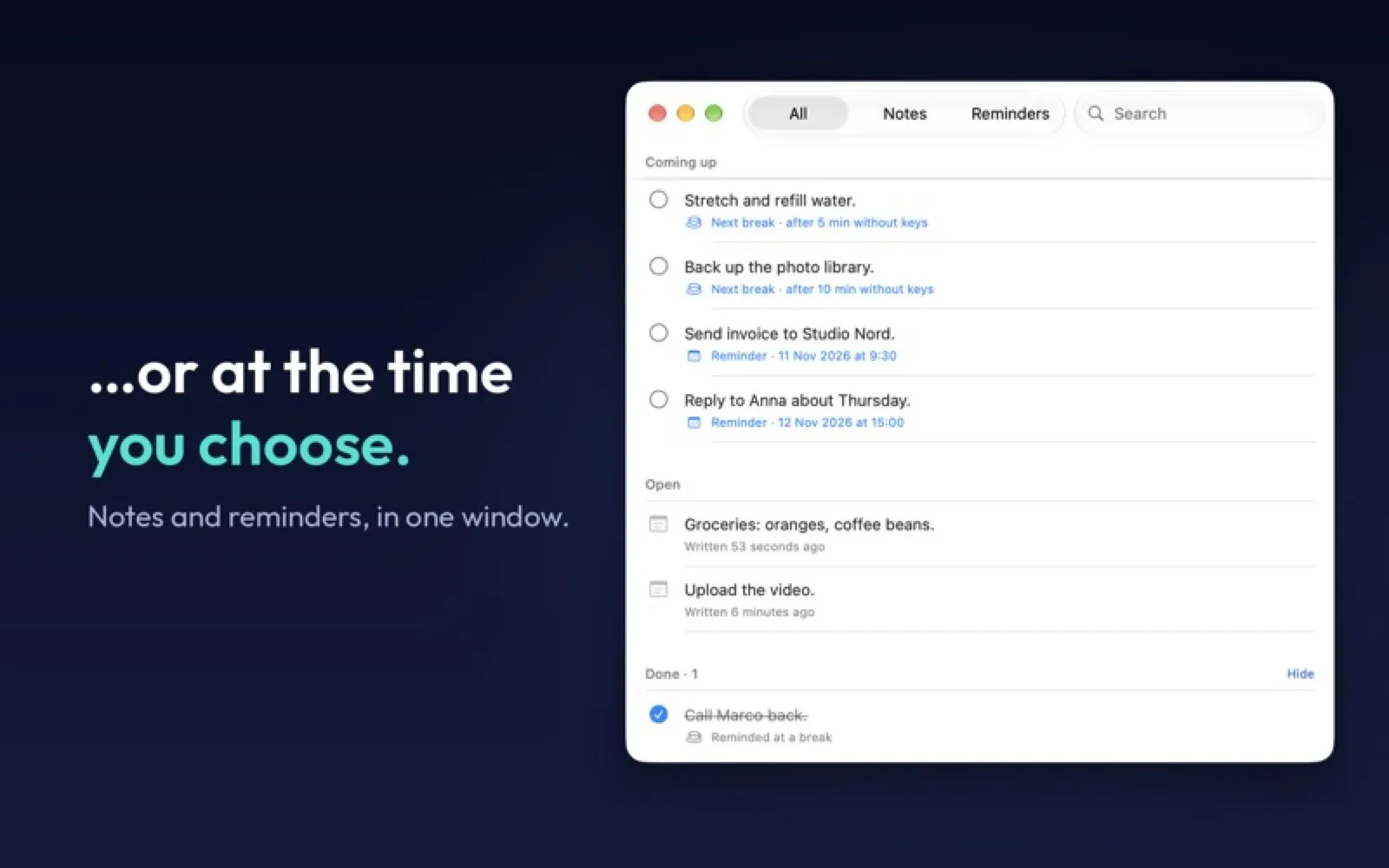
Key Press Counter sits in the menu bar and counts how many keys you press in each hour, never which keys or in which app, without needing Accessibility or Input Monitoring permission; keys typed in password fields are not counted. Its window draws each day as 24 bars under a sky that follows the real time, season and moon phase, and works out the span of your day, the busiest hour and the longest run of typing, then your usual day and 7- and 30-day views after a few days. A note field saves quick notes with a reminder at a set time or at your next break, after 3, 5 or 10 minutes without typing, and optional rain or wind sounds rise and fall with your typing. A day can also be turned into a 5-second vertical clip to share. The app has no network access, account or analytics, and the App Store label says Data Not Collected. Mac App Store only; requires macOS 15.6 or later.
Install Key Press Counter
Download it from the links above, or install it from the Terminal:
mas install 6816000739 Mac App Store CLI: This works once your Apple Account has the app. The first time, get it from the Mac App Store.
Questions about Key Press Counter
How much does Key Press Counter cost?
Key Press Counter: $3.99 one-time on the Mac App Store, no in-app purchases.
Where can I download Key Press Counter for Mac?
Download Key Press Counter from the Mac App Store and the developer's website (keypresscounter.com). MacWorthy links only to official sources.
Can I install Key Press Counter from the Terminal?
Yes. With Mac App Store CLI, run mas install 6816000739. This works once your Apple Account has the app. The first time, get it from the Mac App Store.
Which macOS version does Key Press Counter need?
The Mac App Store version of Key Press Counter requires macOS 15.6 or later.
What are good alternatives to Key Press Counter?
Other utilities apps for Mac worth a look are Klack (one-time purchase), Mac Ninja (one-time purchase), Bartender 6 (one-time purchase) and Ice (open source).
Other utilities apps like Key Press Counter
Klack
Mechanical keyboard sounds for every keystroke.

Mac Ninja
Unloads idle browser tabs and slows background CPU hogs, without closing anything.

Bartender 6
Organize and hide menu bar icons.

Ice
A powerful, free menu bar manager.

iStat Menus
Your Mac's vital signs, in the menu bar.

Amphetamine
Keep your Mac awake, on your terms.

BetterTouchTool
Customize every gesture, key and button.

Karabiner-Elements
The keyboard customizer.