
FloatViewer
A borderless image viewer that floats above your work, with EXIF, histogram and OCR.
About FloatViewer
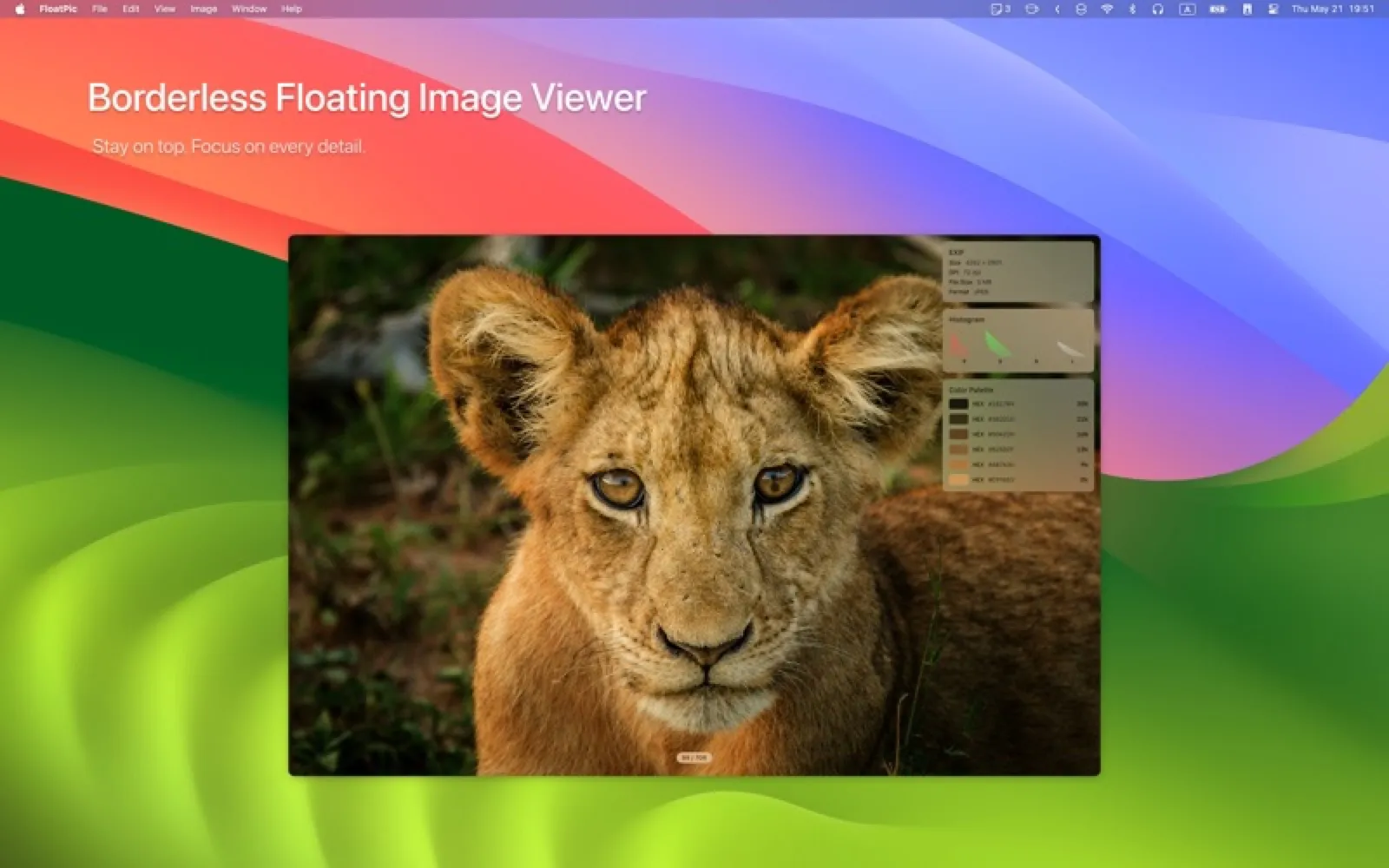
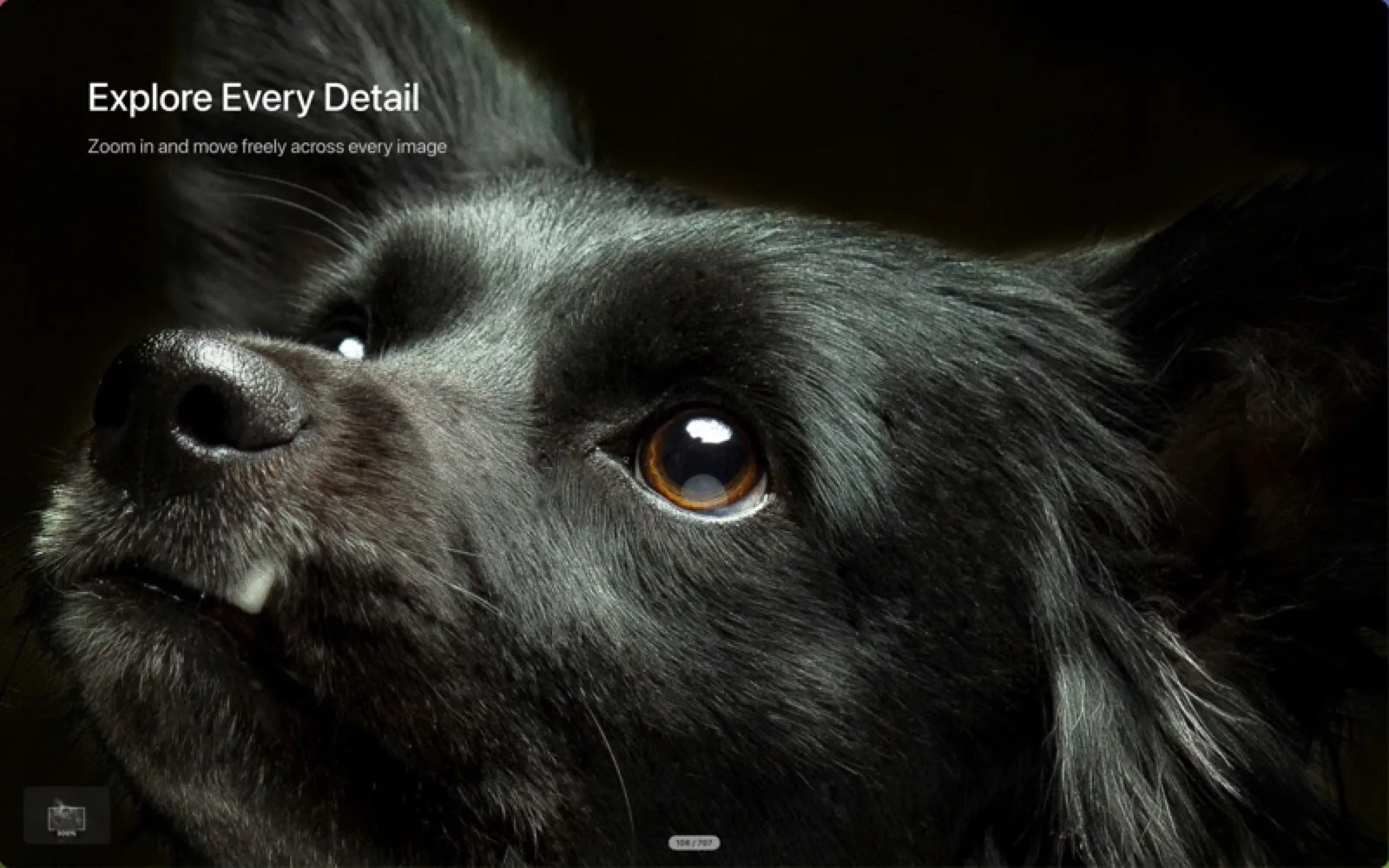
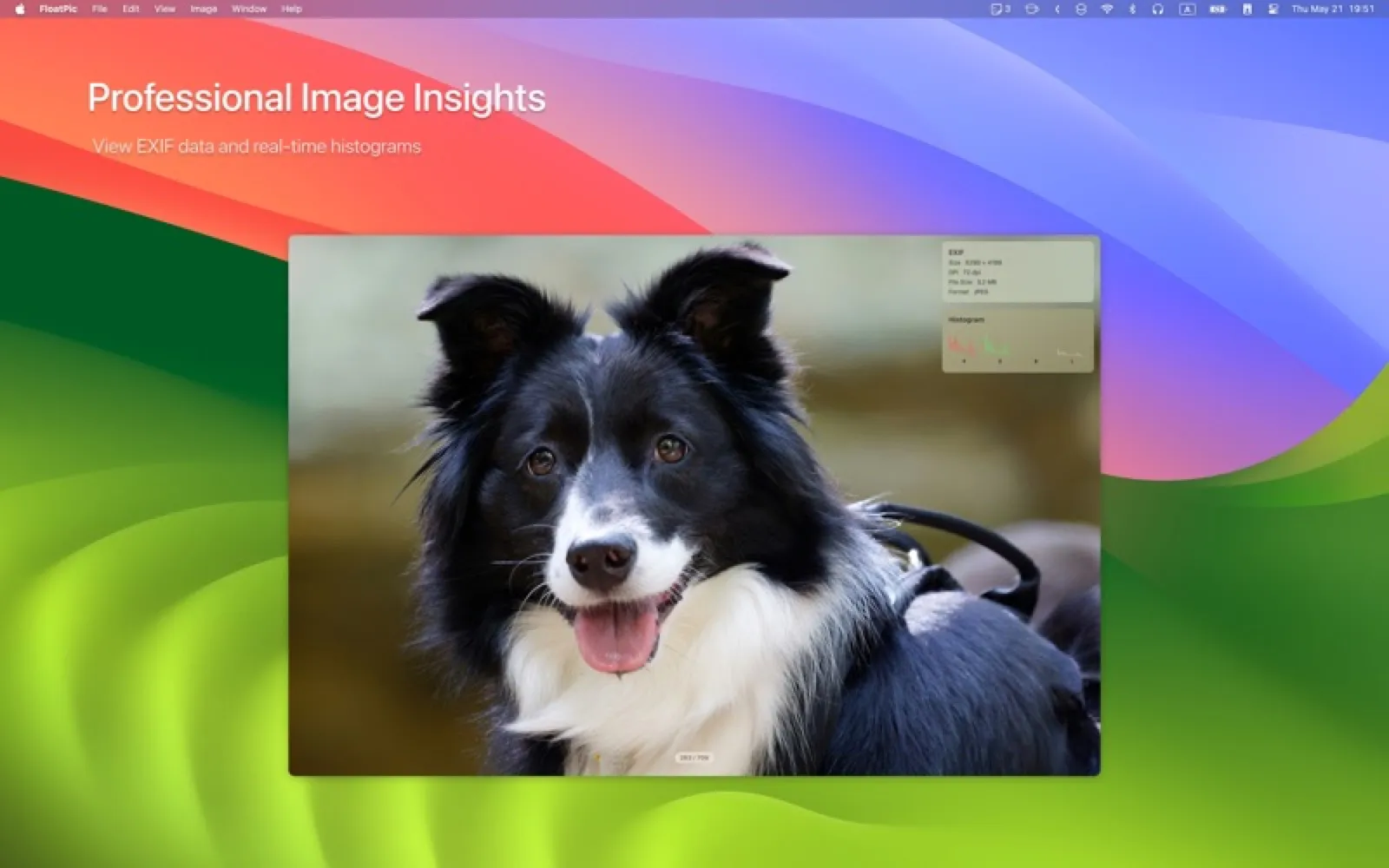
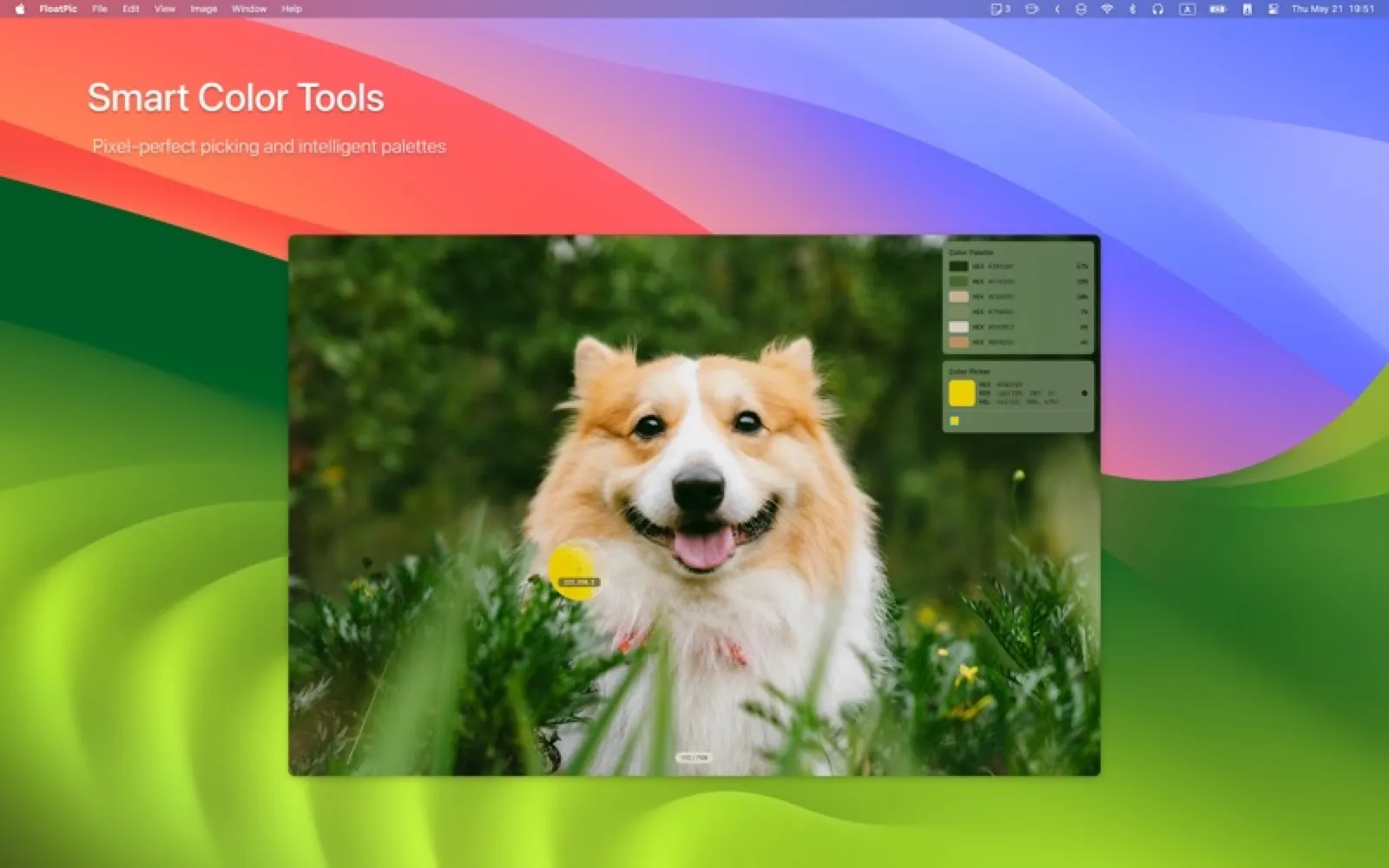
FloatViewer opens images in a borderless window that stays above other apps, zooms smoothly into very large files with tiled rendering and a minimap, and steps through a folder with the arrow keys, a thumbnail strip or a grid. It reads more than 30 formats, including HEIC, AVIF, JPEG XL, WebP, SVG, PDF, PSD, OpenEXR and camera RAW files. Tools include an EXIF panel, a histogram, a pixel colour picker and palette extraction, text recognition with Apple's Vision framework, side-by-side, overlay and slider comparison, and a slideshow, each on a single-key shortcut. Images are processed on the Mac; purchases go through RevenueCat, which the App Store label lists as purchase history and anonymous identifiers not linked to you. Formerly called FloatPic. Mac App Store only; needs macOS 14.6 or later.
Install FloatViewer
Download it from the links above, or install it from the Terminal:
mas install 6768883420 Mac App Store CLI: This works once your Apple Account has the app. The first time, get it from the Mac App Store.
Questions about FloatViewer
Is FloatViewer free?
FloatViewer is free to download and use, with paid upgrades for extra features. Price: Free download; Pro is $1.99 a month, $14.99 a year or $29.99 lifetime (in-app; lifetime $14.99 with App Store offer code BF2026 until December 1).
Where can I download FloatViewer for Mac?
Download FloatViewer from the Mac App Store and the developer's website (floatviewer.app). MacWorthy links only to official sources.
Can I install FloatViewer from the Terminal?
Yes. With Mac App Store CLI, run mas install 6768883420. This works once your Apple Account has the app. The first time, get it from the Mac App Store.
Which macOS version does FloatViewer need?
The Mac App Store version of FloatViewer requires macOS 14.6 or later.
What are good alternatives to FloatViewer?
Other design & photo apps for Mac worth a look are LumaView (open source), Glance Preview (free + pro), Flipic Lens (free + pro) and Photomator (subscription).
Other design & photo apps like FloatViewer

LumaView
A small, fast image viewer that pages through a whole folder.

Glance Preview
An image and video viewer that runs AI fixes in place and compares the result with the original.
Flipic Lens
A fast photo viewer and culling tool that works straight from your folders.
Photomator
Powerful photo editing for your Photos library.

bitLight
A one-time-purchase RAW editor for culling and developing shoots on Apple silicon.

masoc
A RAW photo and Log video editor with on-device masks, film looks and Lightroom preset import.
Pixelmator Pro
A pro image editor, built entirely for the Mac.

PixRoom
Local photo and video library manager with on-device AI search.