
Disk Reviewer
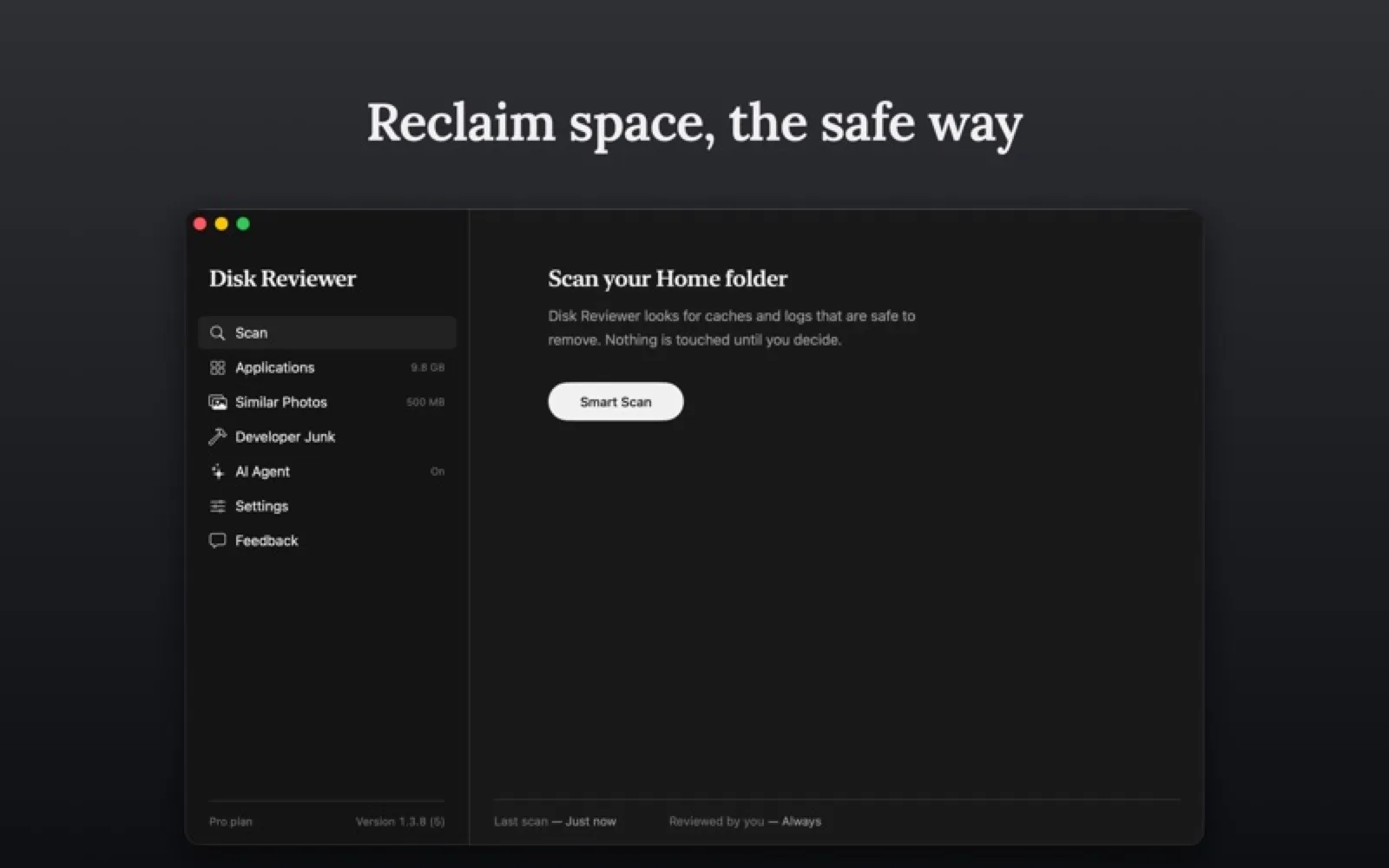
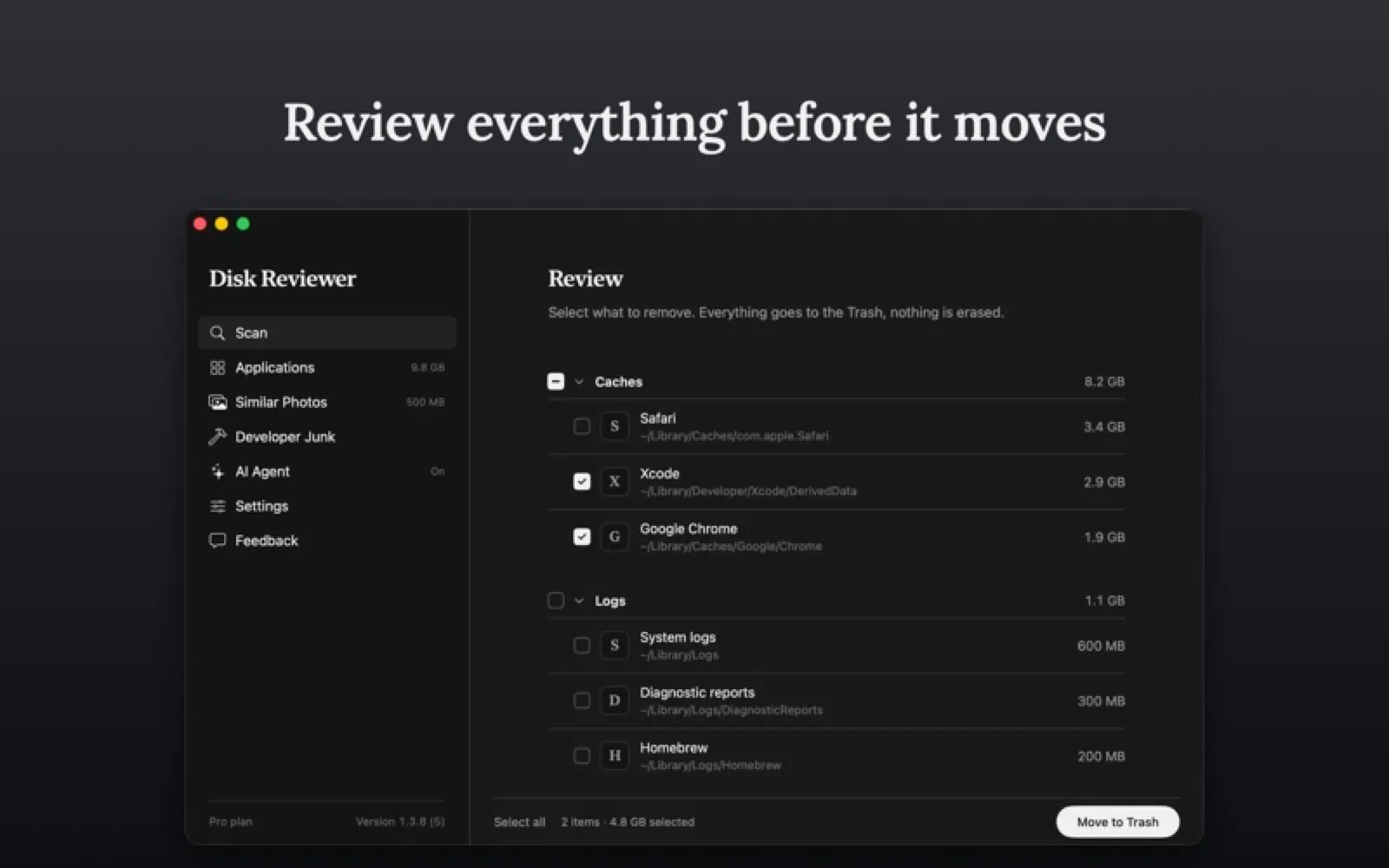
A disk cleaner that lists every find with its size and path, and ticks nothing for you.
About Disk Reviewer
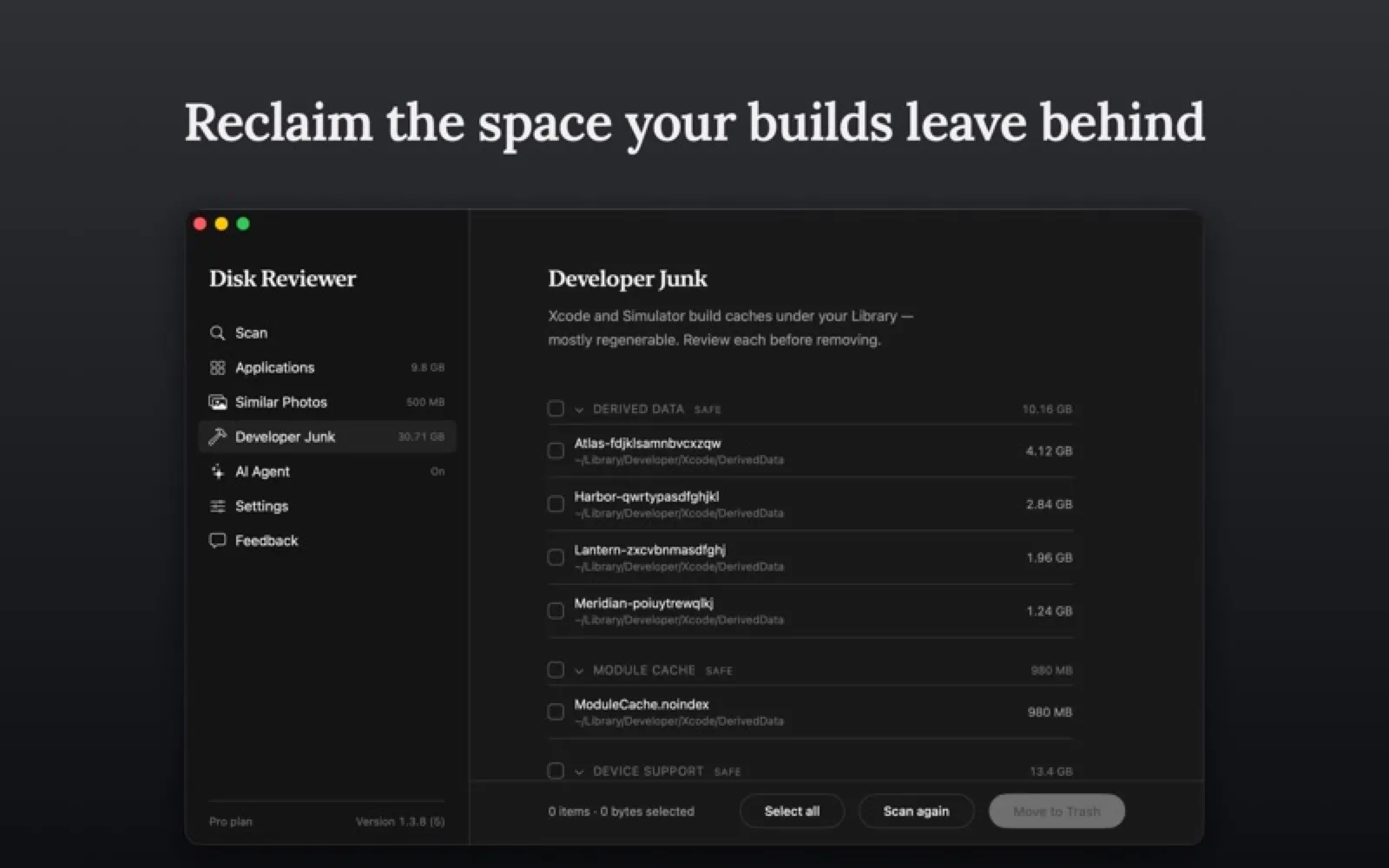
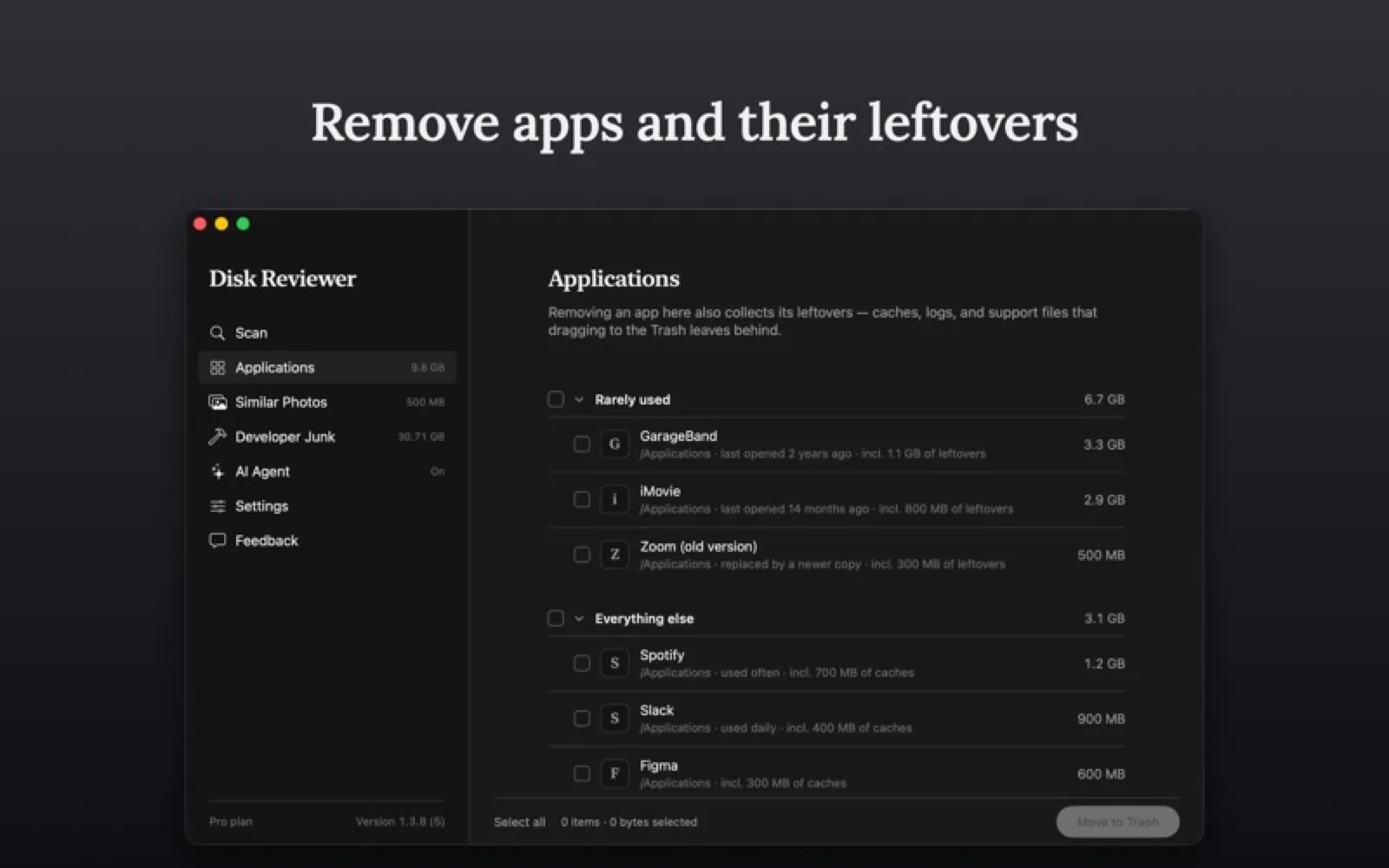
Disk Reviewer scans the Home folder you grant it for app caches and logs, apps with the support files they leave behind, near-duplicate photos, the largest files, and developer caches such as Xcode derived data, simulators and npm, Gradle, Dart and CocoaPods caches, plus build folders you name yourself. Every find is listed with its size and path and nothing is preselected; removals go to the Trash, and photos to Recently Deleted in Photos, which Similar Photos needs library access for. A background check, on by default for new installs, re-scans on a schedule you choose from twice a day to weekly, shows the space it found in the menu bar and sends a notification, but never removes anything itself. No account; anonymous counters of which features are used go to TelemetryDeck unless you turn off Share anonymous usage data in Settings, and the App Store label lists them with a device ID not linked to you. A feedback report, with any attachments, an optional diagnostic log and an optional email address, is sent only when you write one, and the app checks Apple's App Store listing once a day for a newer version. Needs macOS 13 or later.
Install Disk Reviewer
Download it from the links above, or install it from the Terminal:
mas install 6793253430 Mac App Store CLI: This works once your Apple Account has the app. The first time, get it from the Mac App Store.
Questions about Disk Reviewer
Is Disk Reviewer free?
Disk Reviewer is free to download and use, with paid upgrades for extra features. Price: Free for caches and logs, app removal, Similar Photos and the background check; Pro adds Large Files and Developer Junk for $4.99 a year (Mac App Store).
Where can I download Disk Reviewer for Mac?
Download Disk Reviewer from the Mac App Store and the developer's website (diskreviewer.com). MacWorthy links only to official sources.
Can I install Disk Reviewer from the Terminal?
Yes. With Mac App Store CLI, run mas install 6793253430. This works once your Apple Account has the app. The first time, get it from the Mac App Store.
Which macOS version does Disk Reviewer need?
The Mac App Store version of Disk Reviewer requires macOS 13.0 or later.
What are good alternatives to Disk Reviewer?
Other utilities apps for Mac worth a look are Mole (one-time purchase), Purge (open source), SpaceFix (subscription) and Strata Mac Cleaner (free + pro).
Other utilities apps like Disk Reviewer

Mole
Cleanup, uninstalls and system stats in one window.

Purge
A careful Mac cleaner that uses the Trash.
SpaceFix
Shows what's safe to delete and what needs a look.
Strata Mac Cleaner
Labels what's safe to clean and what to review first.
MacOS Cleaner
A free cleaner, uninstaller and privacy inspector that shows you everything first.
Headroom
Shows what fills a developer's disk and clears it safely.
Disk Housekeeper
Clears developer caches and node_modules, with a preview and the Trash by default.
XicoClean
Shows what fills your disk, and cleans caches only after you review them.