Clocker
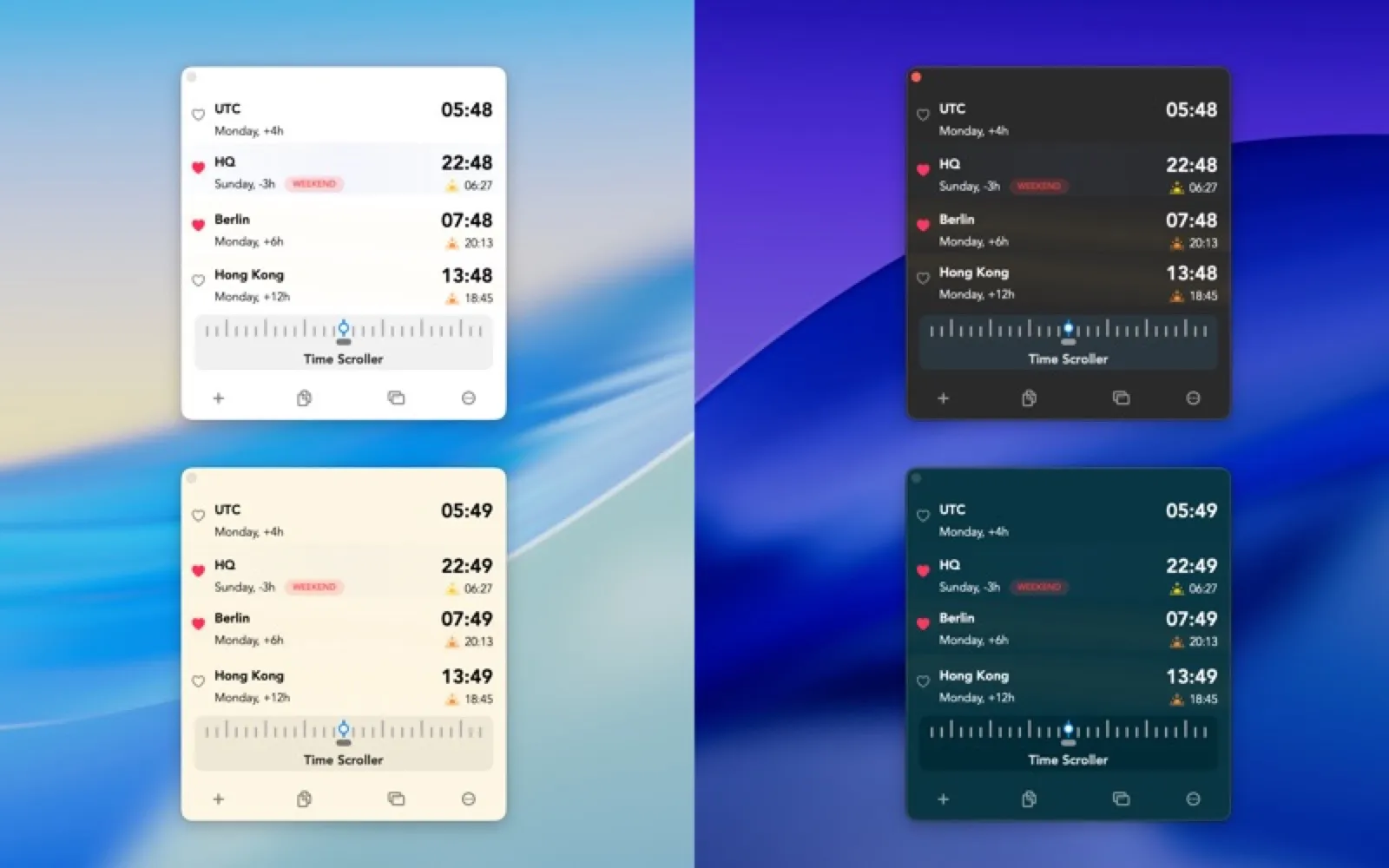
World clocks and meetings in the menu bar.
About Clocker
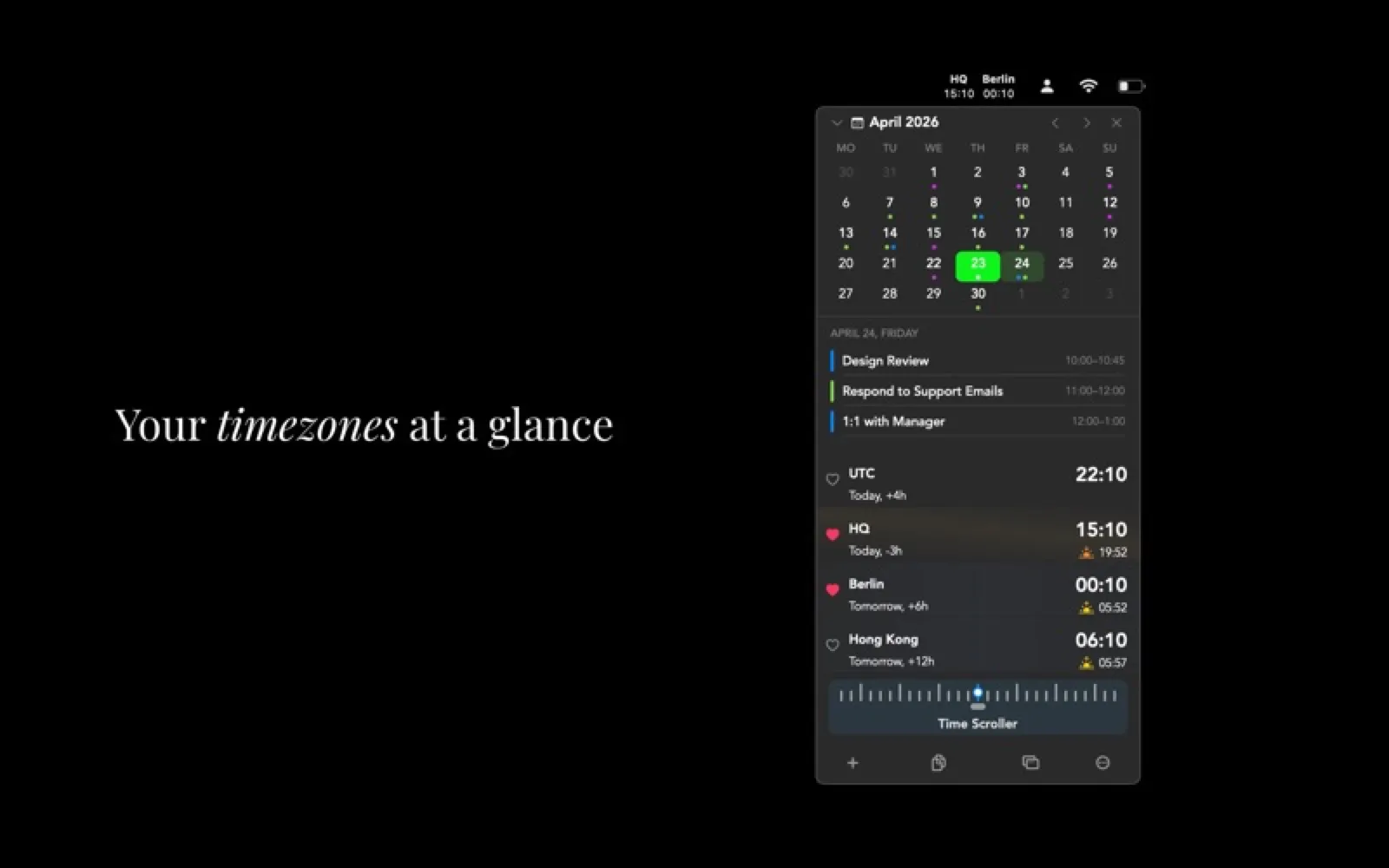
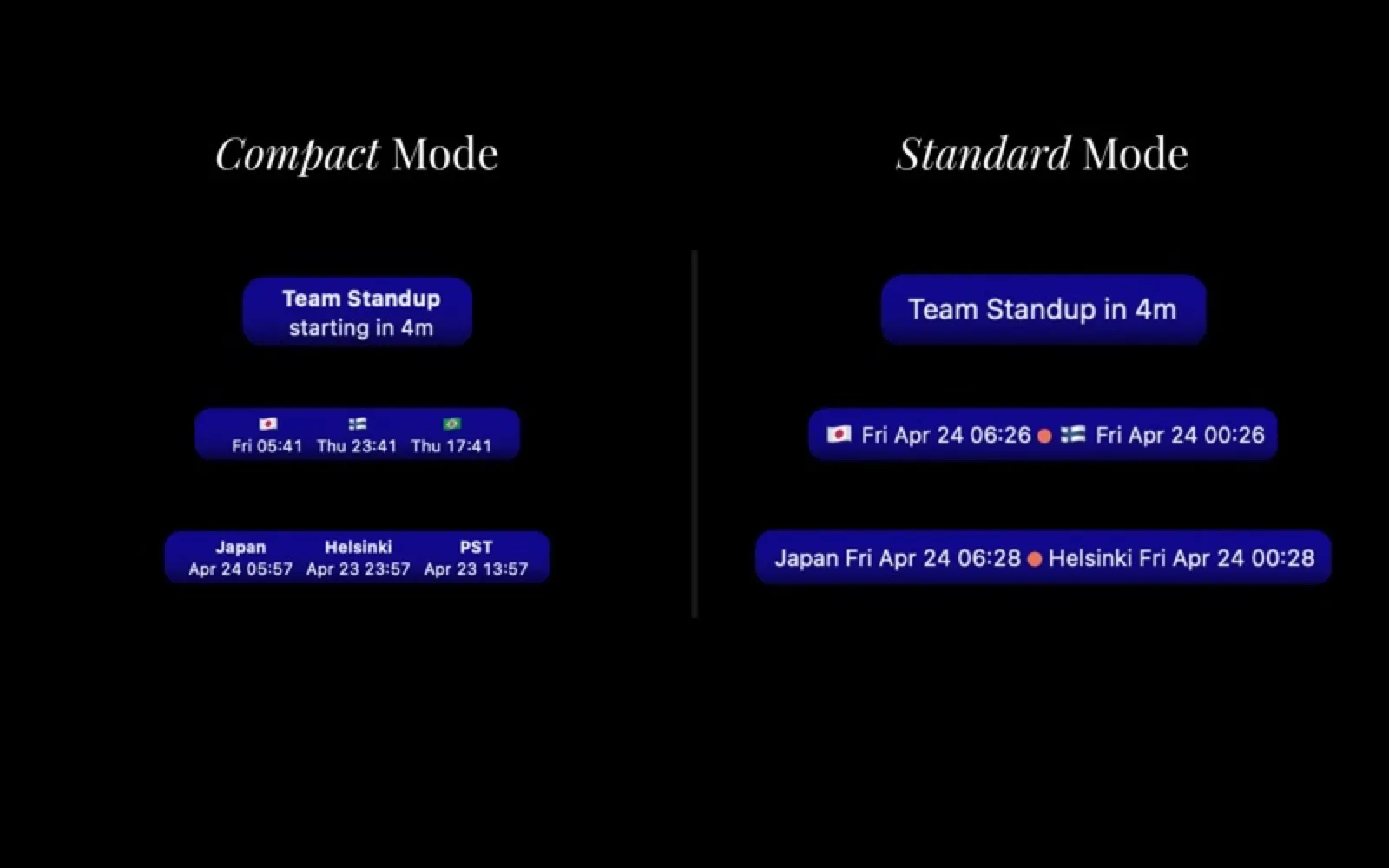
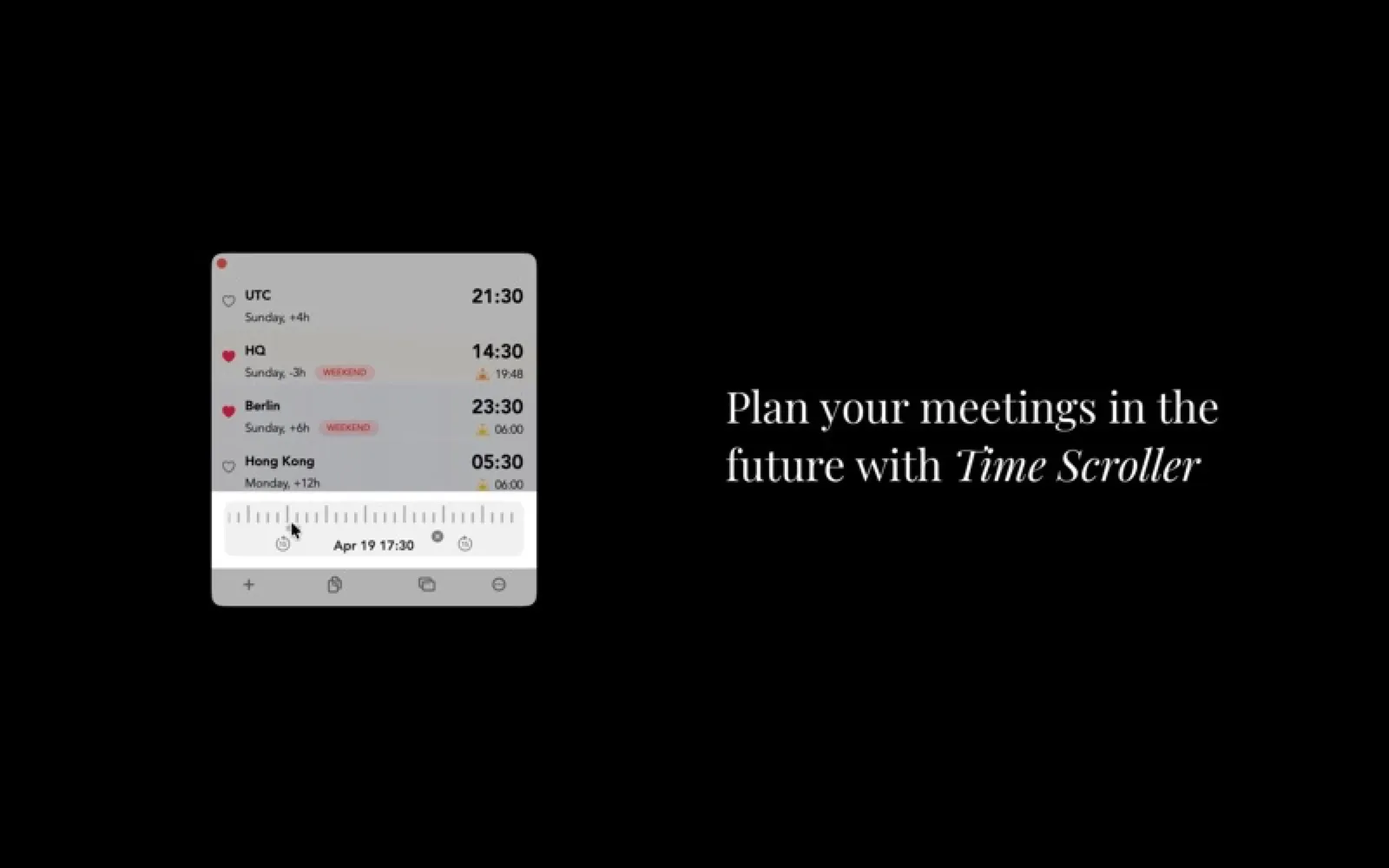
Clocker shows the time in every city you add, with a scrubber that moves all clocks forward to find an hour that suits everyone. It also lists today's events from Apple Calendar with one-click joins for Zoom, Meet and Teams.
Install Clocker
Download it from the links above, or install it from the Terminal:
brew install --cask clocker mas install 1056643111 Questions about Clocker
Is Clocker free?
Yes. Clocker is free to download and use.
Where can I download Clocker for Mac?
Download Clocker from the Mac App Store and the developer's website (adrakstudio.com). MacWorthy links only to official sources.
Can I install Clocker from the Terminal?
Yes. With Homebrew, run brew install --cask clocker. With Mac App Store CLI, run mas install 1056643111.
Which macOS version does Clocker need?
The Mac App Store version of Clocker requires macOS 14.0 or later.
What are good alternatives to Clocker?
Other productivity apps for Mac worth a look are Dato (one-time purchase), Fantastical (subscription), Final Call (one-time purchase) and BusyCal (one-time purchase).
Other productivity apps like Clocker
Dato
The menu bar clock macOS should have had.
Fantastical
A calendar that understands plain sentences.

Final Call
A full-screen countdown before every meeting.
BusyCal
A deeply configurable calendar for busy schedules.

Dot
Your day's events and reminders in the menu bar.

Itsycal
A tiny calendar that lives in the menu bar.
Cardhop
Contacts, rebuilt around a single search field.

Maccy
A tiny, keyboard-first clipboard manager.