
Bolt
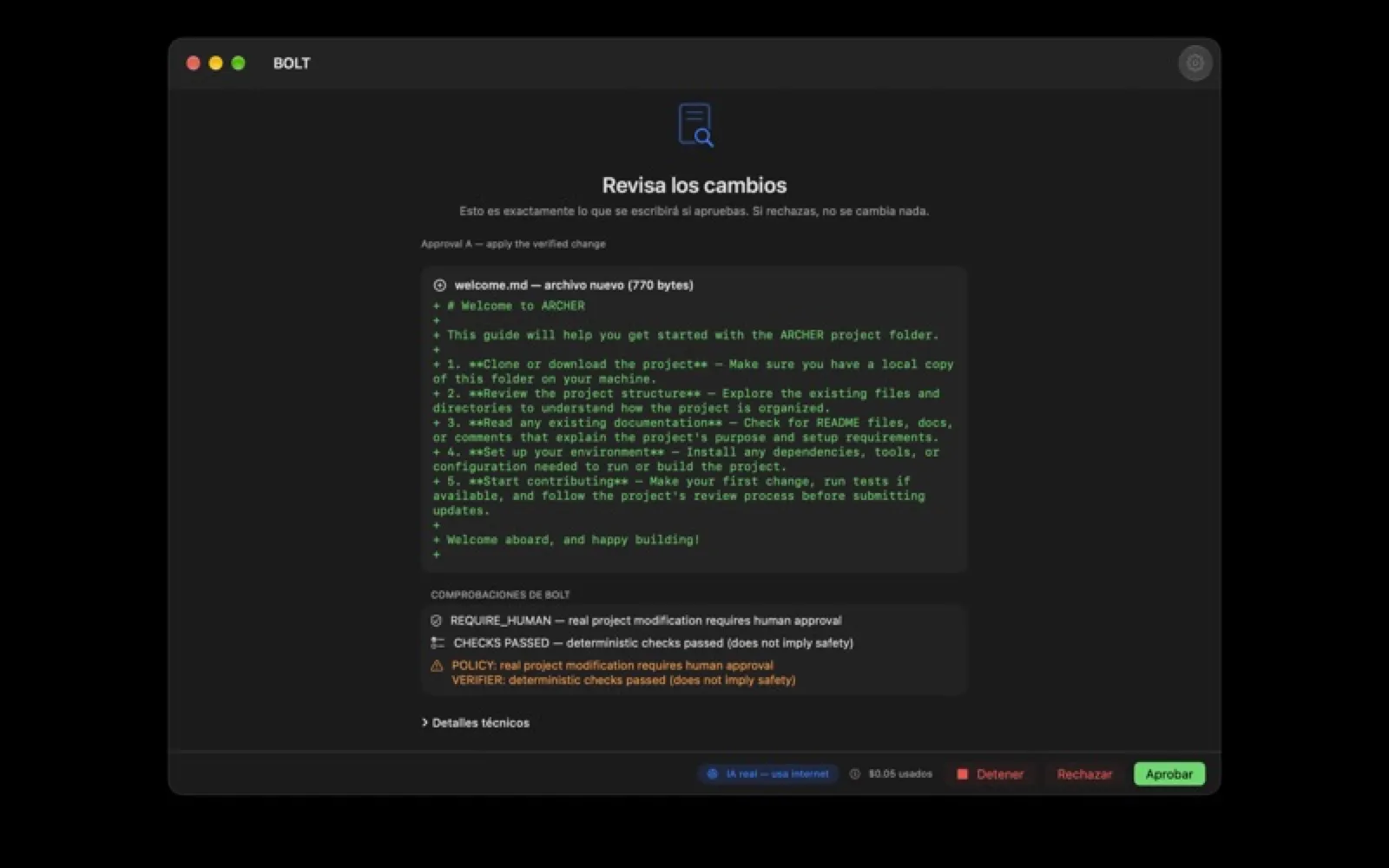
Shows you an AI model's proposed file changes, audited by a second model, before anything is written.
About Bolt
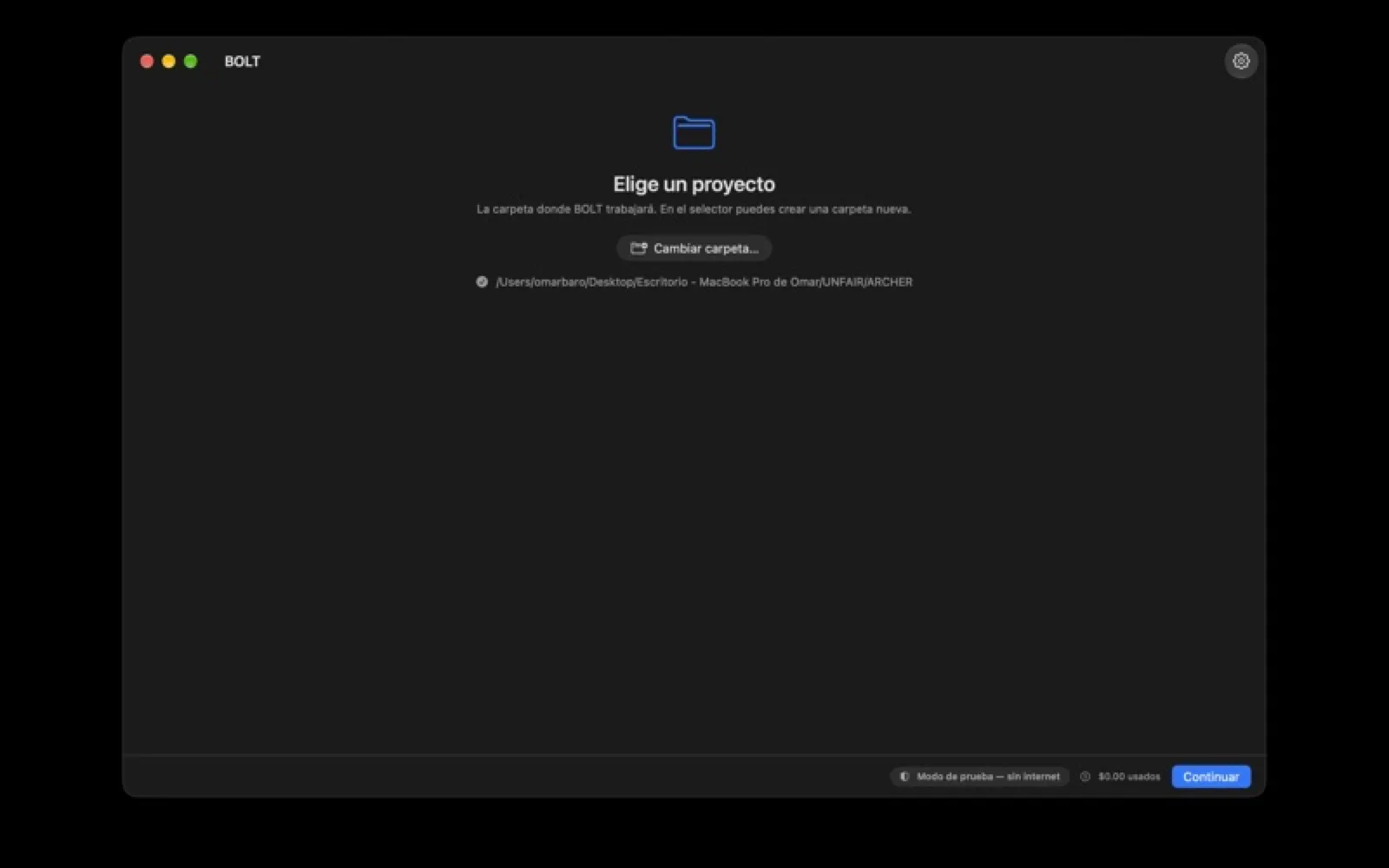
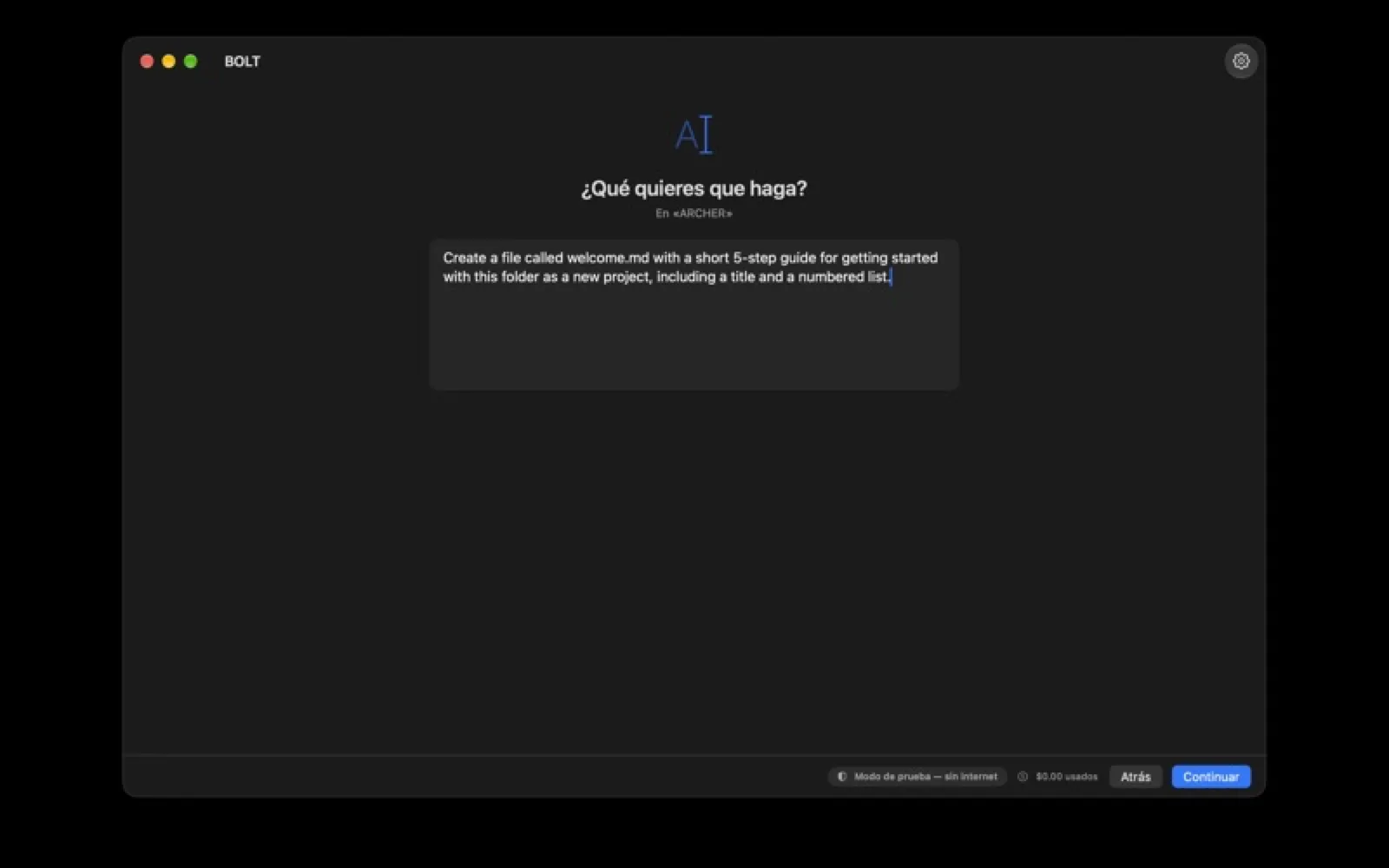
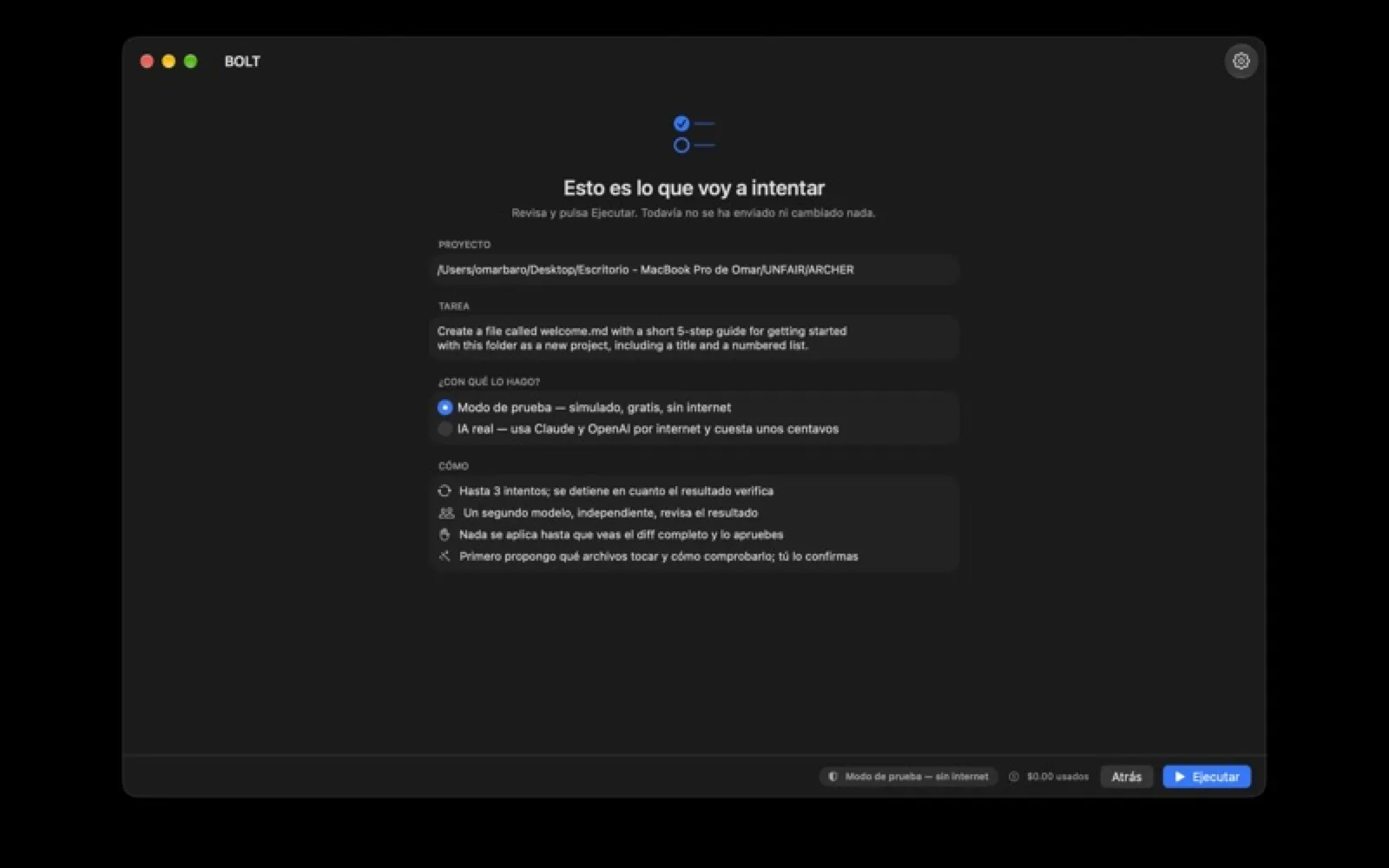
Bolt puts a review step between an AI model and the files in a folder you choose: you describe a task in one sentence, a builder model proposes the change, Bolt checks it against its own rules, a second, independent auditor model reviews it, and nothing is written until you read the full diff and approve it. A simulated mode runs the whole flow offline with canned responses and no API keys. Live mode uses your own Anthropic and OpenAI API keys, stored in the Keychain, with a spending cap you set for each run, and sends data only after you approve it while skipping files that look like secrets. The interface is in Spanish only for now. There is no account and no analytics; the App Store label lists user content used for app functionality and not linked to you. Mac App Store only, so we could not inspect the build; needs macOS 14 or later.
Install Bolt
Download it from the links above, or install it from the Terminal:
mas install 6814615903 Mac App Store CLI: This works once your Apple Account has the app. The first time, get it from the Mac App Store.
Questions about Bolt
How much does Bolt cost?
Bolt costs $1.99 as a one-time purchase on the Mac App Store.
Where can I download Bolt for Mac?
Download Bolt from the Mac App Store and the developer's website (unfire.technology). MacWorthy links only to official sources.
Can I install Bolt from the Terminal?
Yes. With Mac App Store CLI, run mas install 6814615903. This works once your Apple Account has the app. The first time, get it from the Mac App Store.
Which macOS version does Bolt need?
The Mac App Store version of Bolt requires macOS 14.0 or later.
What are good alternatives to Bolt?
Other developer tools apps for Mac worth a look are Warp (free + pro), Kaleidoscope (subscription), Zed (open source) and Ghostty (open source).
Other developer tools apps like Bolt

Warp
The terminal, reimagined around blocks and agents.
Kaleidoscope
See every difference, in text, images and folders.
Zed
A code editor that runs at the speed of thought.

Ghostty
A fast, feature-rich, truly native terminal.

OrbStack
Docker and Linux machines, light as a feather.
Mac YOLO Safeguards
Stops the processes AI coding agents leave behind before they freeze your Mac.
iTerm2
The terminal that taught macOS new tricks.

Nova
Panic's beautiful, extensible code editor.