
BirdFrame
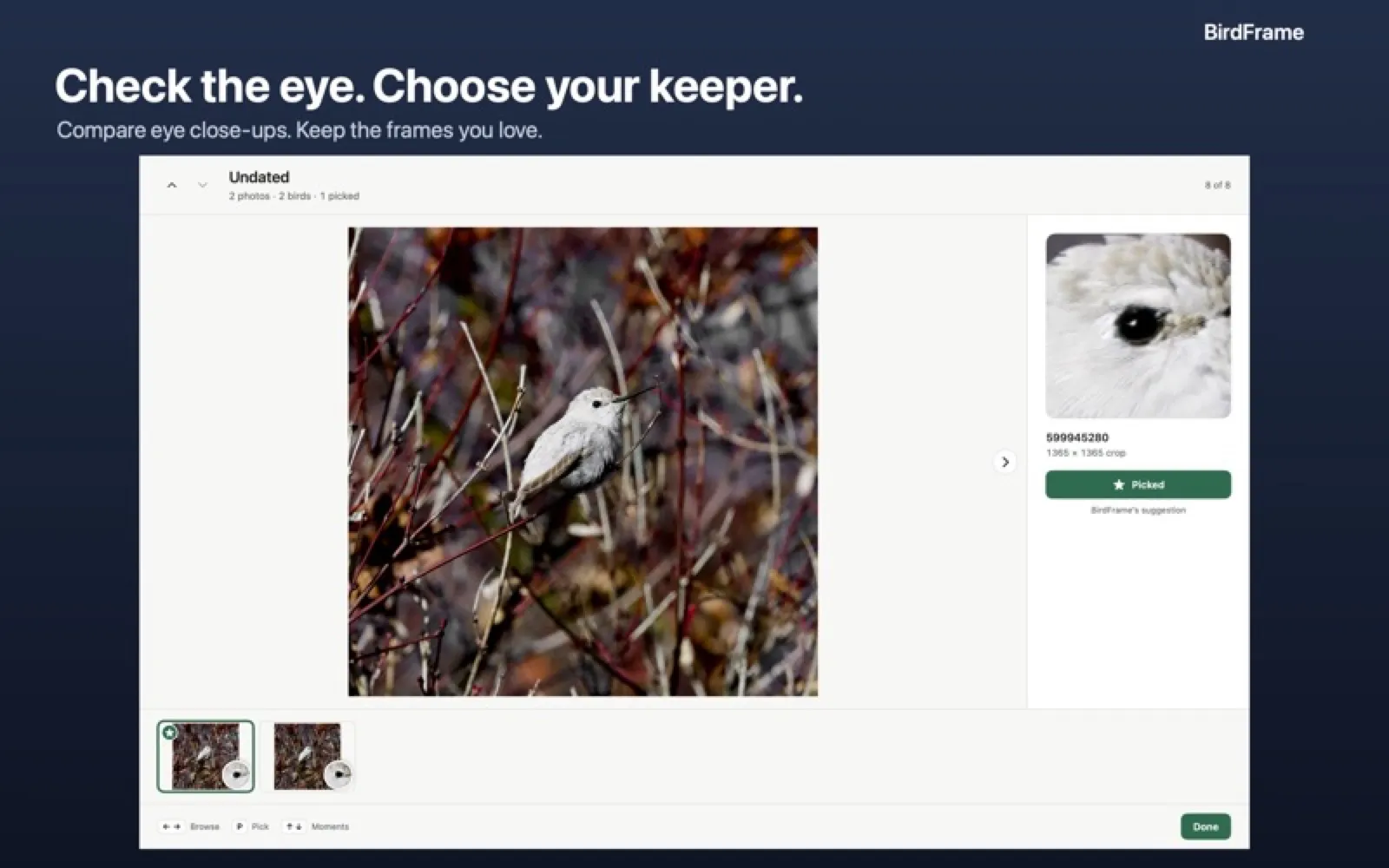
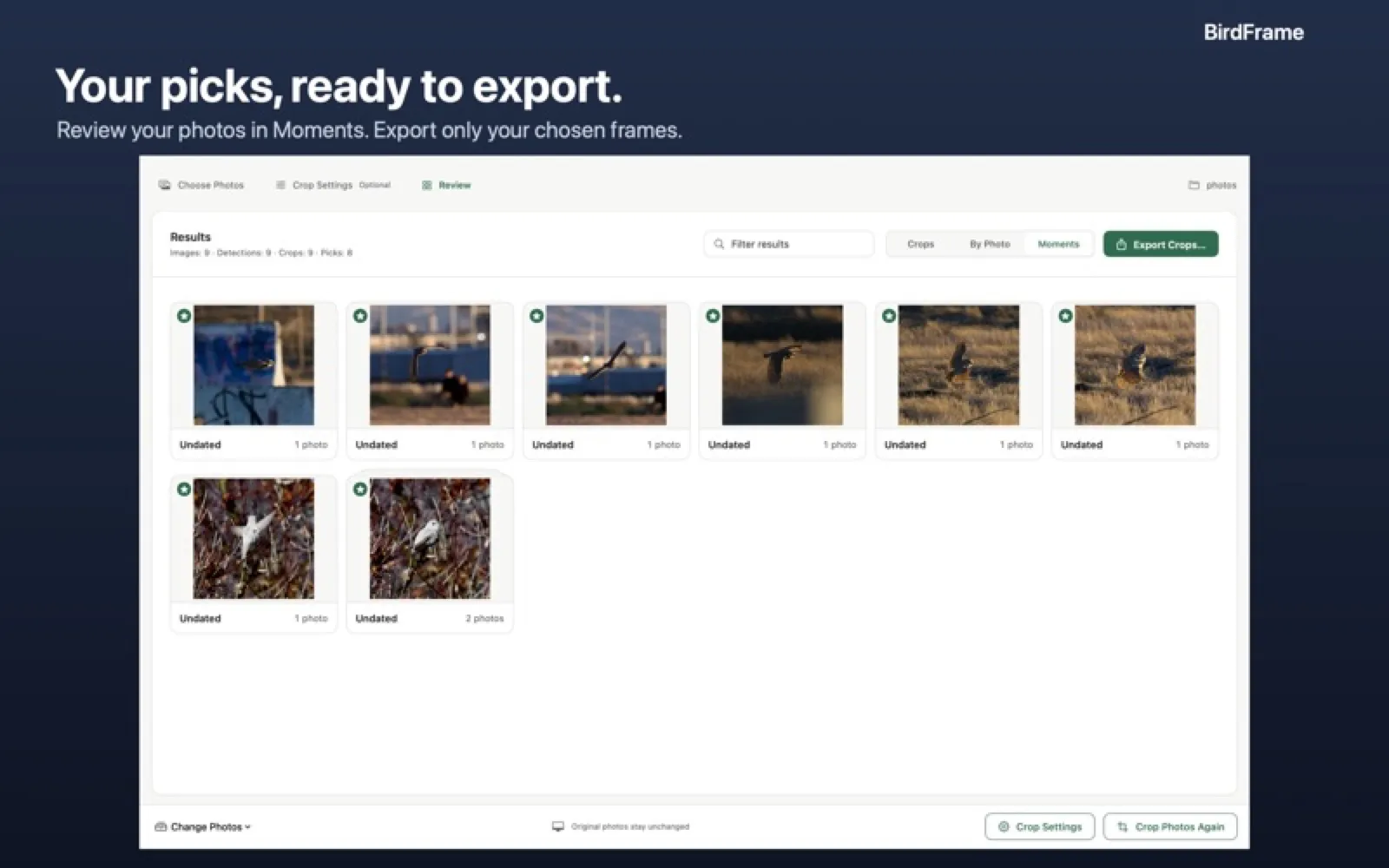
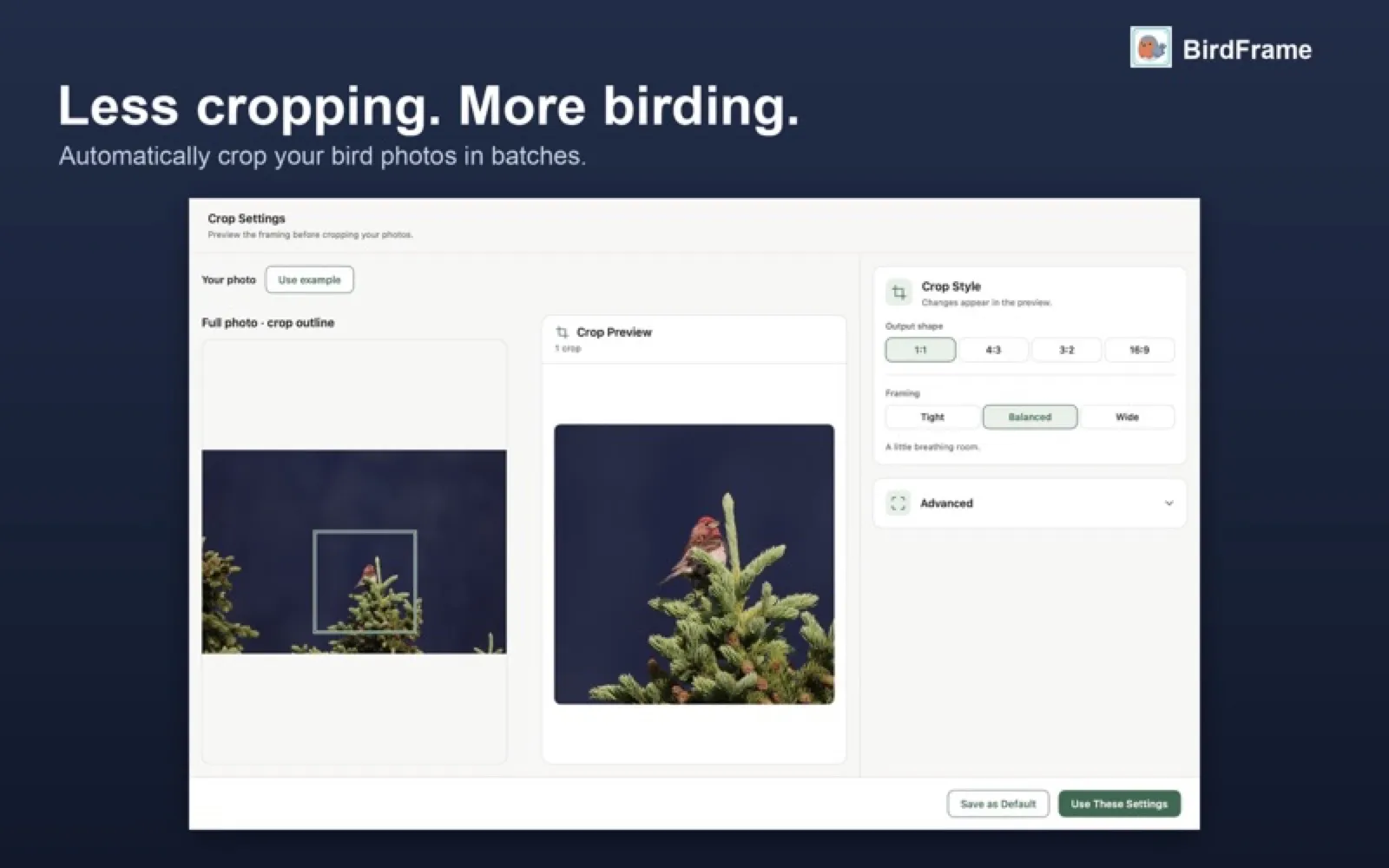
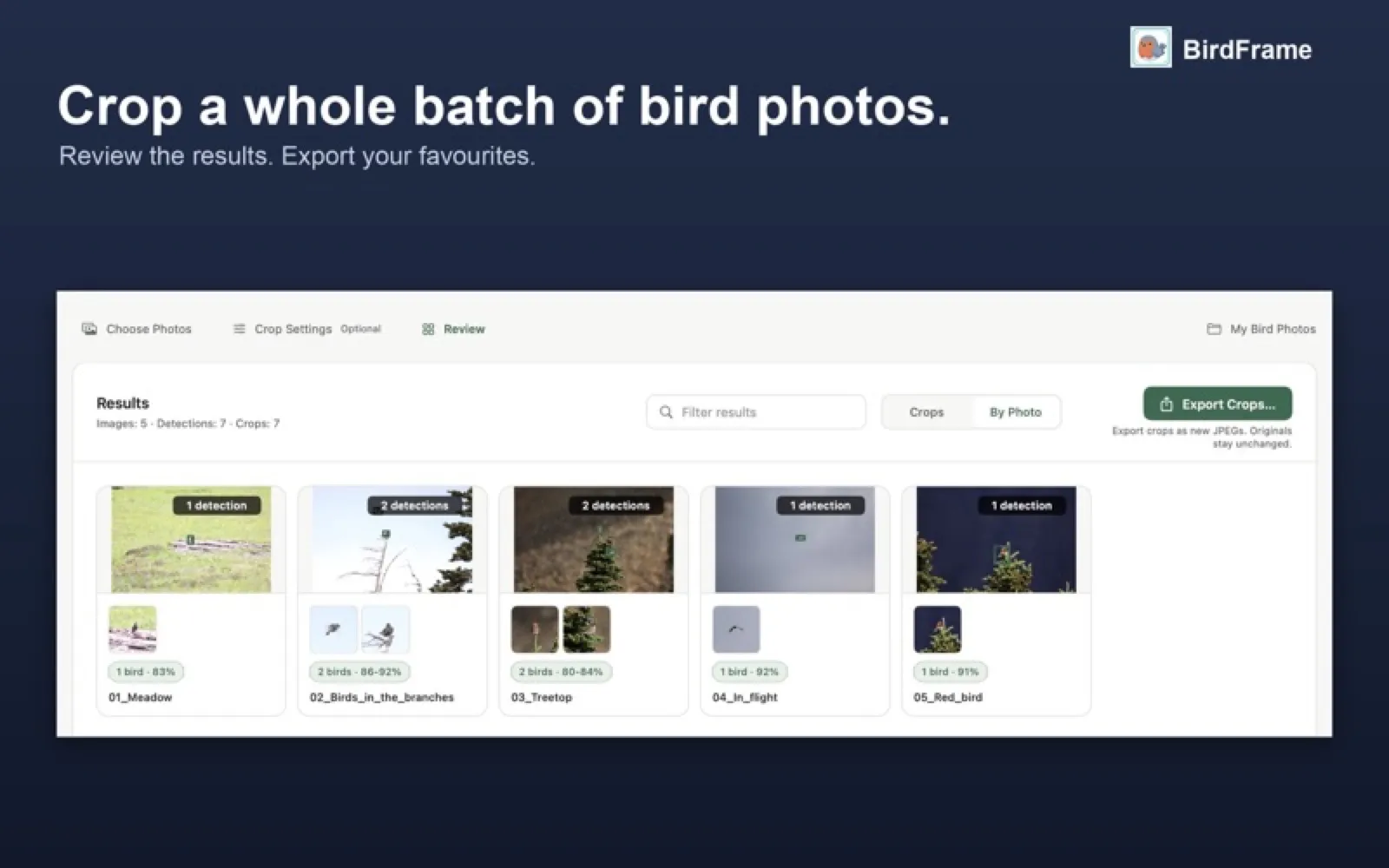
Finds small or distant birds in your photos and crops them from the full-size originals in bulk.
About BirdFrame
BirdFrame detects birds in photos, including small or distant ones, and crops thousands of shots at once from the full-size originals. It can apply reversible crops inside Apple Photos, through Photos access and a Photos automation, or export separate JPEGs from folders. Detection runs on the Mac with bundled models, and photos are never uploaded. The App Store label says Data Not Collected; the privacy policy describes optional, opt-in PostHog analytics that are switched off in the current build. The free version handles up to 50 photos per run, and a one-time in-app purchase unlocks larger batches. Mac App Store only; requires macOS 15 or later. A Windows version is sold separately in the Microsoft Store.
Install BirdFrame
Download it from the links above, or install it from the Terminal:
mas install 6754513569 Mac App Store CLI: This works once your Apple Account has the app. The first time, get it from the Mac App Store.
Questions about BirdFrame
Is BirdFrame free?
BirdFrame is free to download and use, with paid upgrades for extra features. Price: Free for up to 50 photos per run; Full Version US$29.99 one-time in-app ($19.99 until December 1).
Where can I download BirdFrame for Mac?
Download BirdFrame from the Mac App Store and the developer's website (getbirdframe.com). MacWorthy links only to official sources.
Can I install BirdFrame from the Terminal?
Yes. With Mac App Store CLI, run mas install 6754513569. This works once your Apple Account has the app. The first time, get it from the Mac App Store.
Which macOS version does BirdFrame need?
The Mac App Store version of BirdFrame requires macOS 15.0 or later.
What are good alternatives to BirdFrame?
Other design & photo apps for Mac worth a look are Squash (one-time purchase), Retrobatch (one-time purchase), PixRinse (free + pro) and Pixelmator Pro (one-time purchase).
Other design & photo apps like BirdFrame

Squash
Batch image compression and conversion.
Retrobatch
Batch-process images with a node workflow.

PixRinse
Batch compress, resize and convert images to a file-size limit.
Pixelmator Pro
A pro image editor, built entirely for the Mac.

PixRoom
Local photo and video library manager with on-device AI search.

Flipic Lens
A fast photo viewer and culling tool that works straight from your folders.

Affinity
Pro vector, pixel and layout tools in one app.
Sketch
The native interface design tool.