BBEdit
The veteran text editor for code, prose and data.
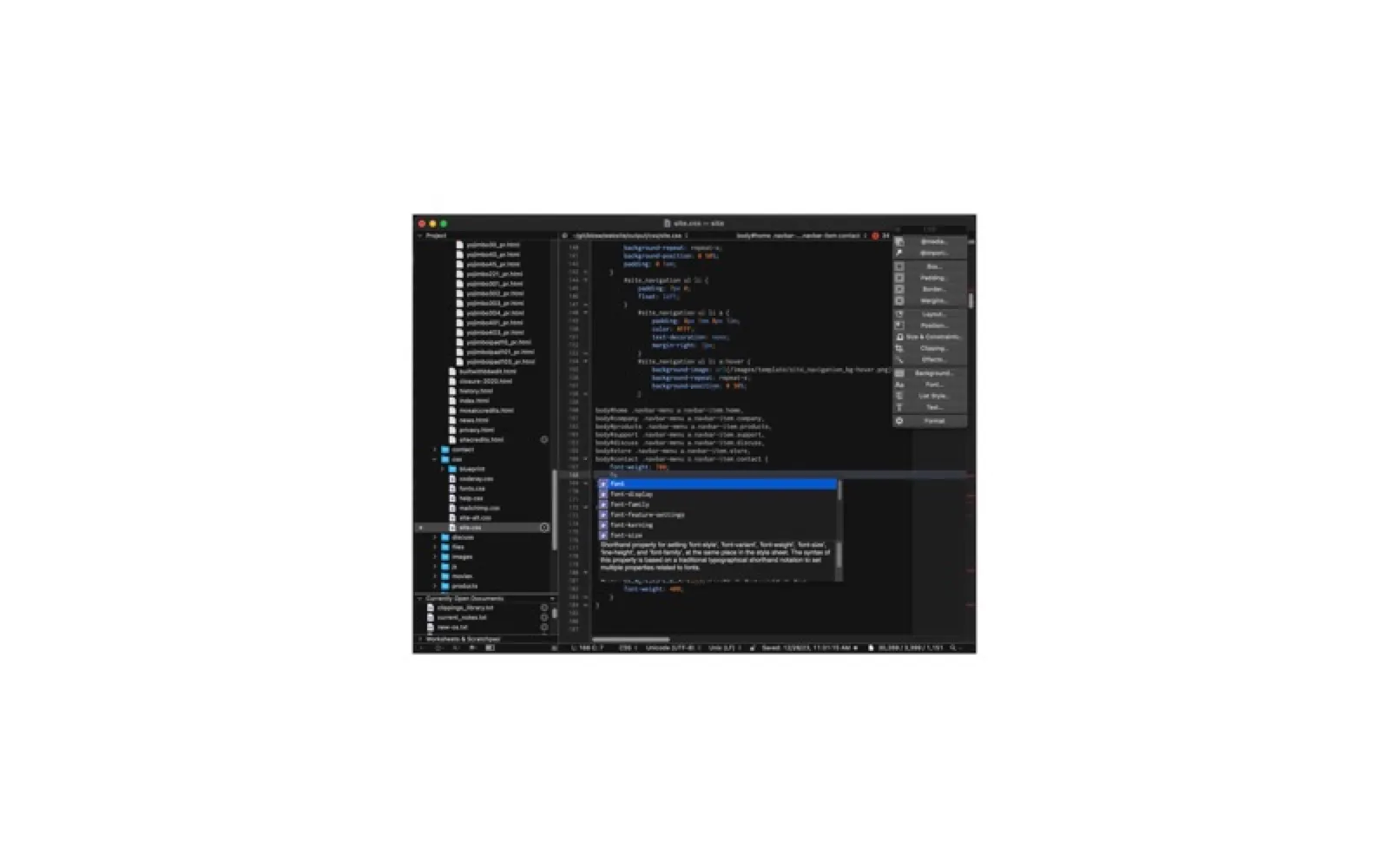
About BBEdit
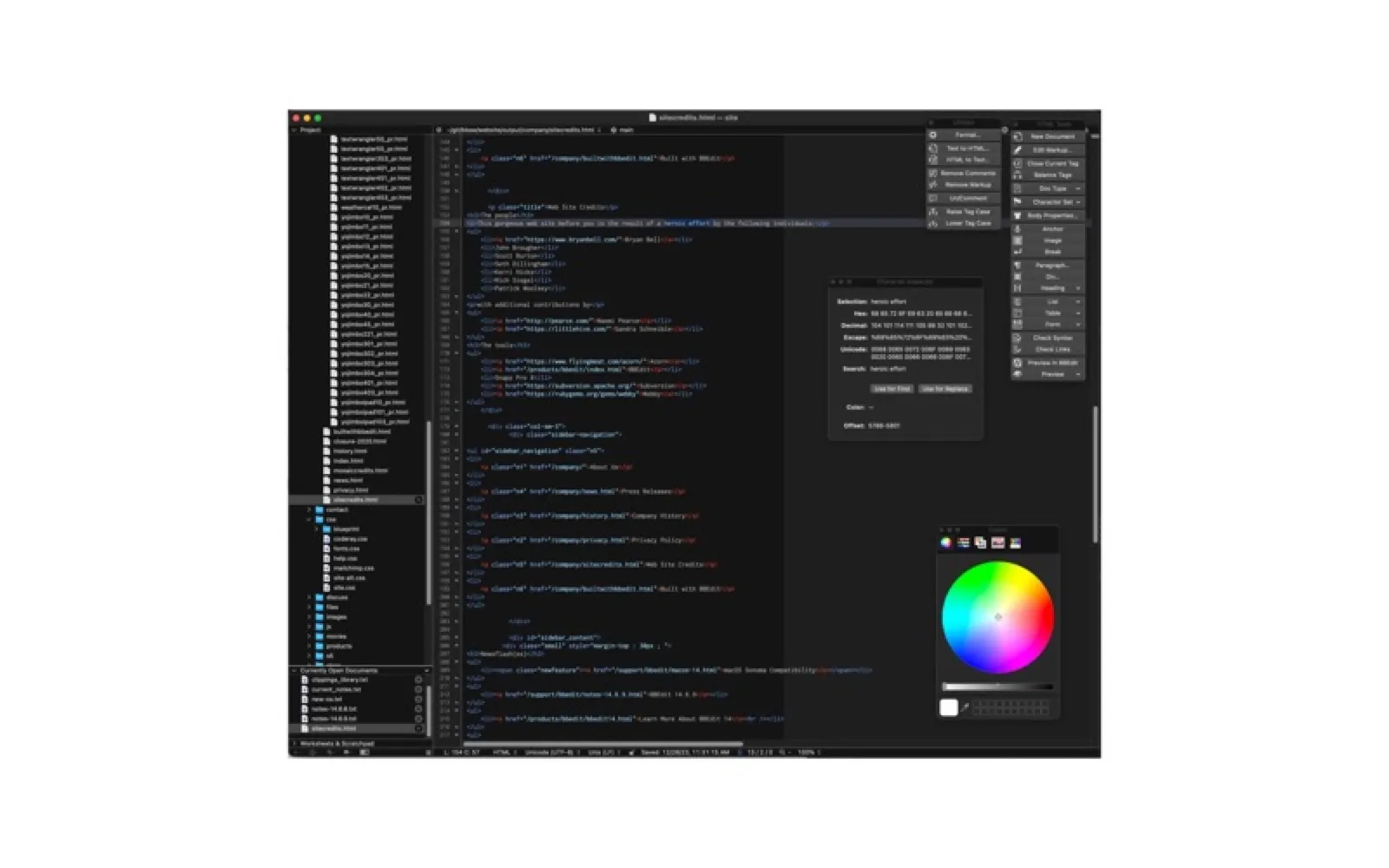
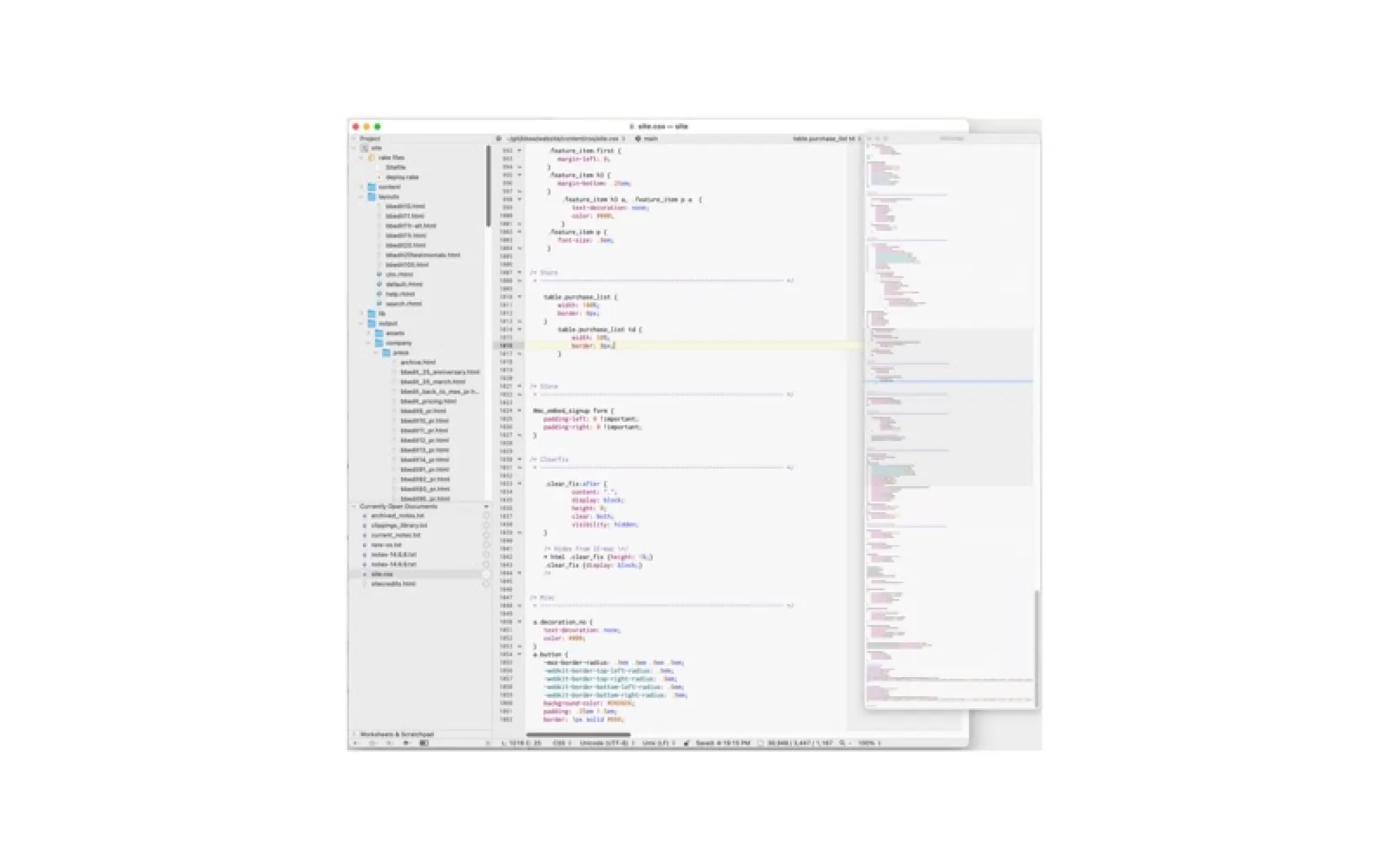
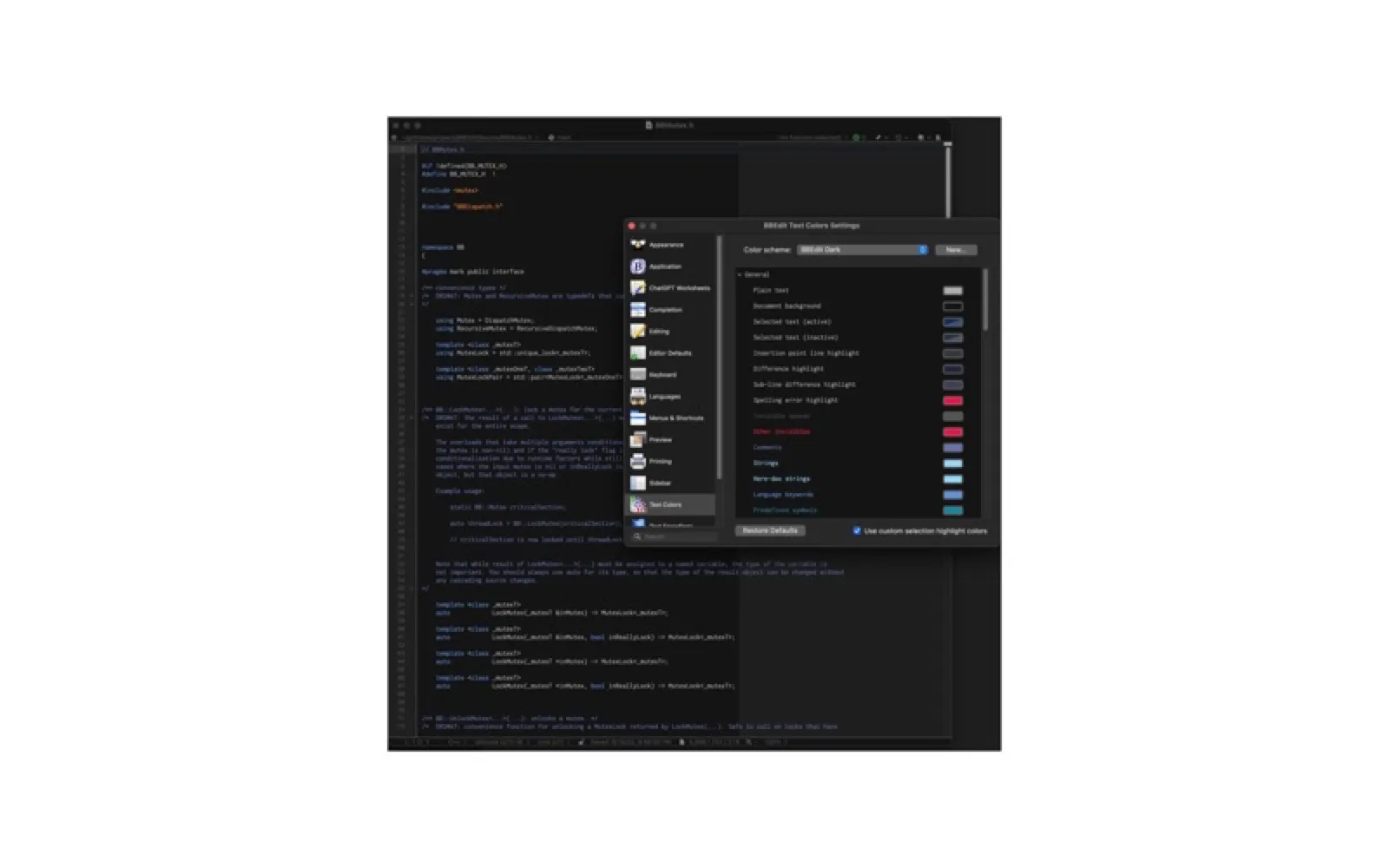
BBEdit opens huge files without stalling and is built for finding and transforming text: grep and multi-file search, text factories, clippings, worksheets and deep AppleScript support. Free Mode covers everyday editing at no cost; a license unlocks the advanced features.
Install BBEdit
Download it from the links above, or install it from the Terminal:
brew install --cask bbedit mas install 404009241 Mac App Store CLI: This works once your Apple Account has the app. The first time, get it from the Mac App Store.
Questions about BBEdit
Is BBEdit free?
BBEdit is free to download and use, with paid upgrades for extra features.
Where can I download BBEdit for Mac?
Download BBEdit from the Mac App Store and the developer's website (barebones.com). MacWorthy links only to official sources.
Can I install BBEdit from the Terminal?
Yes. With Homebrew, run brew install --cask bbedit. With Mac App Store CLI, run mas install 404009241. This works once your Apple Account has the app. The first time, get it from the Mac App Store.
Which macOS version does BBEdit need?
The Mac App Store version of BBEdit requires macOS 14.0 or later.
What are good alternatives to BBEdit?
Other developer tools apps for Mac worth a look are Zed (open source), Ghostty (open source), OrbStack (free + pro) and Mac YOLO Safeguards (free + pro).
Other developer tools apps like BBEdit
Zed
A code editor that runs at the speed of thought.
Ghostty
A fast, feature-rich, truly native terminal.
OrbStack
Docker and Linux machines, light as a feather.

Mac YOLO Safeguards
Stops the processes AI coding agents leave behind before they freeze your Mac.

Warp
The terminal, reimagined around blocks and agents.
iTerm2
The terminal that taught macOS new tricks.
Nova
Panic's beautiful, extensible code editor.

Tower
Git, with an undo button.