Amadine
Vector illustration with a lighter footprint.
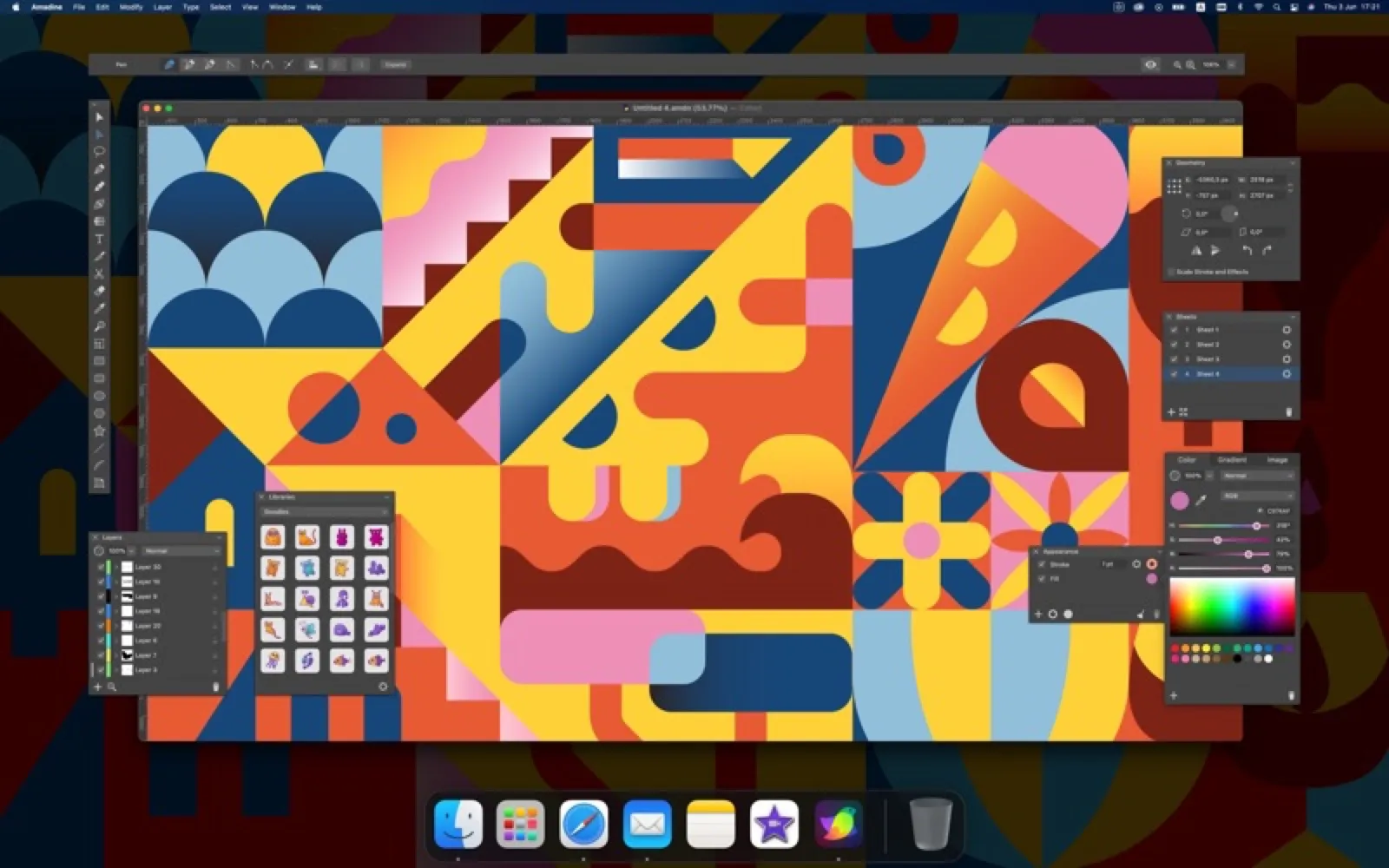
About Amadine
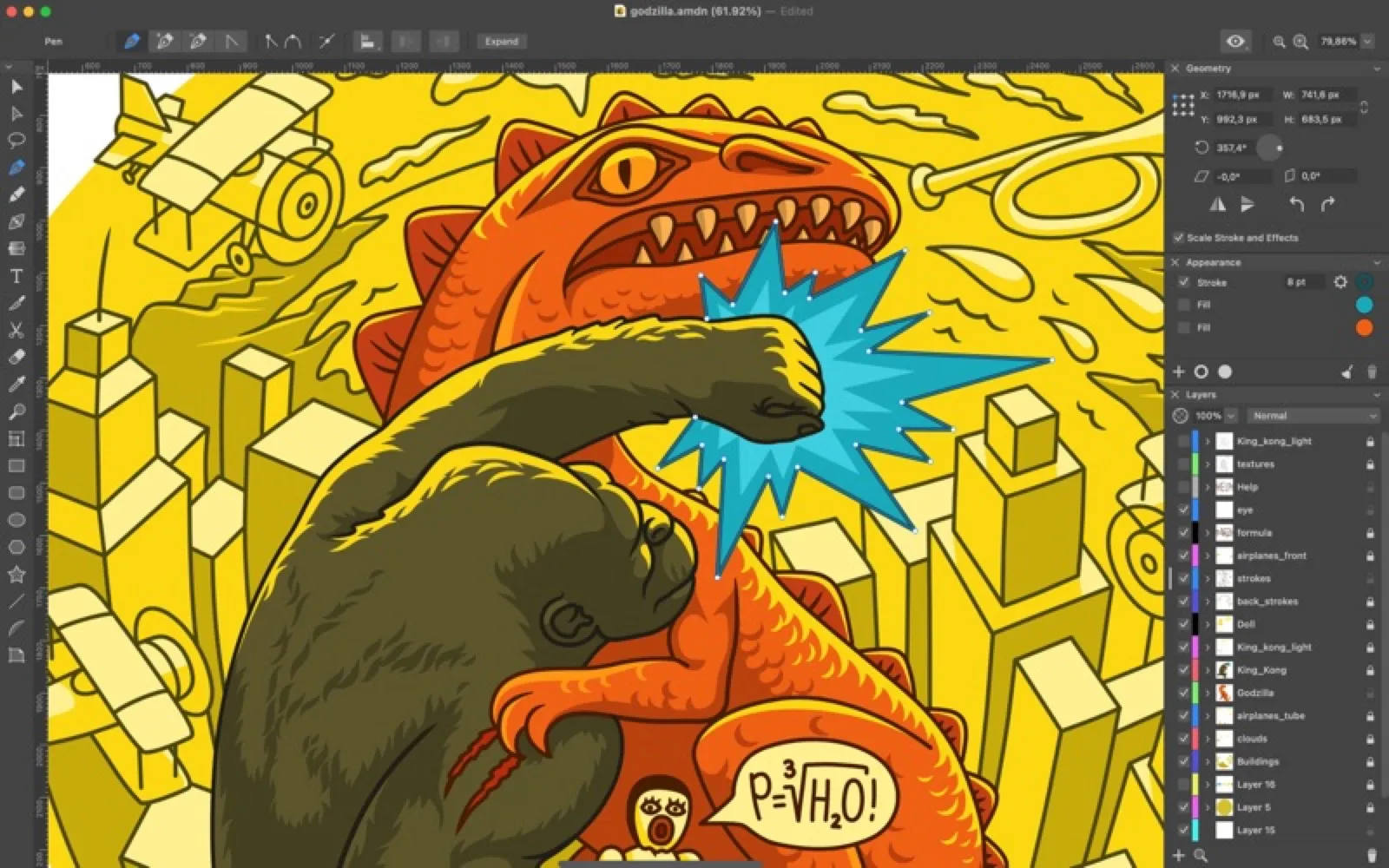
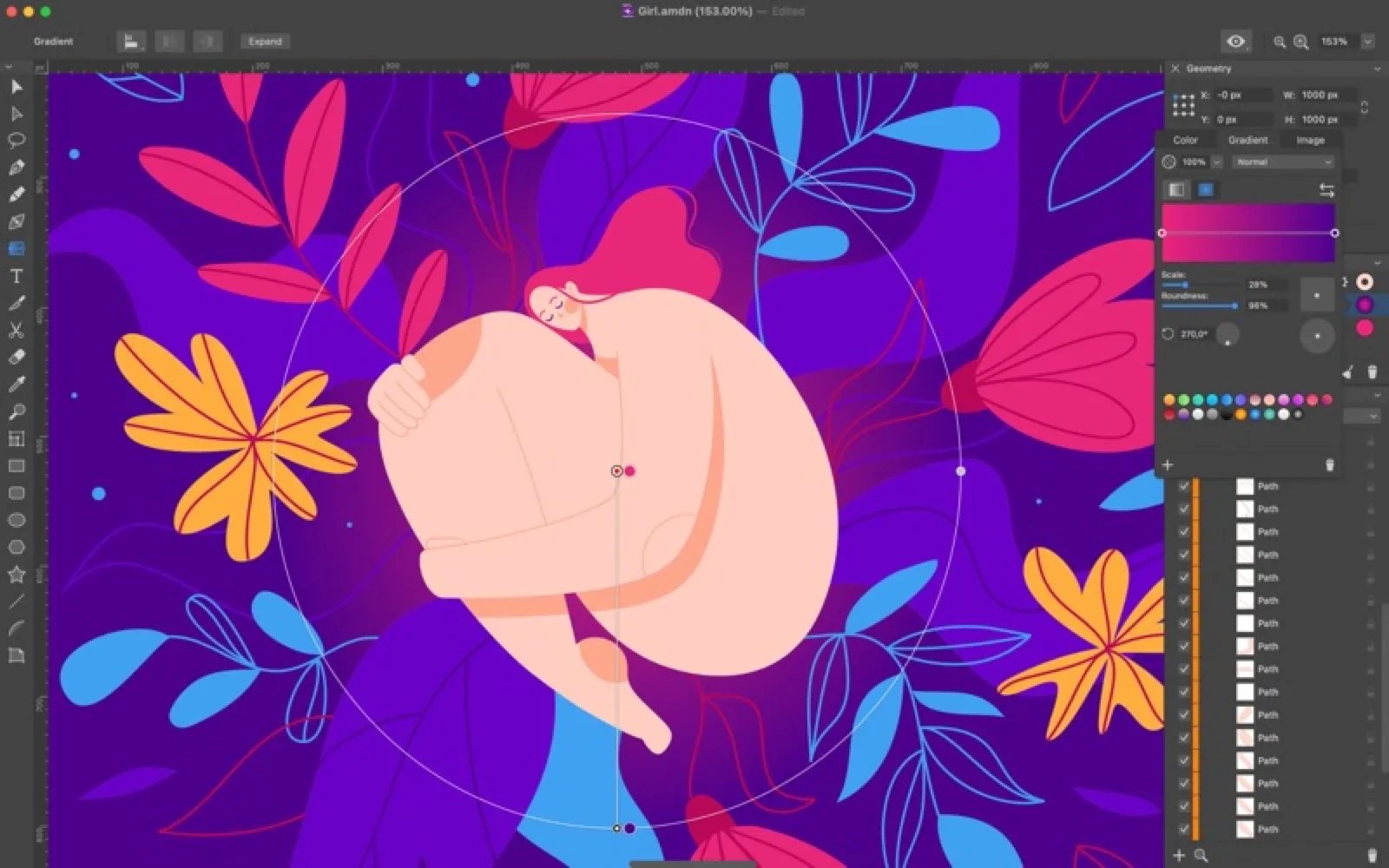
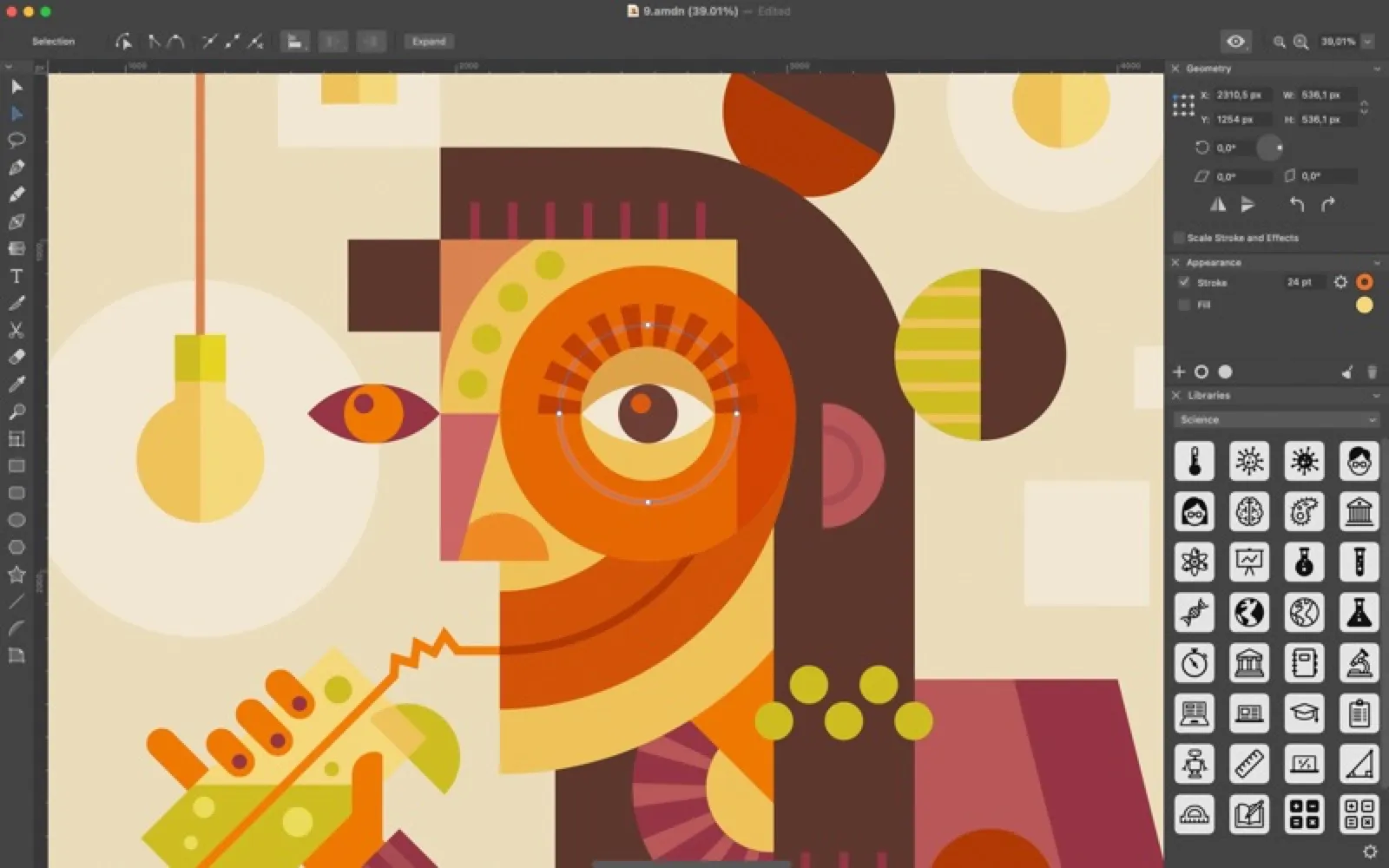
Amadine covers drawing with pen and brush tools, type on paths, artboards, smart guides and CMYK, and exports to SVG, PDF, EPS and raster formats. The Mac version is a one-time licence, with companion apps for iPad and iPhone.
Install Amadine
Download it from the links above, or install it from the Terminal:
brew install --cask amadine mas install 1339198386 Questions about Amadine
How much does Amadine cost?
Amadine is paid software, bought up front from amadine.com.
Where can I download Amadine for Mac?
Download Amadine from the Mac App Store and the developer's website (amadine.com). MacWorthy links only to official sources.
Can I install Amadine from the Terminal?
Yes. With Homebrew, run brew install --cask amadine. With Mac App Store CLI, run mas install 1339198386.
Which macOS version does Amadine need?
The Mac App Store version of Amadine requires macOS 11.0 or later.
What are good alternatives to Amadine?
Other design & photo apps for Mac worth a look are Linearity Curve (free + pro), Affinity (free), OmniGraffle (one-time purchase) and Pixelmator Pro (one-time purchase).
Other design & photo apps like Amadine
Linearity Curve
Vector design that feels effortless.

Affinity
Pro vector, pixel and layout tools in one app.

OmniGraffle
Precise diagrams, wireframes and layouts.
Pixelmator Pro
A pro image editor, built entirely for the Mac.

Sketch
The native interface design tool.

Acorn
The image editor for humans.
Photomator
Powerful photo editing for your Photos library.

Darkroom
A fast, flexible photo and video editor.